Physical Address
304 North Cardinal St.
Dorchester Center, MA 02124
Physical Address
304 North Cardinal St.
Dorchester Center, MA 02124

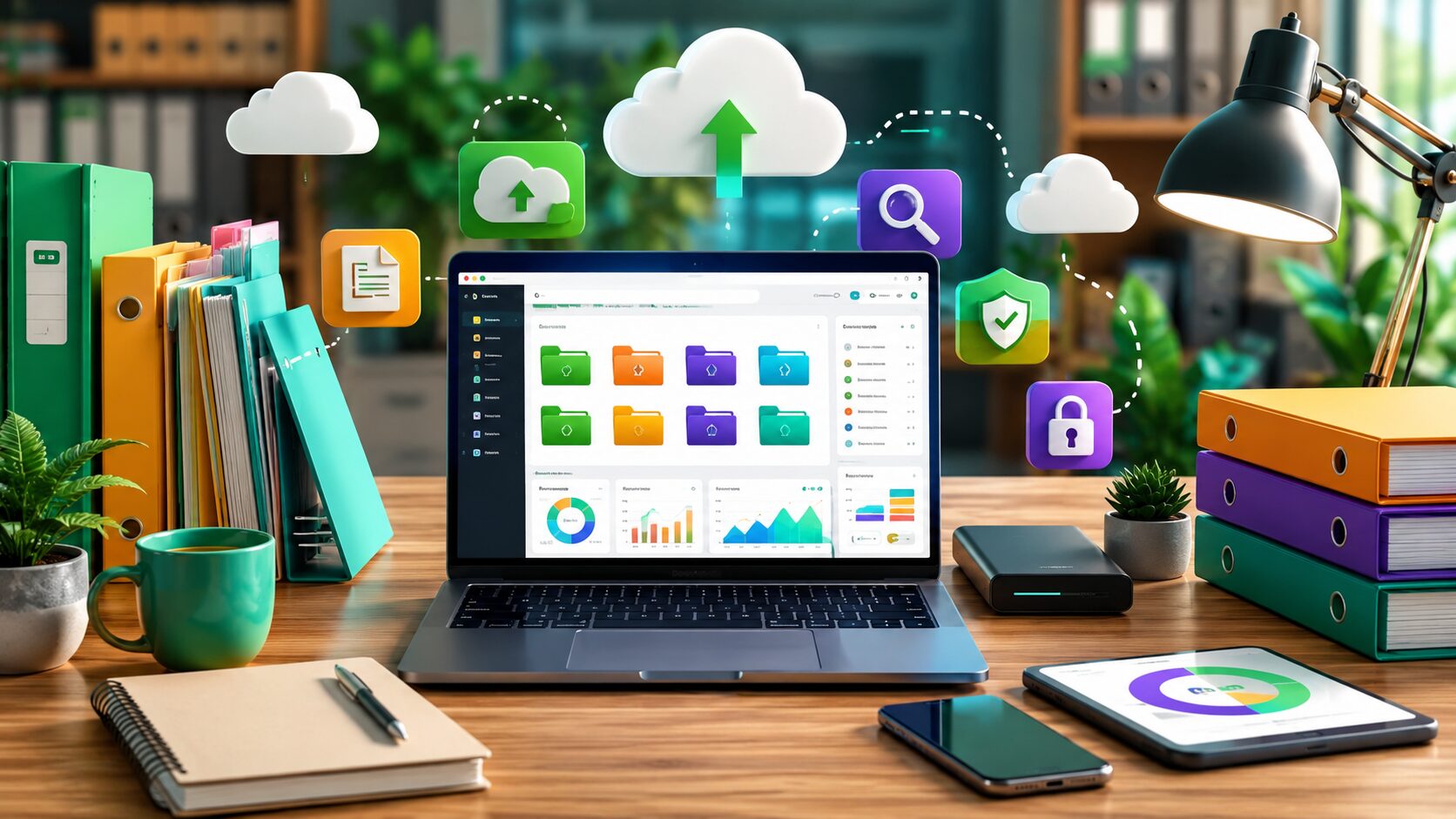
Have you ever spent 20 minutes searching for an important document, invoice, photo, or presentation that you knew you had saved somewhere? As the number of digital files grows, poor organization can waste time, reduce productivity, and even lead to accidental data loss.
Learning How to Organize Digital Files is an essential digital skill for students, freelancers, professionals, and business owners. A simple folder structure, consistent file names, and regular backups can make it much easier to find what you need when you need it.
Whether you’re managing work documents, family photos, financial records, or creative projects, a well-organized system helps you stay productive and reduces stress.
In this guide, you’ll learn practical techniques for organizing digital files, creating an efficient folder structure, naming files consistently, avoiding common mistakes, and keeping your data safe.
Organizing digital files means storing documents, images, videos, spreadsheets, presentations, and other data in a logical structure so they are easy to find and manage.
A good organization system should help you:
Instead of saving everything on the desktop or in the Downloads folder, organized users create a system that remains easy to maintain as more files are added.
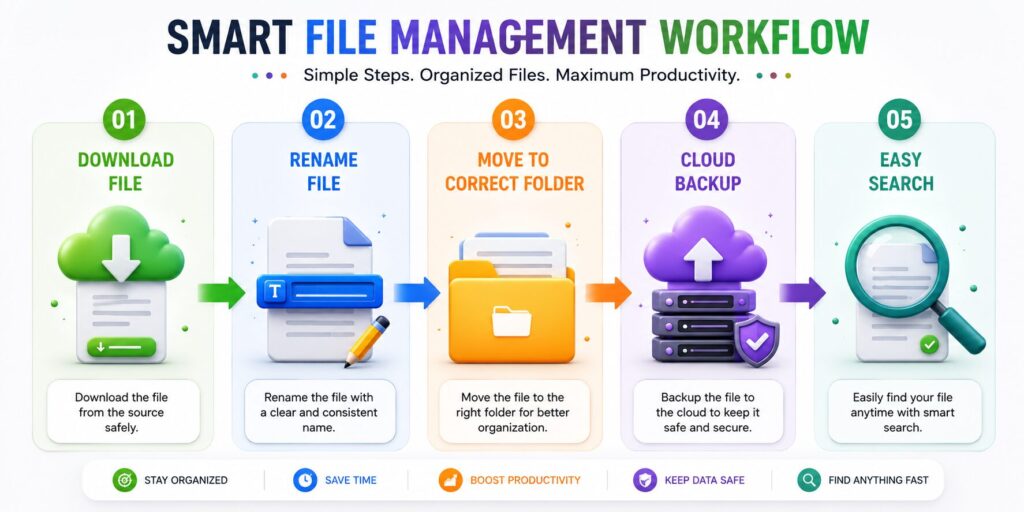
A messy computer can slow down your workflow even if the hardware is fast.
Good file organization offers several advantages.
Searching through hundreds of files wastes valuable time every day.
Knowing exactly where every document belongs makes work faster and less stressful.
Well-organized folders reduce the risk of editing the wrong version of a file.
A structured folder system is much easier to back up to cloud storage or an external drive.
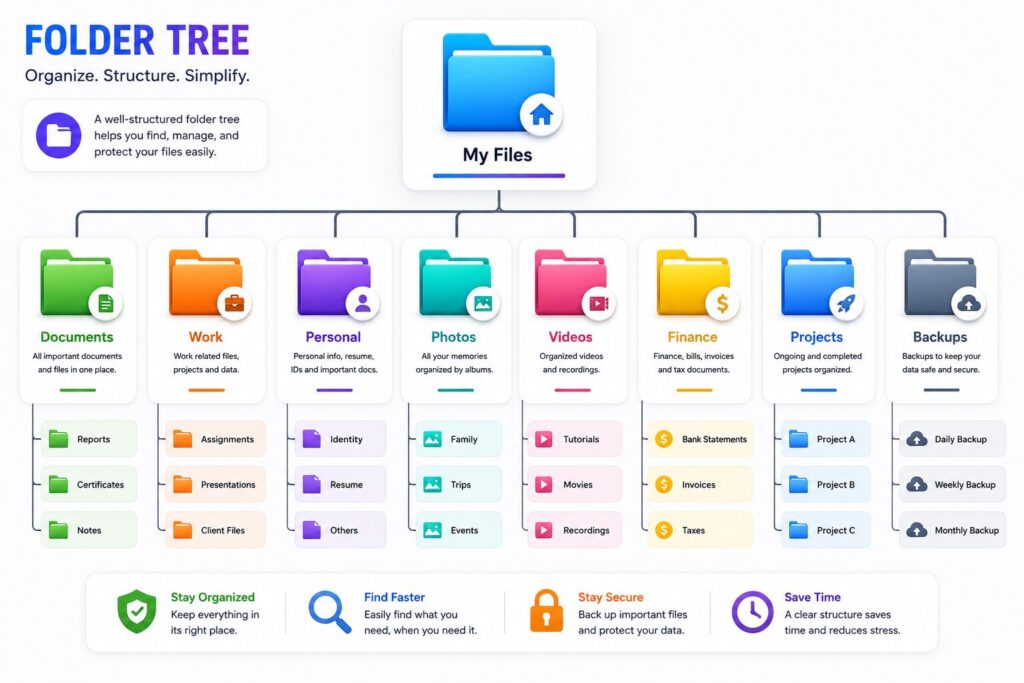
One of the biggest mistakes people make is creating dozens of random folders with no clear purpose.
Instead, start with a few main folders such as:
Within each folder, create smaller folders only when necessary.
For example:
Projects
Keeping the structure simple makes navigation much easier.
A good file name should immediately tell you what the file contains.
Instead of names like:
Use descriptive names such as:
Including dates in YYYY-MM-DD format can also help keep files sorted correctly.
One common mistake is organizing files based on where they were created instead of what they are used for.
For example, instead of creating folders named:
create folders based on purpose:
This approach makes your files easier to find regardless of which device you used.
Cloud storage helps keep your files synchronized across multiple devices.
Popular cloud storage services allow you to:
However, don’t upload everything without organization.
Keep the same folder structure in the cloud as you use on your computer. This consistency makes switching between devices much easier.
Over time, duplicate files consume valuable storage space.
Review your storage regularly and remove:
Cleaning unnecessary files every month helps keep your storage organized and improves overall system performance.
Even the best organization system won’t help if your storage device fails.
Follow the 3-2-1 backup rule whenever possible:
This strategy reduces the risk of losing important documents due to hardware failure, theft, or accidental deletion.
Photos and videos often become the largest part of personal storage.
A simple organization method is:
Photos
For videos, use descriptive names such as:
Avoid leaving everything inside the default Camera or Downloads folder.
Developing good habits makes long-term organization much easier.
Search is helpful, but you shouldn’t depend on it for every file.
Move finished work into an Archive folder instead of deleting it immediately.
Your desktop should contain only shortcuts and files you’re currently working on.
Many people forget that the Downloads folder continues growing over time.
Review it regularly and move important files into their proper folders.
Avoid creating similar folders such as:
Choose one naming style and keep it consistent.
Avoid these common file management mistakes:
A little maintenance every month prevents digital clutter from becoming overwhelming.
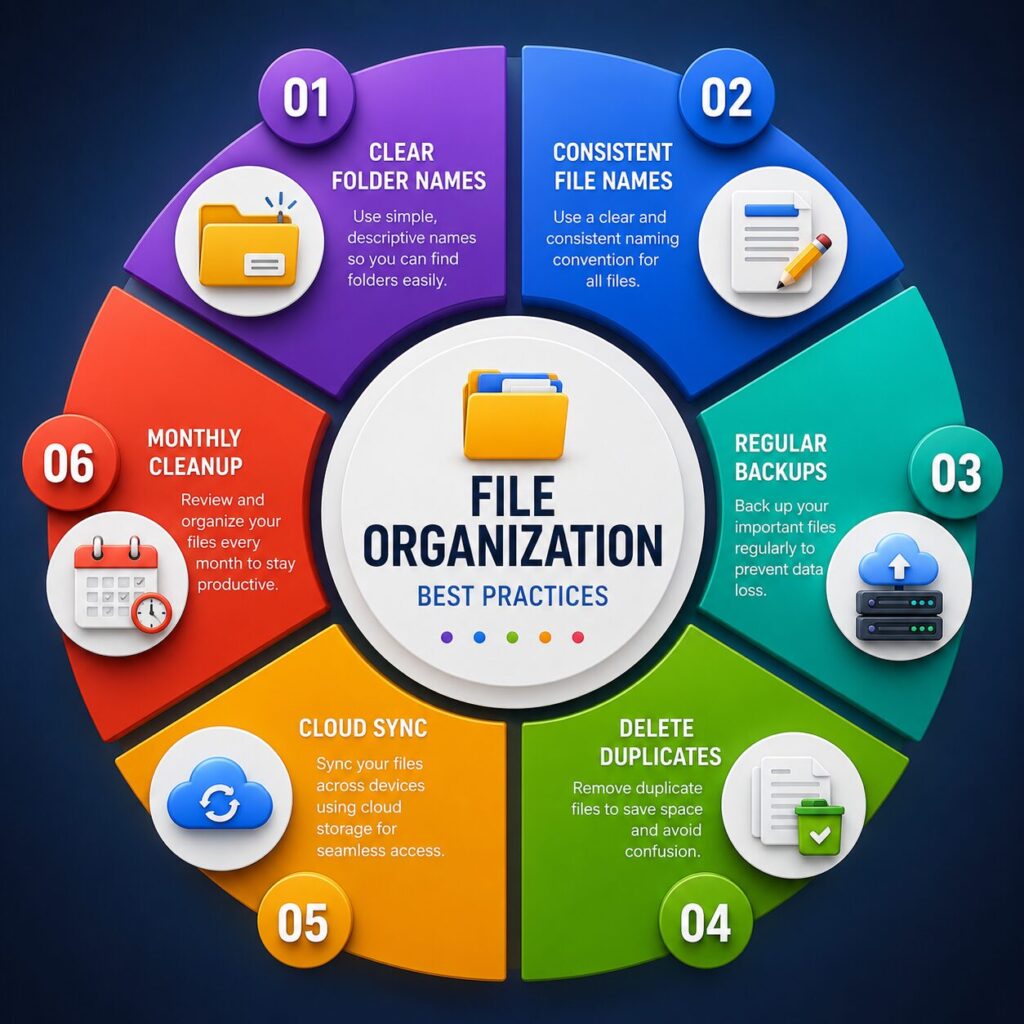
Create a simple folder structure, use clear file names, back up important data regularly, and remove unnecessary files on a routine basis.
Start with a small number of main folders and only create subfolders when they genuinely improve organization.
It’s best to keep the desktop as uncluttered as possible. Move completed files into organized folders.
A quick review every week and a more detailed cleanup once a month works well for most people.
Cloud storage is helpful, but it’s still a good idea to keep another backup on an external drive or another trusted storage location.
Use descriptive names that include the project, purpose, and date when appropriate. Consistent naming makes searching much easier.
Archive files that may still be useful, and delete those you no longer need after confirming they are no longer required.
A well-organized file system saves time, improves productivity, reduces stress, and lowers the risk of losing important information.
Learning How to Organize Digital Files is one of the most valuable digital skills you can develop. An organized file system helps you work more efficiently, collaborate more effectively, and protect important information from accidental loss.
The best approach is to keep things simple. Create a logical folder structure, use consistent file names, clean up unnecessary files regularly, and maintain reliable backups. Small improvements made today can save countless hours in the future.
Whether you’re a student managing assignments, a freelancer handling client projects, or a business owner organizing company documents, a well-structured digital filing system will make your daily work faster, easier, and far less stressful.
This article is published by Tivorenza.com to help readers understand technology in a simple and practical way. We regularly update our digital skills guides to ensure they remain accurate, beginner-friendly, and practical for students, professionals, freelancers, and everyday computer users.

