Physical Address
304 North Cardinal St.
Dorchester Center, MA 02124
Physical Address
304 North Cardinal St.
Dorchester Center, MA 02124

Creating high-quality videos no longer requires expensive software or professional editing experience. Whether you’re starting a YouTube channel, creating social media content, editing online courses, making business presentations, or preserving family memories, there are several powerful free video editors that offer impressive features without charging a subscription fee.
The challenge isn’t finding free software—it’s choosing the right one. Some editors are designed for complete beginners, while others include professional tools like color grading, motion graphics, multi-track editing, and advanced audio controls.
In this guide, we’ll compare the Best Free Video Editing Software available in 2026. You’ll learn which editors are easiest to use, which offer the most features, and which one best matches your editing needs.
Video editing software allows you to combine video clips, images, music, sound effects, and text into a finished video.
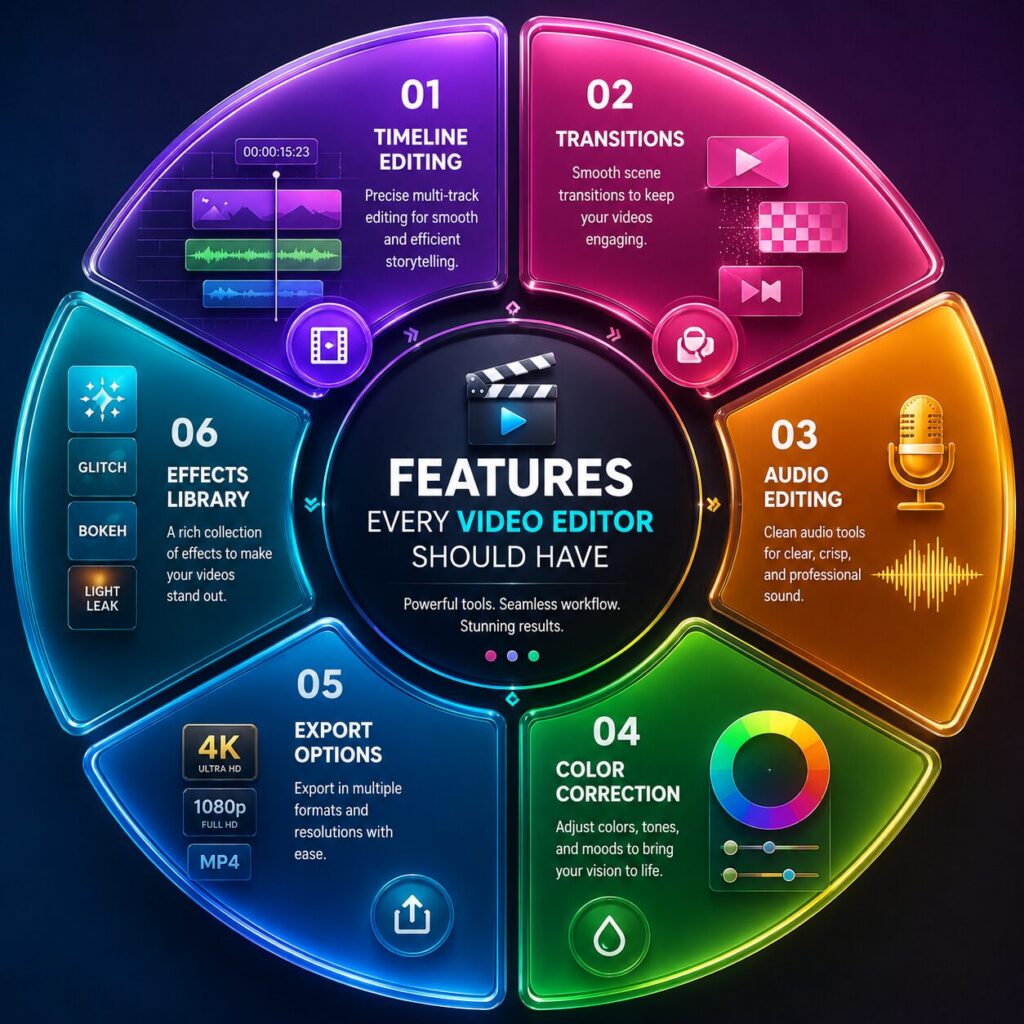
Most editors include tools for:
Some advanced editors also support animation, visual effects, multicam editing, and professional color grading.
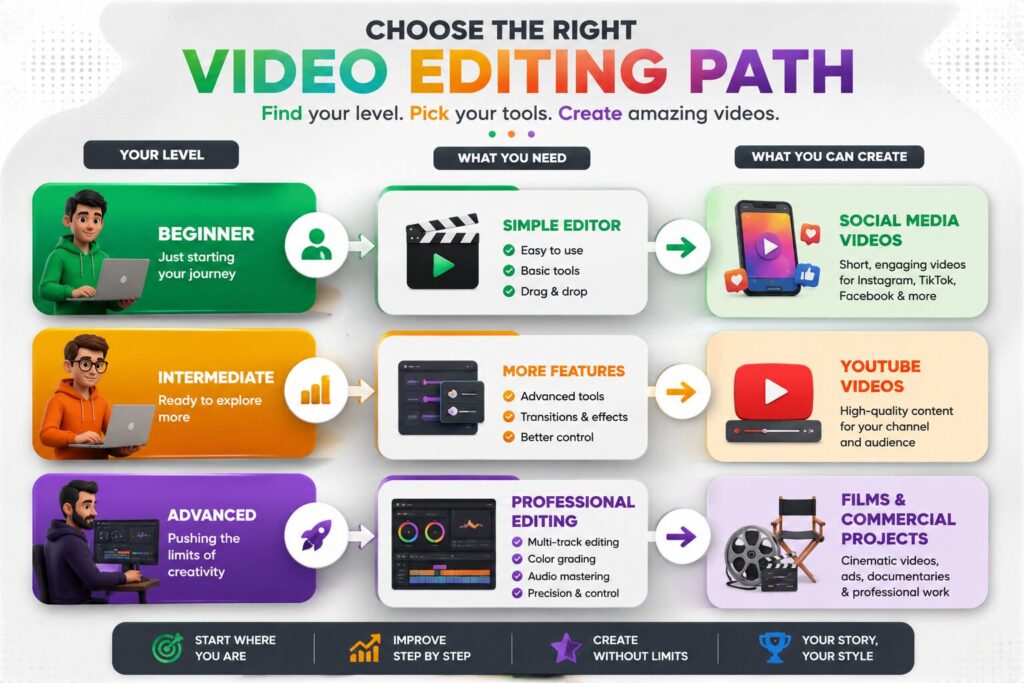
Before downloading any editor, think about the type of videos you plan to create.
Beginners usually benefit from software with a simple interface and drag-and-drop editing.
Choose software that supports Full HD or 4K exports if you plan to upload videos to platforms like YouTube.
Some editors require powerful hardware, while others run smoothly on older computers.
Check whether the editor includes:
Editors with active communities and tutorial libraries are easier to learn.
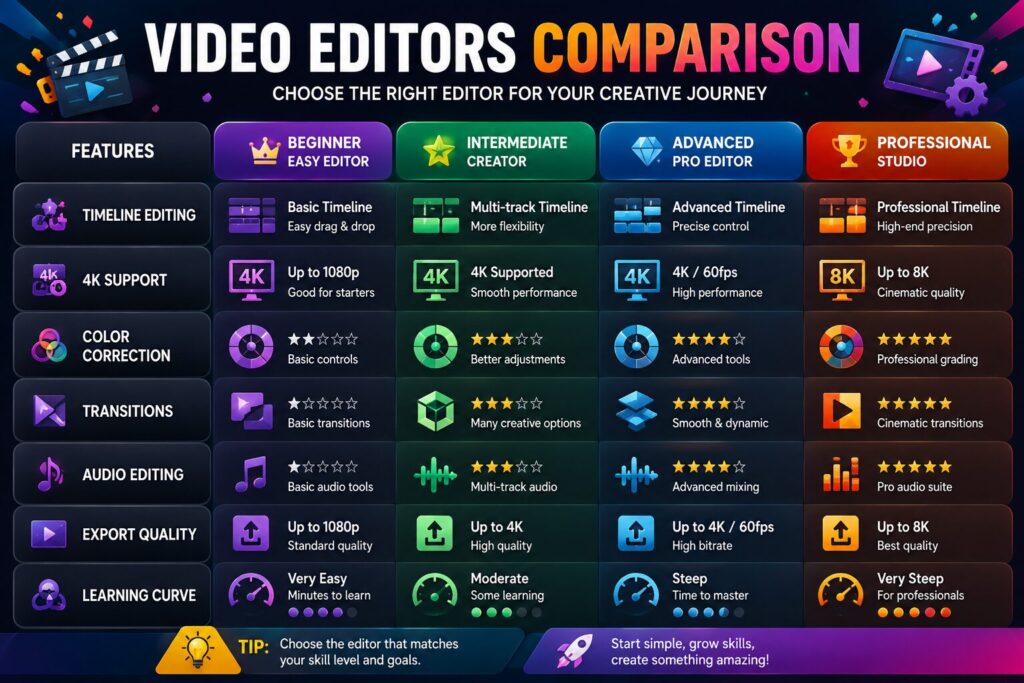
| Software | Best For | Beginner Friendly | 4K Export | Windows | macOS | Linux |
|---|---|---|---|---|---|---|
| DaVinci Resolve | Professional Editing | ⭐⭐⭐ | ✅ | ✅ | ✅ | ❌ |
| Shotcut | Beginners | ⭐⭐⭐⭐⭐ | ✅ | ✅ | ✅ | ✅ |
| Kdenlive | Intermediate Users | ⭐⭐⭐⭐ | ✅ | ✅ | ✅ | ✅ |
| OpenShot | Simple Projects | ⭐⭐⭐⭐⭐ | ✅ | ✅ | ✅ | ✅ |
| Clipchamp | Quick Editing | ⭐⭐⭐⭐⭐ | Limited | ✅ | Web | ❌ |
DaVinci Resolve is widely regarded as one of the most powerful free video editors available. It combines professional editing tools with advanced color grading, visual effects, and audio production features.
Shotcut is an open-source editor that balances simplicity with useful editing features. It supports a wide range of video formats and is an excellent choice for beginners who want to learn timeline editing.
Kdenlive is a free, open-source video editor packed with advanced features that appeal to users who have moved beyond basic editing but don’t want to pay for expensive software.
It offers multi-track editing, customizable layouts, proxy editing for smoother performance, and a wide range of transitions and effects.
OpenShot is designed with simplicity in mind. Its clean interface makes it a popular choice for beginners creating school projects, family videos, or social media content.
Clipchamp is a browser-based and Windows-integrated video editor that focuses on speed and convenience.
It includes templates, stock media, automatic captions, and simple editing tools, making it ideal for users who want to create videos quickly.
| Feature | DaVinci Resolve | Shotcut | Kdenlive | OpenShot | Clipchamp |
|---|---|---|---|---|---|
| Multi-Track Editing | ✅ | ✅ | ✅ | ✅ | ✅ |
| 4K Export | ✅ | ✅ | ✅ | ✅ | Limited |
| Color Correction | ⭐⭐⭐⭐⭐ | ⭐⭐⭐ | ⭐⭐⭐⭐ | ⭐⭐⭐ | ⭐⭐⭐ |
| Audio Editing | ⭐⭐⭐⭐⭐ | ⭐⭐⭐ | ⭐⭐⭐⭐ | ⭐⭐⭐ | ⭐⭐⭐ |
| Beginner Friendly | ⭐⭐⭐ | ⭐⭐⭐⭐⭐ | ⭐⭐⭐⭐ | ⭐⭐⭐⭐⭐ | ⭐⭐⭐⭐⭐ |
| Cross Platform | Windows/macOS | Windows/macOS/Linux | Windows/macOS/Linux | Windows/macOS/Linux | Windows/Web |
Choosing the right software depends on your goals and experience.
| User Type | Recommended Software |
|---|---|
| Complete Beginner | OpenShot or Clipchamp |
| Student | Shotcut |
| YouTuber | DaVinci Resolve |
| Freelancer | Kdenlive |
| Small Business | Clipchamp |
| Professional Creator | DaVinci Resolve |
If you’re completely new to editing, start with a simpler editor and upgrade later as your skills improve.
Free editors have become surprisingly capable in recent years.
You can begin learning video editing without purchasing expensive software.
Many free editors use timelines and workflows similar to professional editing applications.
Modern free software supports HD and even 4K video production, making it suitable for YouTube, online courses, and business content.
Because the software is free, you can try different editors to discover which workflow suits you best.
Popular editors have active communities that provide tutorials, templates, and troubleshooting help.
Although these editors are powerful, there are a few limitations.
Choosing software that matches your current skill level is often more important than choosing the one with the most features.
Regardless of the software you choose, these practices will improve your videos.
Keep videos, music, images, and graphics in clearly named folders before starting a project.
Break long videos into smaller sections instead of editing everything at once.
Viewers often tolerate average video quality more than poor audio. Use a good microphone whenever possible.
Simple transitions usually look more professional than excessive animations.
Choose export settings appropriate for your platform. For example, Full HD is suitable for most YouTube videos, while vertical formats work better for Shorts and Reels.
Avoid these beginner mistakes:
Good editing is often about clarity and storytelling rather than adding more effects.
The best choice depends on your needs. DaVinci Resolve is excellent for professional editing, while Shotcut, OpenShot, and Clipchamp are great for beginners.
Yes. Many successful YouTube creators use free editors that support HD and 4K video exports.
Yes, but it has a steeper learning curve than beginner-focused editors. Watching tutorials can help you get started.
Shotcut and OpenShot generally perform better on modest hardware than more demanding professional editors.
Most of the editors listed here allow watermark-free exports in their free versions, although some premium templates or assets may have restrictions.
Yes. All of these editors can create videos suitable for platforms such as YouTube, Instagram, Facebook, and TikTok.
Shotcut and OpenShot are excellent choices because they are easy to learn and completely free.
If your projects become more complex or you need advanced collaboration and premium features, upgrading can be worthwhile. Many users, however, find that free editors meet their needs for years.
Choosing the Best Free Video Editing Software depends on your experience, computer specifications, and the type of content you create. If you’re looking for professional-level tools, DaVinci Resolve is hard to beat. Shotcut and OpenShot are ideal for beginners, Kdenlive offers an excellent balance of power and flexibility, and Clipchamp is perfect for quick edits and social media content.
The best approach is to install one or two editors, experiment with small projects, and gradually build your skills. As you become more comfortable with video editing, you’ll discover which workflow fits your creative style and helps you produce better videos more efficiently.
This article is published by Tivorenza.com to help readers understand technology in a simple and practical way. We regularly update our software reviews to keep them accurate, beginner-friendly, and useful for students, creators, freelancers, and professionals.

