Physical Address
304 North Cardinal St.
Dorchester Center, MA 02124
Physical Address
304 North Cardinal St.
Dorchester Center, MA 02124

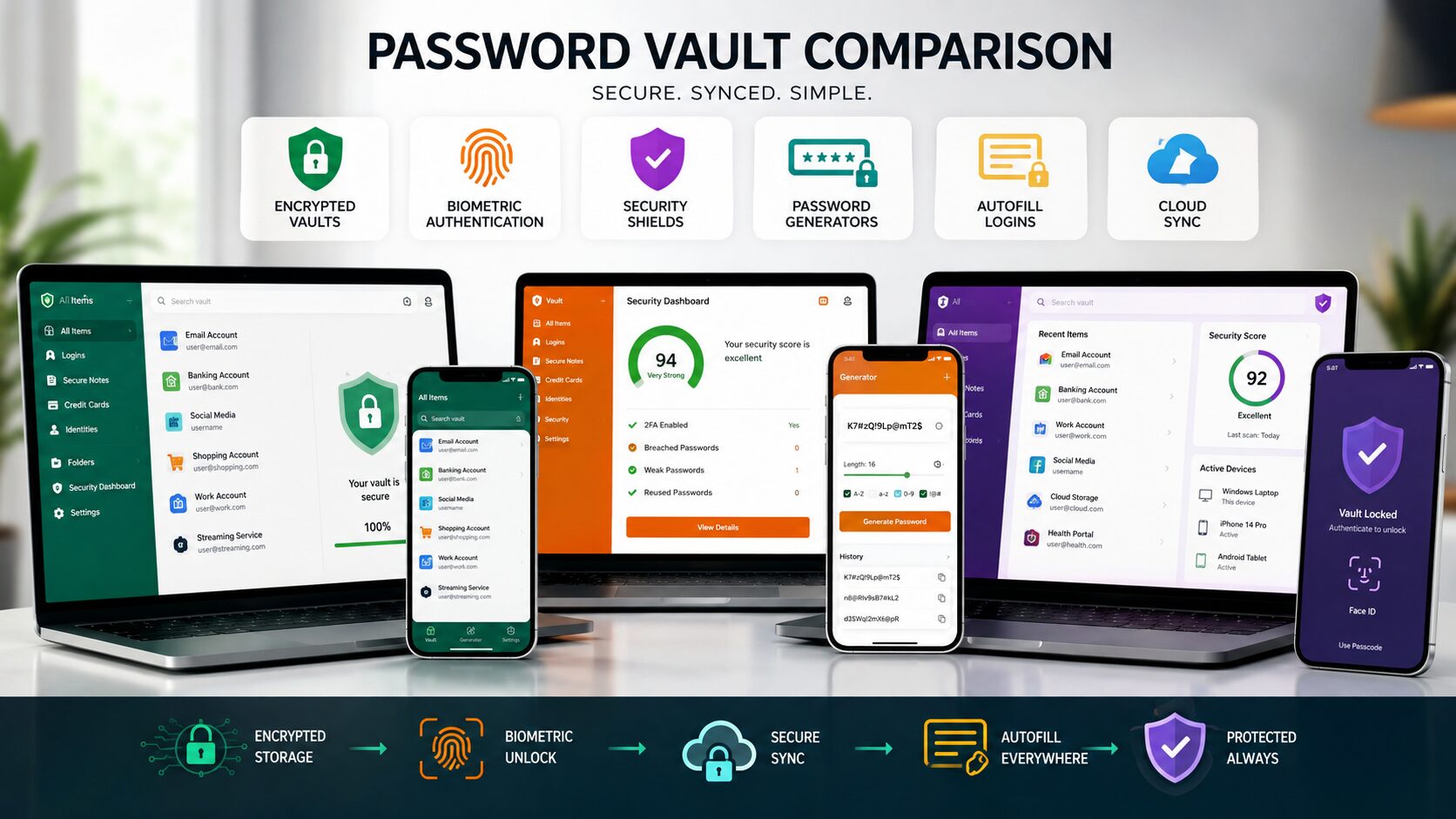
Best Password Managers have become essential tools for anyone who uses the internet regularly. From email accounts and online banking to shopping websites and social media, the average person manages dozens of passwords. Remembering all of them is difficult, which often leads people to reuse the same password across multiple accounts—a habit that can seriously weaken online security.
A password manager solves this problem by securely storing your login credentials in an encrypted vault. Instead of memorizing dozens of passwords, you only need to remember one strong master password. Many password managers also generate complex passwords automatically, fill them in when you log in, and alert you if your saved credentials appear in known data breaches.
In this guide, we’ll compare the Best Password Managers available in 2026, explain their features, advantages, drawbacks, and help you choose the right one for your personal or professional needs.
A password manager is software that securely stores usernames, passwords, passkeys, payment details, and other sensitive information in an encrypted digital vault.
Instead of writing passwords in a notebook or saving them in plain text, everything is protected behind a single master password or biometric authentication.
Most modern password managers support:
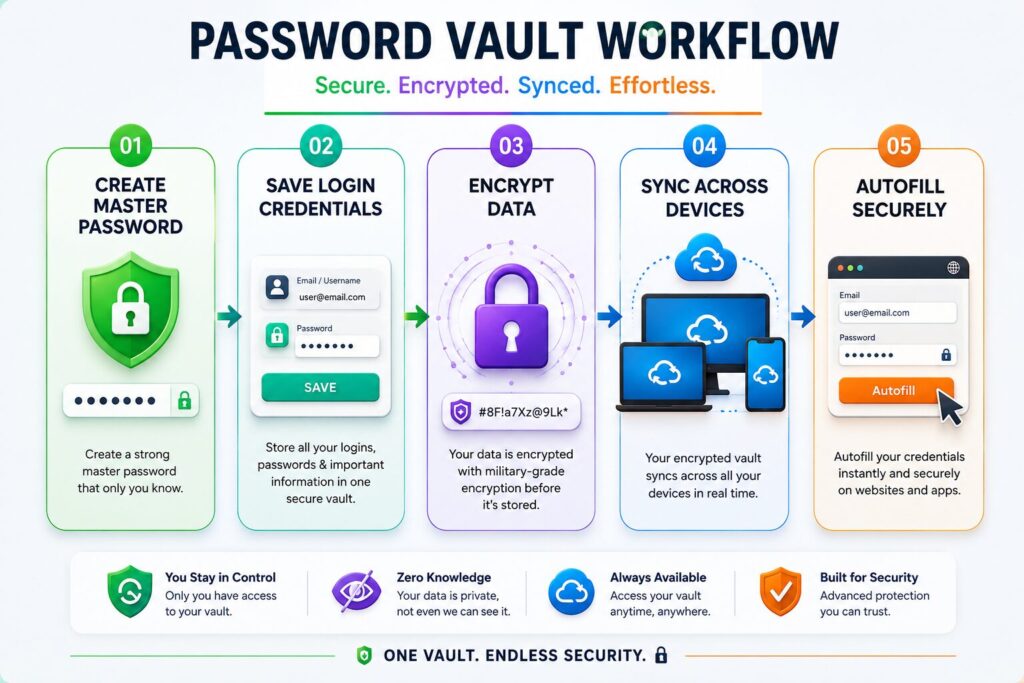
A password manager follows a simple workflow:
Most reputable password managers use strong encryption so your stored information remains protected.
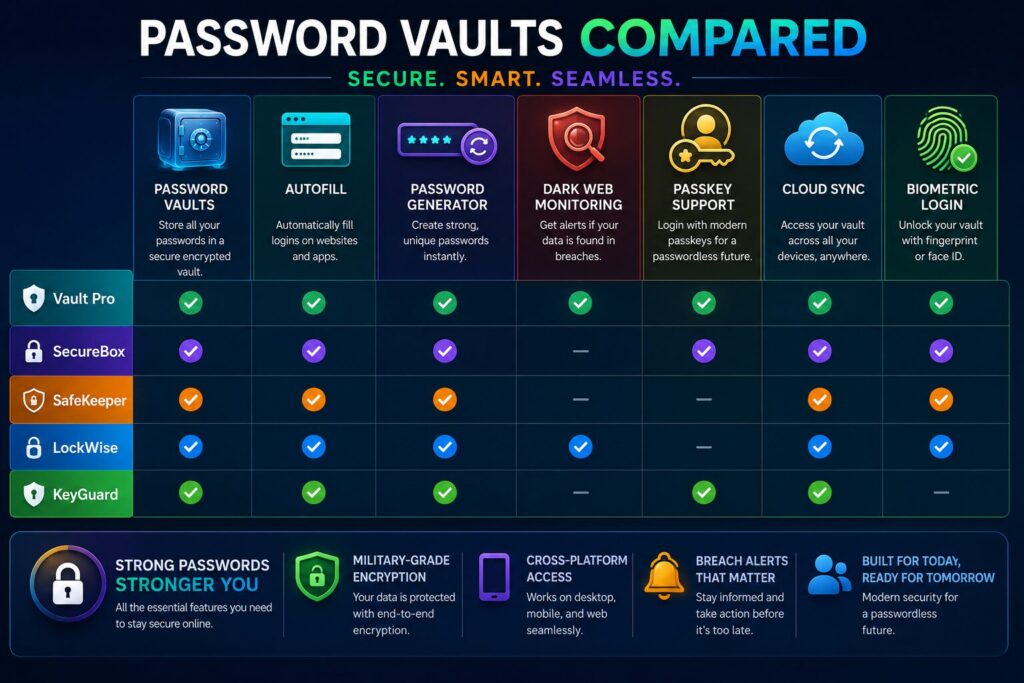
| Password Manager | Best For | Free Plan | Passkey Support | Platforms |
|---|---|---|---|---|
| Bitwarden | Best Overall | ✅ | ✅ | Windows, macOS, Linux, Android, iOS |
| 1Password | Families & Teams | ❌ Trial | ✅ | All Major Platforms |
| Dashlane | Security Features | Limited | ✅ | All Major Platforms |
| NordPass | Beginners | ✅ | ✅ | All Major Platforms |
| Keeper | Business Security | Limited | ✅ | All Major Platforms |
Bitwarden is one of the most recommended password managers because it offers a generous free plan, strong security, and support across nearly every platform.
1Password focuses on premium security, family sharing, and business collaboration.
It includes features such as Travel Mode, secure document storage, and advanced sharing controls.
Dashlane combines password management with additional security tools such as dark web monitoring and password health reports.
It is particularly useful for users who want proactive security alerts.
NordPass is designed with simplicity in mind, making it a great choice for beginners.
Its clean interface allows users to save passwords, payment cards, personal information, and secure notes without feeling overwhelmed.
Keeper is well known for its security-first approach and is widely used by businesses and organizations.
It includes encrypted file storage, advanced reporting, and role-based access management for teams.
| Feature | Bitwarden | 1Password | Dashlane | NordPass | Keeper |
|---|---|---|---|---|---|
| Password Generator | ✅ | ✅ | ✅ | ✅ | ✅ |
| Autofill | ✅ | ✅ | ✅ | ✅ | ✅ |
| Passkey Support | ✅ | ✅ | ✅ | ✅ | ✅ |
| Secure Notes | ✅ | ✅ | ✅ | ✅ | ✅ |
| Password Sharing | ✅ | ✅ | ✅ | ✅ | ✅ |
| Dark Web Monitoring | Limited | Limited | ✅ | Limited | ✅ |
| Free Version | ✅ | Trial Only | Limited | ✅ | Limited |
Using one of the Best Password Managers offers far more than simply storing passwords.
Many people use weak passwords because they are easier to remember.
A password manager can generate long, random, and unique passwords for every account.
Reusing the same password across multiple websites increases your risk if one account is compromised.
Password managers encourage unique credentials for every login.
Autofill saves time by entering usernames and passwords automatically.
Need to share an account with family or coworkers?
Many password managers allow encrypted password sharing without revealing the actual password.
Some services monitor known data breaches and notify you if your saved credentials may have been exposed.
Password managers are useful for almost everyone.
Students manage learning platforms, email accounts, cloud storage, and educational websites.
Freelancers often use many client portals, payment services, and productivity apps.
Business owners can securely manage team credentials while reducing the risk of weak passwords.
Family plans make it easier to share streaming accounts, Wi-Fi passwords, and emergency information securely.
Before selecting a password manager, consider the following.
Choose software that uses strong encryption and supports two-factor authentication or passkeys.
Make sure it works across all your devices, including smartphones, tablets, and computers.
A simple interface encourages consistent use.
Families and businesses may benefit from secure password-sharing tools.
Many users can meet their needs with a free plan, while premium plans provide additional security features.
Avoid these common password management mistakes:
Good password habits work best when combined with a trusted password manager.
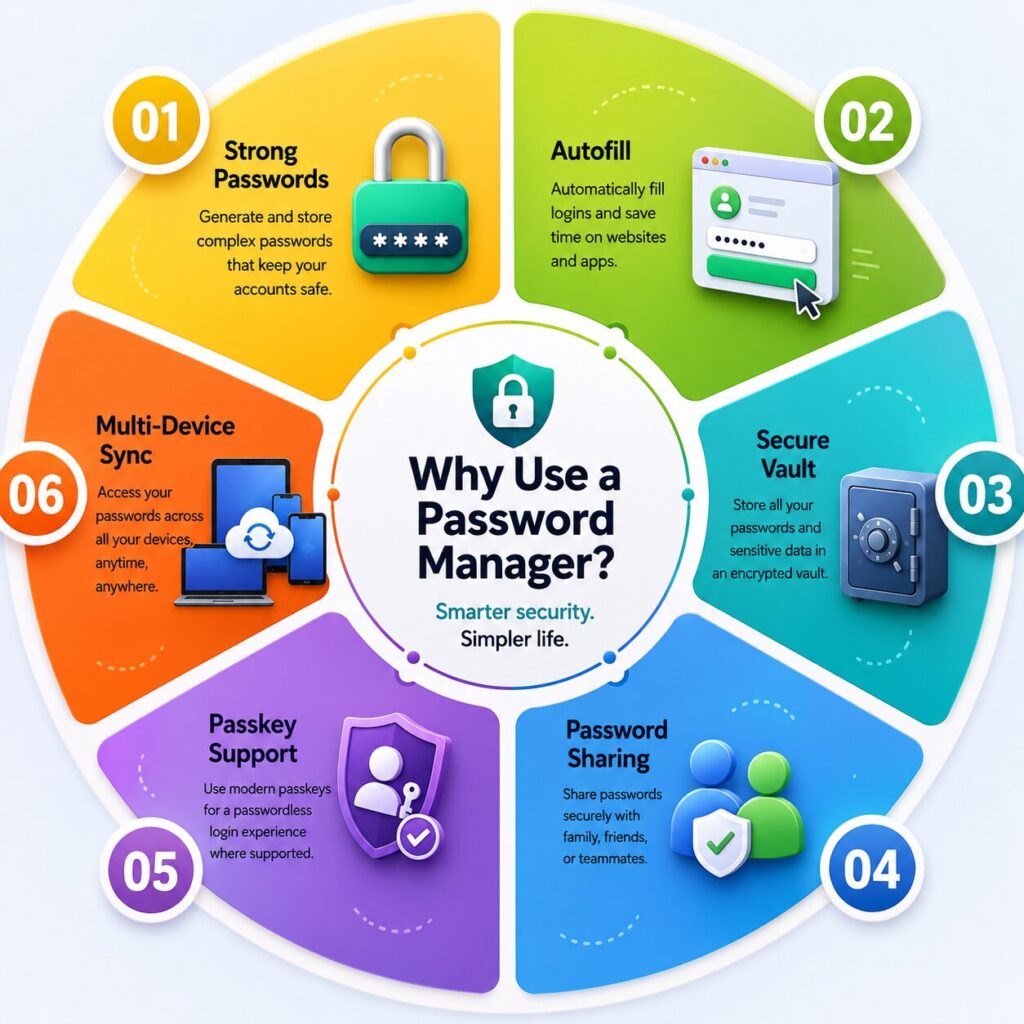
The best choice depends on your needs. Bitwarden is a popular all-around option, while 1Password, Dashlane, NordPass, and Keeper each offer unique strengths.
Reputable password managers use strong encryption and multiple security features to protect stored information.
For many users, a quality free plan provides enough features for everyday password management.
Yes. Many modern password managers now support passkeys alongside traditional passwords.
Recovery options vary by provider. It’s important to store recovery information securely during setup.
Most password managers support syncing across computers, smartphones, and tablets.
Many desktop and mobile apps provide offline access to your encrypted password vault.
Dedicated password managers generally offer stronger security, better organization, secure sharing, and additional protection features.
Choosing one of the Best Password Managers is one of the simplest ways to improve your online security. Instead of relying on weak or repeated passwords, you can create strong, unique credentials for every account while enjoying the convenience of secure autofill and synchronization across your devices.
For most users, Bitwarden offers an excellent balance of security, features, and value. 1Password is a strong option for families and professionals, Dashlane stands out with advanced security monitoring, NordPass is ideal for beginners, and Keeper provides powerful tools for businesses.
Whichever password manager you choose, combining it with a strong master password and two-factor authentication will greatly strengthen your digital security and make managing online accounts much easier.
This article is published by Tivorenza.com to help readers understand technology in a simple and practical way. We regularly update our software reviews to ensure they remain accurate, beginner-friendly, and useful for everyday internet users.

