Physical Address
304 North Cardinal St.
Dorchester Center, MA 02124
Physical Address
304 North Cardinal St.
Dorchester Center, MA 02124

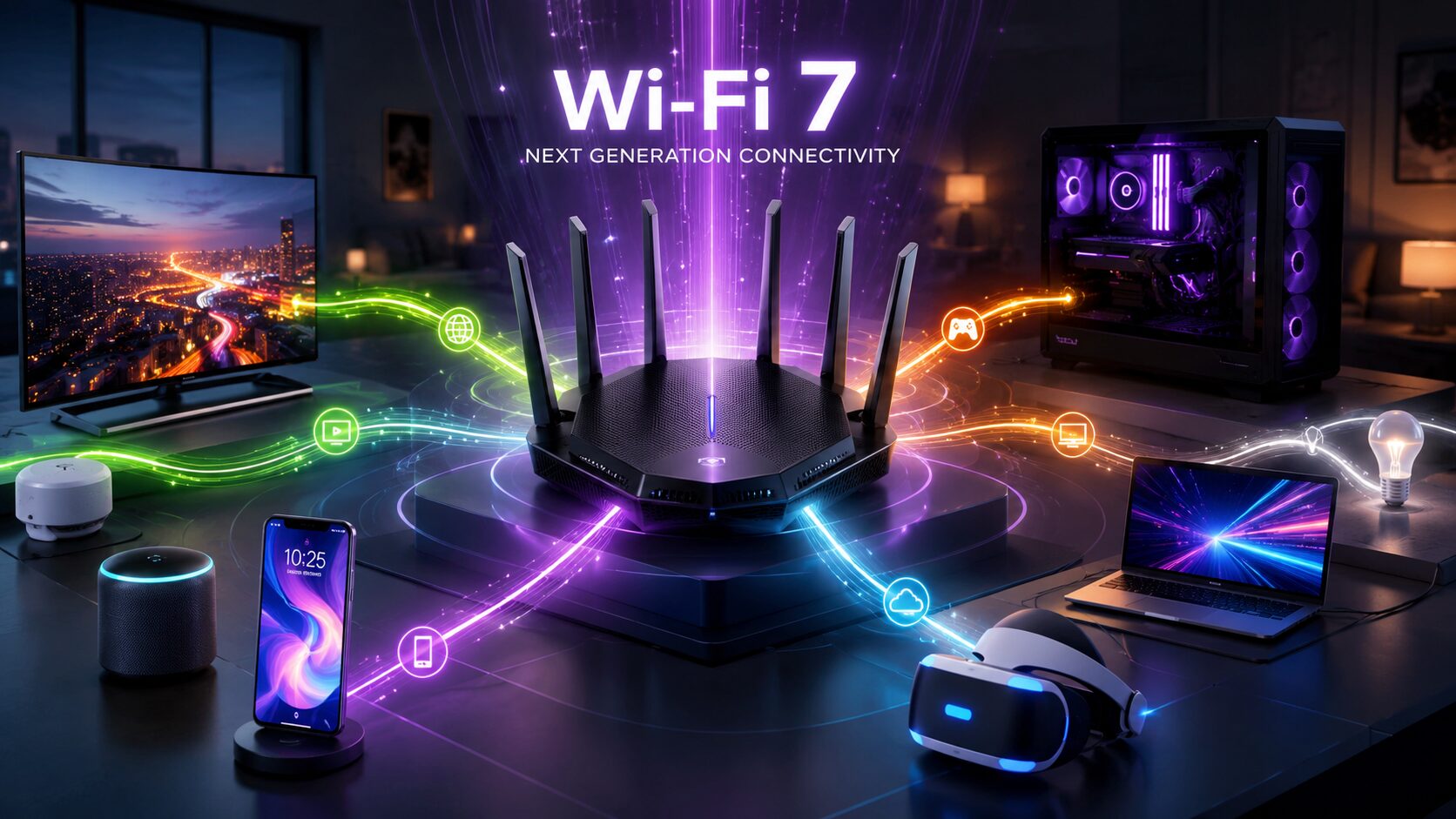
Have you ever noticed your internet slowing down when multiple people in your home are streaming videos, playing online games, attending video meetings, or downloading large files at the same time? As the number of connected devices continues to grow, older Wi-Fi standards can struggle to keep up.
This is where Wi-Fi 7 comes in. It is the latest generation of wireless networking technology, designed to deliver faster speeds, lower latency, and better performance in busy homes and offices.
If you’re wondering whether upgrading your router is worth it, this guide will help you understand Wi-Fi 7 Explained in simple language. You’ll learn how it works, how it’s different from previous Wi-Fi generations, its biggest advantages, and who should consider upgrading.
Wi-Fi 7 is the newest wireless networking standard built to provide significantly faster internet speeds, improved reliability, and lower latency than earlier Wi-Fi generations.
Unlike previous standards that focused mainly on increasing speed, Wi-Fi 7 also improves how multiple devices communicate with your router simultaneously. This makes it ideal for modern homes filled with smartphones, laptops, gaming consoles, smart TVs, security cameras, and smart home devices.
Whether you’re streaming 8K videos, joining high-quality video calls, playing competitive online games, or transferring large files, Wi-Fi 7 is designed to provide a smoother experience.
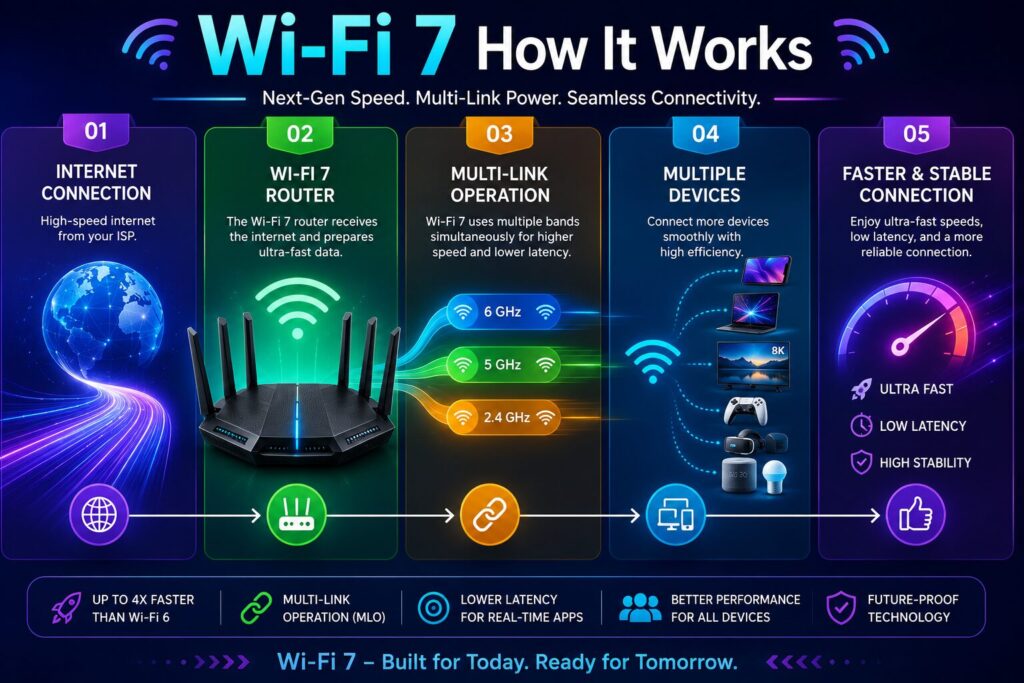
Wi-Fi 7 introduces several advanced technologies that work together to improve wireless performance.
Instead of using only one wireless band at a time, Wi-Fi 7 can use multiple bands simultaneously, improving both speed and reliability.
Wi-Fi 7 supports wider wireless channels, allowing more data to travel at the same time.
Improved modulation techniques enable routers to transmit more information in each signal, increasing overall efficiency.
By reducing communication delays, Wi-Fi 7 offers a better experience for gaming, video conferencing, and virtual reality.
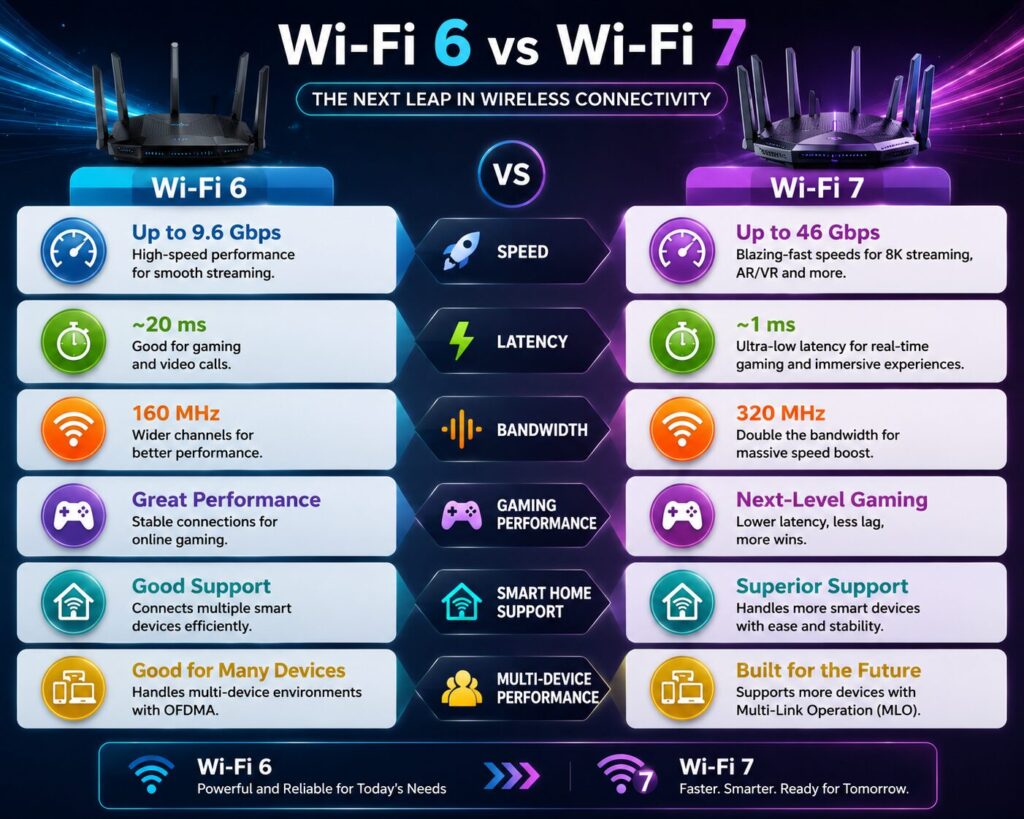
| Feature | Wi-Fi 6 | Wi-Fi 7 |
|---|---|---|
| Maximum Speed | Very Fast | Much Faster |
| Latency | Low | Even Lower |
| Multi-Link Operation | ❌ | ✅ |
| Large Device Support | Good | Excellent |
| 8K Streaming | Good | Excellent |
| Future Smart Homes | Good | Outstanding |
Not everyone needs to upgrade immediately. If your current router meets your needs, switching to Wi-Fi 7 may not provide noticeable benefits right away.
However, certain users can benefit significantly from the latest wireless technology.
Online gaming requires low latency and a stable connection. Wi-Fi 7 reduces network delays, helping minimize lag during competitive games.
Creators who regularly upload large 4K or 8K videos, edit cloud-based projects, or transfer huge files can save time with faster wireless speeds.
Video conferencing, cloud collaboration, and large file downloads become more reliable when multiple devices share the same network.
Modern homes often contain dozens of connected devices, including:
Wi-Fi 7 is designed to manage these devices more efficiently than previous generations.
Support for Wi-Fi 7 is growing rapidly.
You’ll find it in many new:
Before purchasing, check the product specifications to confirm Wi-Fi 7 compatibility.
Yes.
To use Wi-Fi 7 features, you’ll need a Wi-Fi 7-compatible router.
However, upgrading only the router doesn’t unlock every benefit.
For the best experience:
Older Wi-Fi devices will still connect to a Wi-Fi 7 router because the standard is backward compatible.
Many users ask whether Wi-Fi 7 can replace wired Ethernet.
| Feature | Wi-Fi 7 | Ethernet |
|---|---|---|
| Mobility | Excellent | None |
| Cable Required | No | Yes |
| Gaming Performance | Excellent | Excellent |
| Installation | Very Easy | Moderate |
| Flexibility | High | Low |
For most homes, Wi-Fi 7 delivers outstanding performance.
Professional environments that require the absolute lowest latency may still prefer Ethernet connections for critical systems.
Wi-Fi 7 improves your wireless network, but it cannot increase the speed provided by your internet service provider.
Not true.
Older Wi-Fi devices can still connect to Wi-Fi 7 routers.
While gamers benefit from lower latency, families, remote workers, students, and businesses can also experience better wireless performance.
Most Wi-Fi 7 routers include user-friendly setup apps that guide you through installation in just a few minutes.
Follow these recommendations after upgrading:
These simple practices can significantly improve wireless coverage and stability.
Many people don’t get the full benefit of a new router because of avoidable mistakes.
Avoid these common issues:
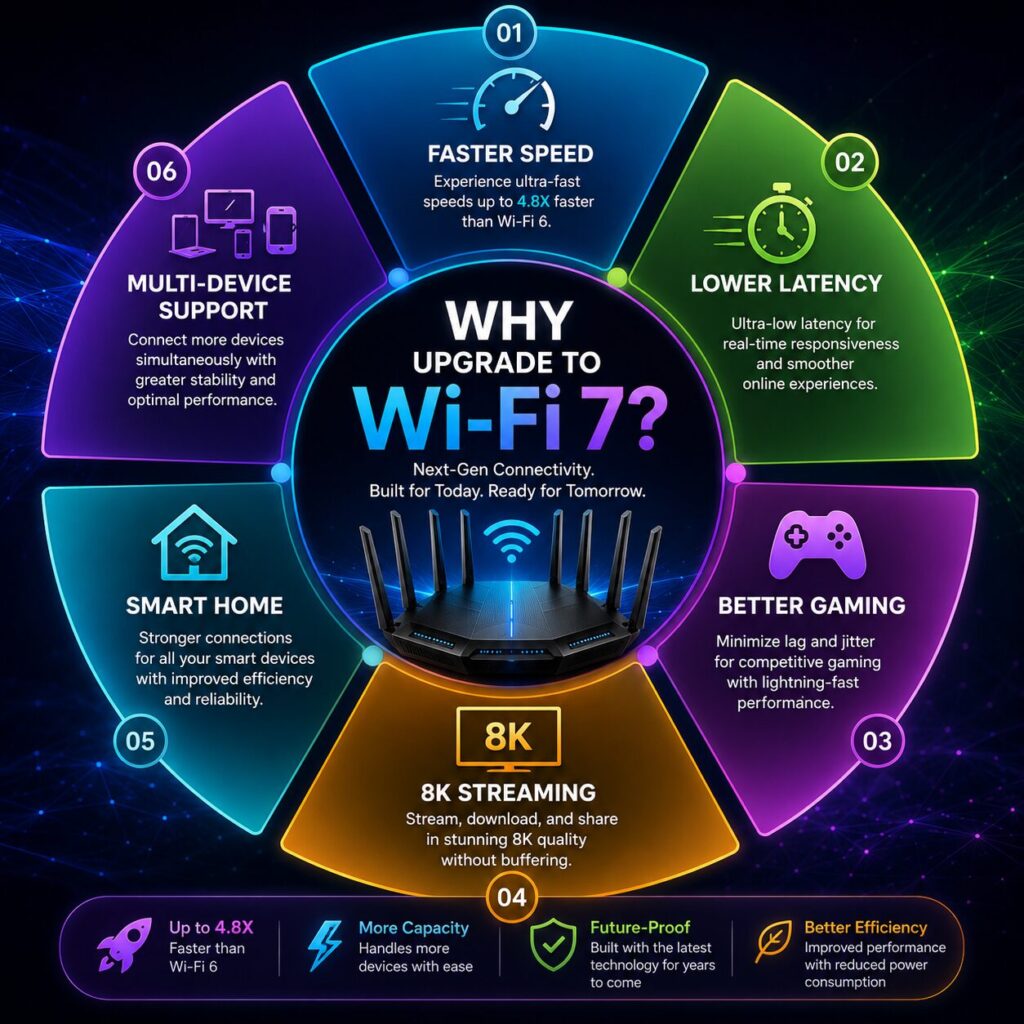
Wi-Fi 7 is the latest generation of wireless networking technology designed to deliver faster speeds, lower latency, and better performance for multiple connected devices.
Yes. Wi-Fi 7 introduces several improvements that allow higher speeds, better efficiency, and more stable connections.
Yes. A compatible Wi-Fi 7 router is required to use Wi-Fi 7 features.
Yes. Wi-Fi 7 is backward compatible with older Wi-Fi standards.
Yes. Lower latency and improved wireless stability make it an excellent choice for online gaming.
Yes. It provides smoother streaming for 4K and 8K content, especially when many devices are connected.
Yes. Many manufacturers have already released compatible routers and devices, with support continuing to expand.
If you have many connected devices, a fast broadband connection, or plan to keep your networking equipment for several years, upgrading to Wi-Fi 7 can be a worthwhile investment.
Understanding Wi-Fi 7 Explained helps you prepare for the next generation of wireless networking. As internet speeds increase and homes become filled with connected devices, Wi-Fi 7 offers meaningful improvements in speed, reliability, and efficiency over previous standards.
While not every household needs to upgrade immediately, users who stream high-resolution content, play online games, work remotely, or manage smart home devices can benefit the most. Before upgrading, make sure your router, compatible devices, and internet plan can take advantage of the technology.
As Wi-Fi 7 becomes more common, it is expected to become the new standard for fast, reliable wireless connectivity in homes and businesses.
This article is published by Tivorenza.com to help readers understand technology in a simple and practical way. We regularly update our content to keep it accurate, beginner-friendly, and useful for everyday technology users.

