

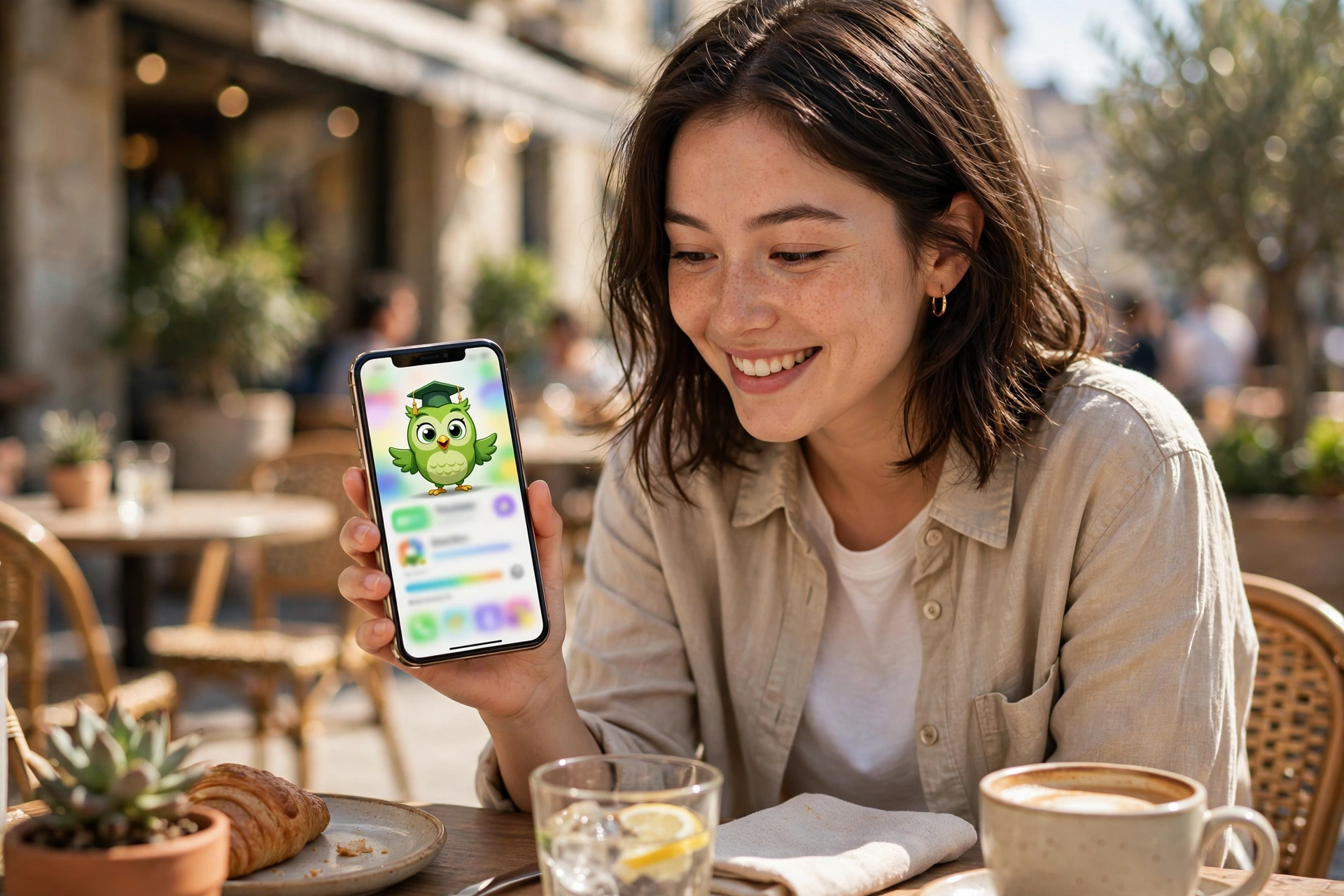
You’ve probably thought about learning another language at least once — before a holiday, after watching a foreign series, or just because it sounds fun. Then you imagined textbooks and evening classes and quietly dropped the idea. Duolingo is the app that convinced millions of people to try anyway. It’s free, it’s on your phone, and it turns language practice into something that feels suspiciously like a game. But is it actually good at teaching, or just good at keeping you tapping? Here’s an honest look.
What Duolingo Actually Is, If You’ve Never Opened It
Duolingo is a language-learning app that’s been around for years and now covers dozens of languages — Spanish, French, German, Japanese, Hindi, and plenty of smaller ones too. The pitch is simple: five to ten minutes a day, little lessons, zero cost to start. No classroom, no teacher, no embarrassment.
It works through bite-sized exercises: matching words to pictures, translating short sentences, tapping the right word to complete a phrase, and occasionally speaking into your phone’s microphone. Get answers right and you earn points and keep your “streak” — the count of consecutive days you’ve practised. Get them wrong and the app’s little green owl mascot will guilt-trip you with notifications. People joke about the owl’s passive-aggressive reminders, but the jokes exist because they work.
Download it, pick a language, answer two questions about your level, and you’re doing your first lesson in under a minute. That low barrier is the whole genius of it.
A Normal Day Inside the App
Open the app and you’re dropped into a path of small lesson bubbles. Each lesson takes three to five minutes. Early Spanish, for example, starts with words like hola and gracias before moving to simple sentences you can actually use — “the woman drinks water,” that sort of thing.
Lessons mix formats so it never feels like one long quiz. One minute you’re tapping the matching pair, the next you’re rearranging jumbled words into a sentence, then you hear a phrase and type what you heard. The variety keeps your brain slightly off-balance in a good way — you’re practising without the tedium of drilling the same exercise twenty times.
Finish a lesson and you get the dopamine hit: confetti, points, a little fanfare. It sounds silly, but that tiny celebration is doing real work. It’s why people come back tomorrow. Language learning is 90% showing up, and Duolingo is engineered around showing up.
The Bits Beginners Tend to Love
The price is the obvious one: the core app is genuinely free, and the free version is a complete experience, not a demo. You can learn a language from zero to conversational basics without paying anything. That’s remarkable when you think about what language courses used to cost.
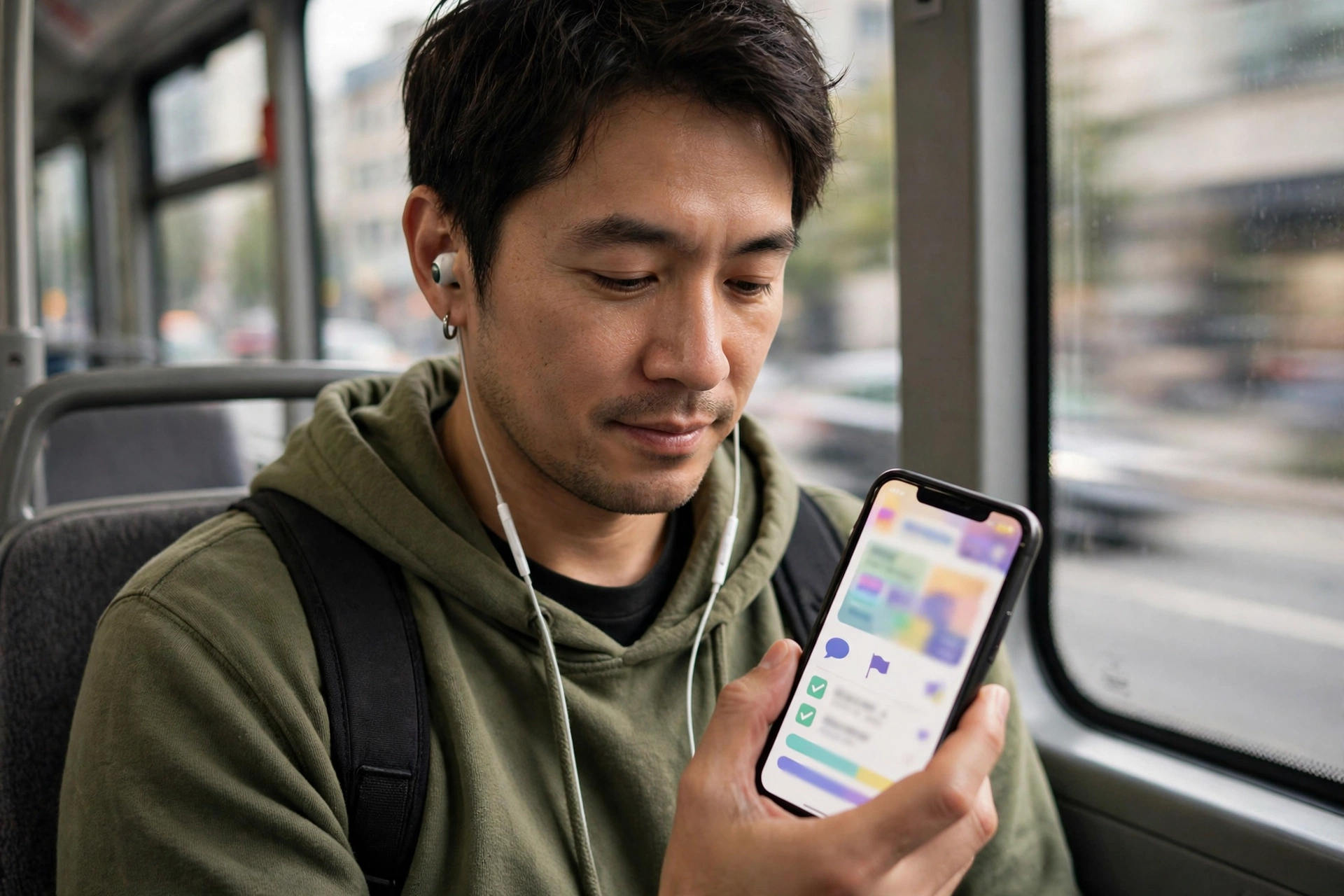
The lessons fit into dead time. Bus ride, lunch queue, ad breaks — three minutes here and there adds up. You don’t need to schedule “study time,” which is where most language ambitions die. This is the app’s superpower: it removes every excuse except opening the app.
It also normalises being bad at first. Everyone starts at zero, the owl doesn’t judge (much), and getting answers wrong just means more practice. For adults who are terrified of looking stupid in a classroom, that privacy is worth a lot. You can butcher pronunciation into your phone in your kitchen and nobody ever knows.
And the streak system, for all the memes, genuinely builds habits. Once you’ve got a 30-day streak, skipping a day feels like losing something. Psychologists would call it loss aversion. Learners just call it motivation that actually works.
Where It Gets Annoying (Being Honest)
No app is perfect, and Duolingo has quirks that grate after a while. The free version shows ads between lessons — short ones, but they break your flow. There’s also an energy or “hearts” system in some versions: make too many mistakes and you have to wait or practise old material to refill. It nudges you toward the paid tier, and it can feel punishing on a bad day.
The sentences get weird. Anyone who’s used the app has stories about translating phrases like “the bear drinks beer” or “my horse is a lawyer.” They’re memorable, which is the point, but they won’t help you order dinner. The app teaches you the mechanics of a language; real-world phrases sometimes arrive late.
Grammar explanations are thin. Duolingo prefers to teach by pattern — you see enough examples and the rule clicks. That works for many people, but if you’re someone who wants to know why the word order changed, you’ll be Googling for explanations the app doesn’t give you.
And here’s the bigger truth: Duolingo alone won’t make you fluent. It builds vocabulary and basic sentence skills brilliantly, but holding a real conversation needs real humans. Think of it as the first 20% of the journey, done extremely well — not the whole trip.
Free vs Paid: What’s Really Behind the Paywall
The paid tier — usually called Super Duolingo, though names and bundles shift over time — mainly buys you comfort: no ads, unlimited mistakes without waiting, and offline lessons for flights and tunnels. The lessons themselves are the same. You’re not getting access to some hidden, better curriculum.
So who should pay? If the ads genuinely irritate you, or you practise in places without signal, the paid version smooths the experience. But if you’re just starting out, there’s no reason to pay on day one. Use the free version for a month. If you’re still showing up every day after thirty days, then decide whether the upgrades matter to you.
One tip: the app pushes the paid trial hard with pop-ups and “limited offers.” Ignore the urgency. The price isn’t going anywhere, and the free version isn’t a trap — it’s the product most of the world uses.
Who It’s Actually Good For
Duolingo shines for a few specific people. The curious dabbler who wants to try Japanese before a trip — perfect. The person rebuilding a school language from scratch — excellent. Parents doing it alongside their kids — genuinely lovely, and the family-friendly design helps.
It’s less ideal if you need a language for work quickly, or you’re preparing for an exam. Structured courses with a teacher will get you there faster when there’s a deadline. Duolingo is a habit machine, not a crash course.
Also worth saying: the best results come from pairing it with something real. Watch a show in the language with subtitles. Follow a cooking channel. Message a language-exchange partner. Duolingo gives you the bricks; real life gives you the mortar.

What First-Timers Usually Want to Know
How much time does it really take? The app suggests a daily goal, and the smallest one is just a few minutes. Five minutes a day beats an hour on Sundays — consistency matters more than session length, especially in the first months.
Can kids use it? Yes, and they tend to love it. The game-like design was practically made for them. There’s also a maths and music section in the app now if they want a break from languages.
Will it fix my pronunciation? Partly. The speaking exercises help, but phone microphones are forgiving. If pronunciation matters to you — say you’re learning for travel — supplement with videos of native speakers and repeat out loud.
What if I lose my streak? It happens to everyone. There’s a repair option, and honestly, one missed day doesn’t erase what you learned. The streak is a tool, not a boss. Don’t let a broken streak end a good habit.
Is my data safe? It’s a mainstream app with standard privacy policies — it collects usage data like most free apps do. If that bothers you, check the privacy settings and limit ad personalisation. Nothing unusual for the category.
Worth the Download?
If you’ve ever thought “I’d love to learn Spanish one day,” today can be day one, and it costs nothing. Duolingo won’t make you fluent by itself, and the ads will occasionally annoy you, but as a way to turn curiosity into a daily habit, it’s the best free option out there.
Download it, pick the language that’s been in the back of your mind, and do one lesson. Just one. If the little burst of confetti makes you smile, you’re exactly who the app was built for.














