Physical Address
304 North Cardinal St.
Dorchester Center, MA 02124
Physical Address
304 North Cardinal St.
Dorchester Center, MA 02124


I scanned a QR code on a parking meter a few months back without thinking twice — the way most of us do a dozen times a week now, whether it’s a restaurant menu, a poster, or a “scan to pay” sticker. It wasn’t until I was halfway through entering my card details on a page that looked slightly off that something nagged at me enough to close the tab. That small hesitation probably saved me a headache. It turns out that instinct is becoming more important than ever, because QR code scams — known in the security world as “quishing” — have quietly become one of the fastest-growing phishing tactics of 2026.
Most of us have gotten pretty good at spotting a dodgy email. We know to hover over links, check the sender’s address, and raise an eyebrow at “urgent” messages. QR codes, though, sidestep all of that instinct. You can’t hover over a QR code to preview where it leads. You just scan and trust. That blind trust is exactly what scammers are now exploiting.
Quishing is phishing delivered through a QR code instead of a link or attachment. Instead of emailing you a suspicious URL, a scammer prints or displays a QR code that, once scanned, sends you to a fake login page, payment page, or a page designed to install malware on your device.
Because email security tools and spam filters are built to scan text-based links, a QR code slips past them easily — it’s just an image to most filters, not a threat. Security researchers have also noted that attackers are increasingly hosting these malicious QR destinations on trusted cloud platforms and productivity tools, which makes the pages even harder for automated systems to flag. Google
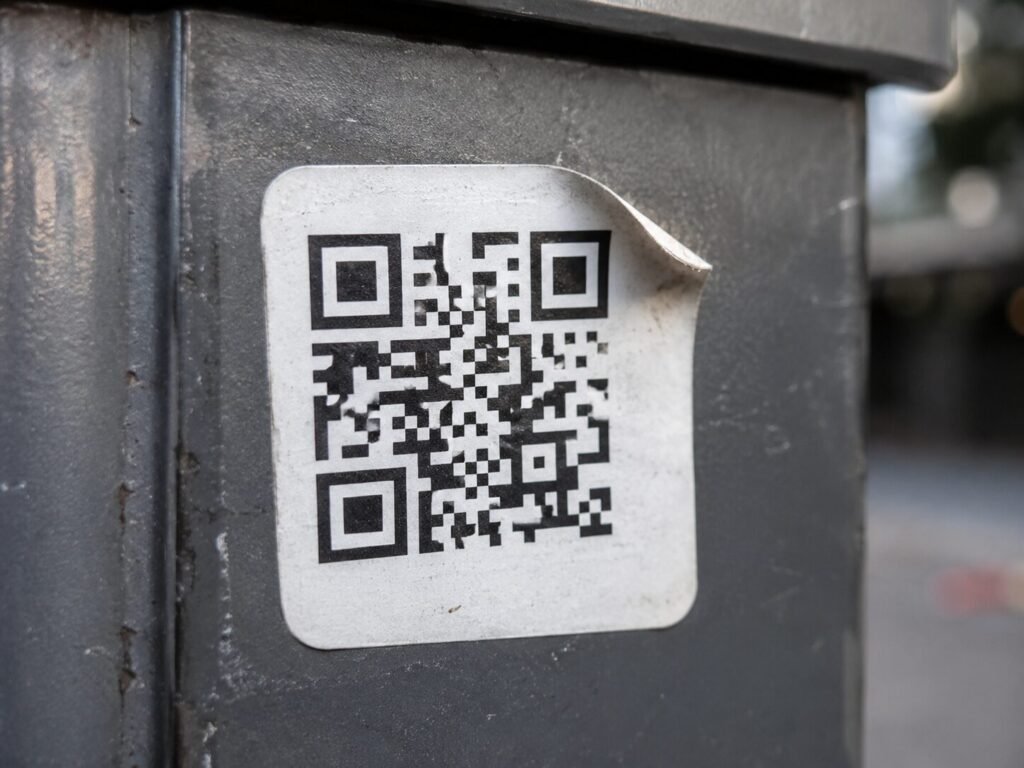
This isn’t limited to random posters on the street. Quishing attacks are turning up in places people genuinely don’t expect:
The common thread is context that feels routine. You’re not suspicious of a parking meter or a calendar invite the way you might be of a random text message, and that’s exactly the point.
A few things have converged to make this the phishing method of the moment. First, AI tools now make it trivially easy to generate convincing fake login pages that match a real brand’s design almost pixel-for-pixel. Second, phishing-as-a-service platforms let attackers test and tweak scam campaigns in real time, keeping them effective even as security teams catch on to older tricks. Third, most people simply haven’t built the same defensive habits around QR codes that they have around email links, because QR codes still feel new and low-risk to a lot of users. CloudSEK
Everyday consumers and small businesses in particular are facing rising exposure, since attackers lean on routine, low-suspicion moments — a quick payment, a short message, a familiar-looking notice — to drive fast financial loss before anyone stops to question it. CloudSEK
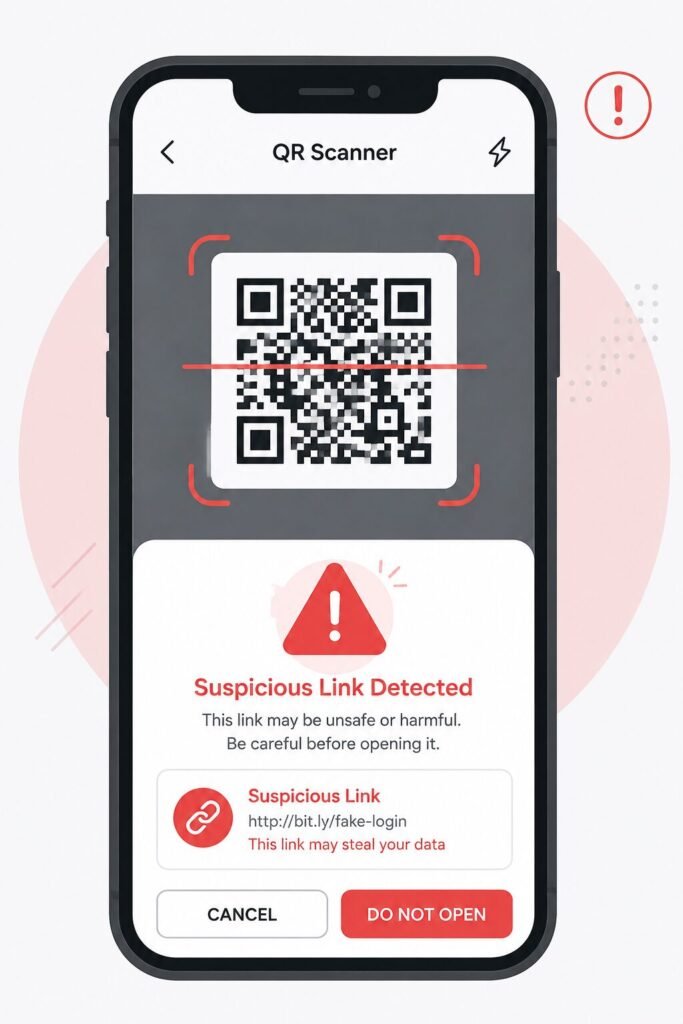
The good news is that a few simple habits go a long way here.
Most phone cameras show you a preview of the destination URL before opening it. Take the extra second to actually read it. If it’s a strange domain, a string of random characters, or doesn’t match the business it claims to represent, don’t proceed.
On parking meters, posters, or table tents, look closely at the QR code sticker itself. Is it slightly crooked, or does it look like it’s been stuck over another code? Scammers often print their fake code on a sticker and place it directly over the legitimate one.
If a QR code leads to a page asking for your card number, password, or personal details, pause. Navigate to the official website or app directly instead of trusting the scanned link, especially for anything involving money.
If a calendar invite or email suddenly includes a QR code asking you to “renew,” “verify,” or “confirm,” treat it the same way you’d treat a suspicious link — because functionally, that’s exactly what it is.
Many phones now include built-in warnings for suspicious links, including those opened via QR code. Keeping your operating system and browser updated ensures you’re getting the benefit of the latest protections.
The easiest way to stay safe here isn’t a piece of software — it’s treating a QR code exactly like you’d treat a link in a text message from an unknown number. Curiosity is natural, but a two-second pause before scanning something in an unexpected place costs you nothing and can save you a genuinely bad day.
Quishing works precisely because QR codes feel harmless and routine. As scammers lean further into AI-generated fake pages and low-suspicion delivery methods like calendar invites and physical stickers, the best defense is simply slowing down before you scan. Build the habit of checking the link preview every single time, and you’ll sidestep the vast majority of these scams without needing any special tools at all.

