Physical Address
304 North Cardinal St.
Dorchester Center, MA 02124
Physical Address
304 North Cardinal St.
Dorchester Center, MA 02124

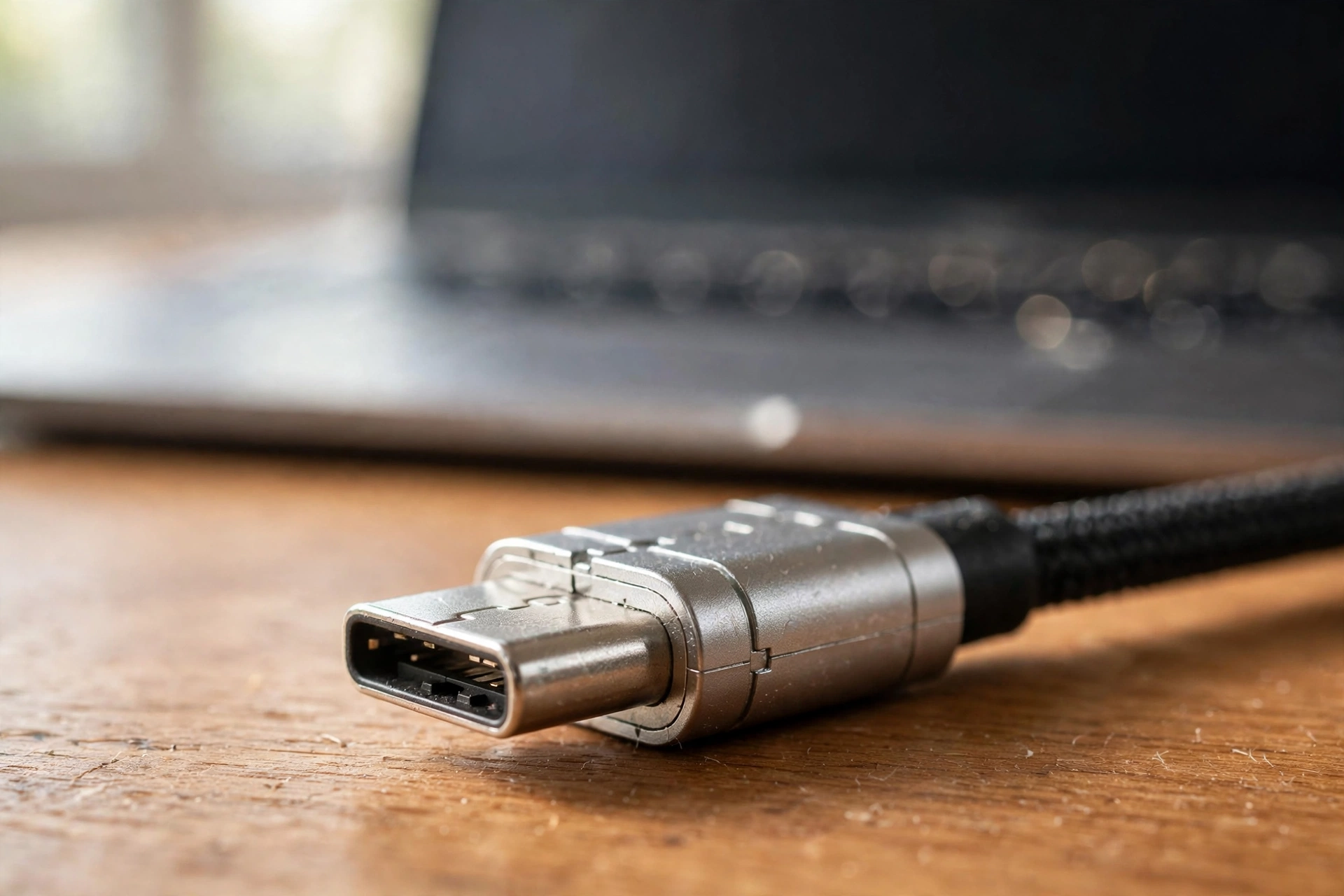
One small oval port now charges your phone, connects your laptop and carries video — but not every USB-C cable is the same. Here is everything beginners need to know, minus the jargon.
Look at the charging port on your phone, your laptop, your earbuds case, and your tablet. Chances are they are all the same small, oval-shaped hole. That is USB-C — and after decades of every gadget needing its own weird plug, one connector finally does almost everything.
But if you have ever bought a cable that charged your phone at a crawl, or plugged a monitor into a port that refused to show a picture, you know the dirty secret: sharing one shape does not mean every cable and port is identical. That is where the confusion lives.
This guide untangles it all in plain English. What the port actually does, why two identical-looking cables can behave completely differently, and how to buy chargers and cables with confidence instead of guesswork.
The clever thing about USB-C is the connector itself: a small, symmetrical oval you can plug in either way up. No more fumbling in the dark, flipping the plug three times like a ritual. That alone was worth celebrating — but the shape is just the beginning.
Behind that one shape, USB-C can carry power, data, and video. Your phone charges through it. Your laptop can charge through it too, which is why many modern laptops ditched the chunky old barrel charger. The same port can connect an external monitor, a hard drive, headphones, or a docking station that turns one port into many.
This is why your desk is getting simpler. A single cable can now charge a laptop and carry its display signal to a monitor at the same time. Hotels, offices, and airports increasingly offer USB-C charging because one port serves nearly every device a traveler carries.
The catch — and there is always a catch — is that “can carry” is not the same as “always carries.” A port shaped like USB-C might support only charging, or charging plus data but no video. The shape is a promise the device behind it does not always keep, which brings us to the part that actually matters.
Think of a USB-C connection as three separate abilities sharing one plug: power delivery, data transfer, and video output. Every port and cable supports some combination of the three, and knowing which is which explains nearly every USB-C mystery you will ever meet.
Power delivery is about wattage — how much electrical power flows through. A phone might need 15 to 25 watts; a laptop might want 60 or more. A charger and cable rated for low power will still work with a laptop, but it will charge slowly or not at all while the laptop is in use. Matching the wattage to the device is the single most useful thing you can learn here.
Data transfer is about speed. Moving a few photos needs almost nothing; copying a huge video library to an external drive benefits enormously from a faster cable. For most everyday tasks — syncing, backups, connecting accessories — any decent cable is fine, and speed only matters when you regularly move big files.
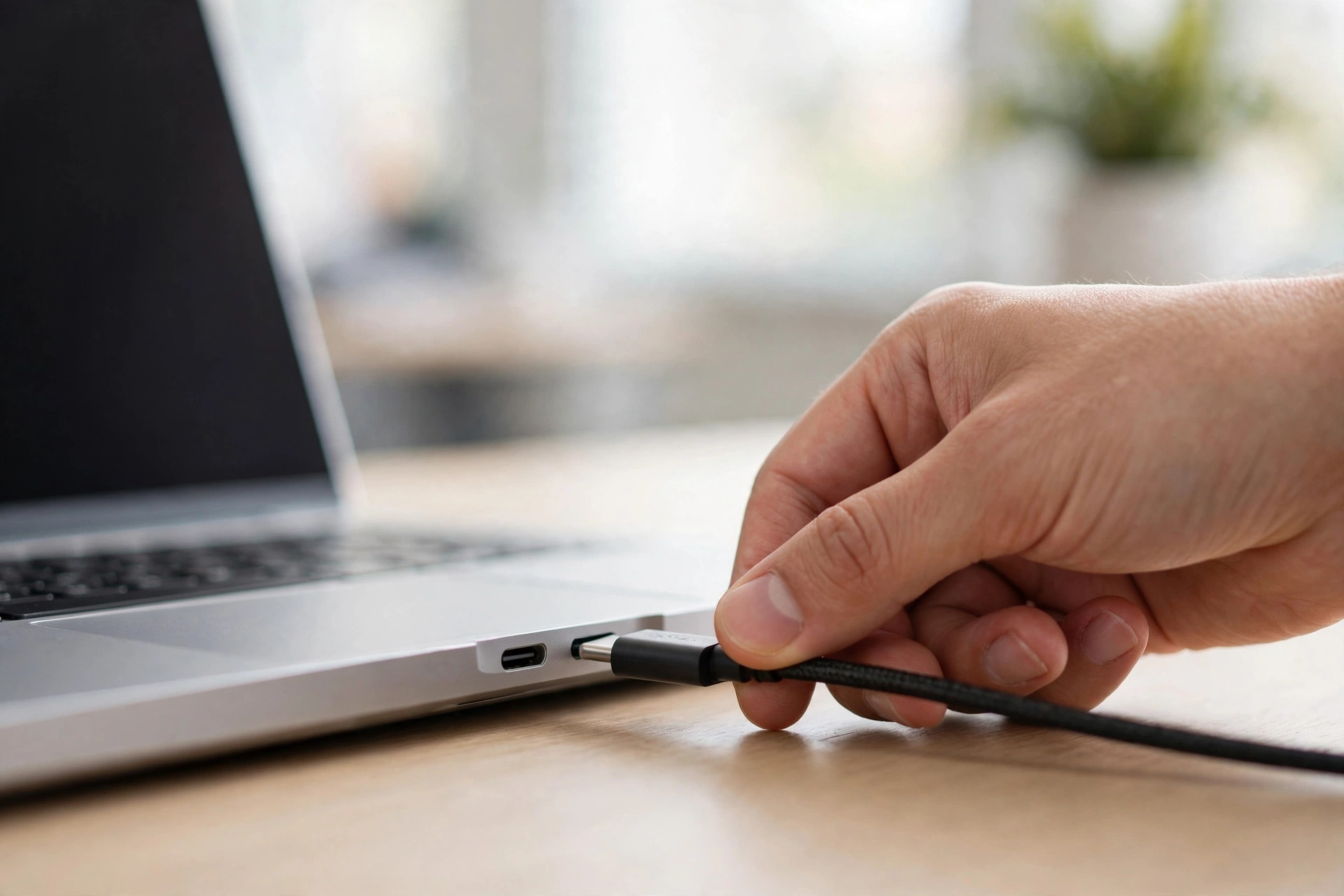
Video output is the ability most likely to be missing. Plugging a monitor into a USB-C port only works if both the port and the cable support video. When it works, it is wonderful — one cable for power and picture. When it does not, nothing happens at all, and the port is not broken; it just never had that ability.
A practical rule of thumb: the port on a full-size laptop usually does more than the port on a budget phone. But “usually” is doing heavy lifting there, so when video or fast charging matters, check the device’s specifications rather than assuming.
Here is the thing nobody tells beginners: two USB-C cables can look absolutely identical and behave completely differently. The cable that came in your phone’s box might charge fast but move data slowly; a cheap replacement might do the opposite; a premium one might do everything.
Cables differ in three ways: how much power they can carry, how fast they move data, and whether they support video. Manufacturers sometimes print tiny symbols or text on the cable to indicate its abilities, but often they print nothing at all — which is why random cheap cables are such a gamble.
The safest approach is boring but effective: use the cable that came with your device for that device. It was chosen to match. When you buy extras, buy from reputable brands and read the product description for the numbers — wattage for power, and whether it mentions data speed or video support if you need those.
One more cable truth: length matters. Very long cables — think three meters and beyond — can charge more slowly and move data less reliably than short ones, because the signal degrades over distance. For a bedside charger, a long cable is fine. For connecting a fast external drive, keep it short.
And if a cable ever feels hot, looks frayed, or only works when bent at a certain angle, retire it. A damaged cable is not worth the risk to a device worth hundreds, and replacements are cheap.
Buying a charger used to mean matching a weird plug. Now it means matching a number: watts. That number is printed on every charger, usually in small text near the prongs. Your device’s original charger tells you what it wants — a phone that shipped with a 25-watt charger will be perfectly happy with any good 25-watt (or higher) replacement.
Here is the reassuring part: using a higher-wattage charger than your device needs is safe. A phone designed for 25 watts will simply draw 25 watts from a 65-watt charger; it will not fry. The device and charger negotiate the right amount automatically. Going too low, though, means slow charging or a laptop that drains while plugged in.
Multi-port chargers — one brick with two or three USB-C ports — are genuinely useful if you travel with a phone, earbuds, and a watch. Just remember the total wattage is shared: a 65-watt charger with three devices plugged in does not give 65 watts to each. Check how the power splits if you plan to charge a laptop alongside smaller gadgets.
As for brands: you do not need the manufacturer’s own charger, but you do want a charger from a company with a real reputation and proper safety certifications. Counterfeit chargers are one of the few genuinely dangerous corners of tech shopping — a bad one can damage devices or worse. If a deal looks impossibly cheap, that is your warning sign.
Cables die young mostly because of how we treat them, not because of manufacturing. A few small habits dramatically extend their lives. The biggest one: never yank a cable out by the cord. Pull by the plug. The wires inside break long before the outside shows damage, and yanking is the fastest way to kill them.
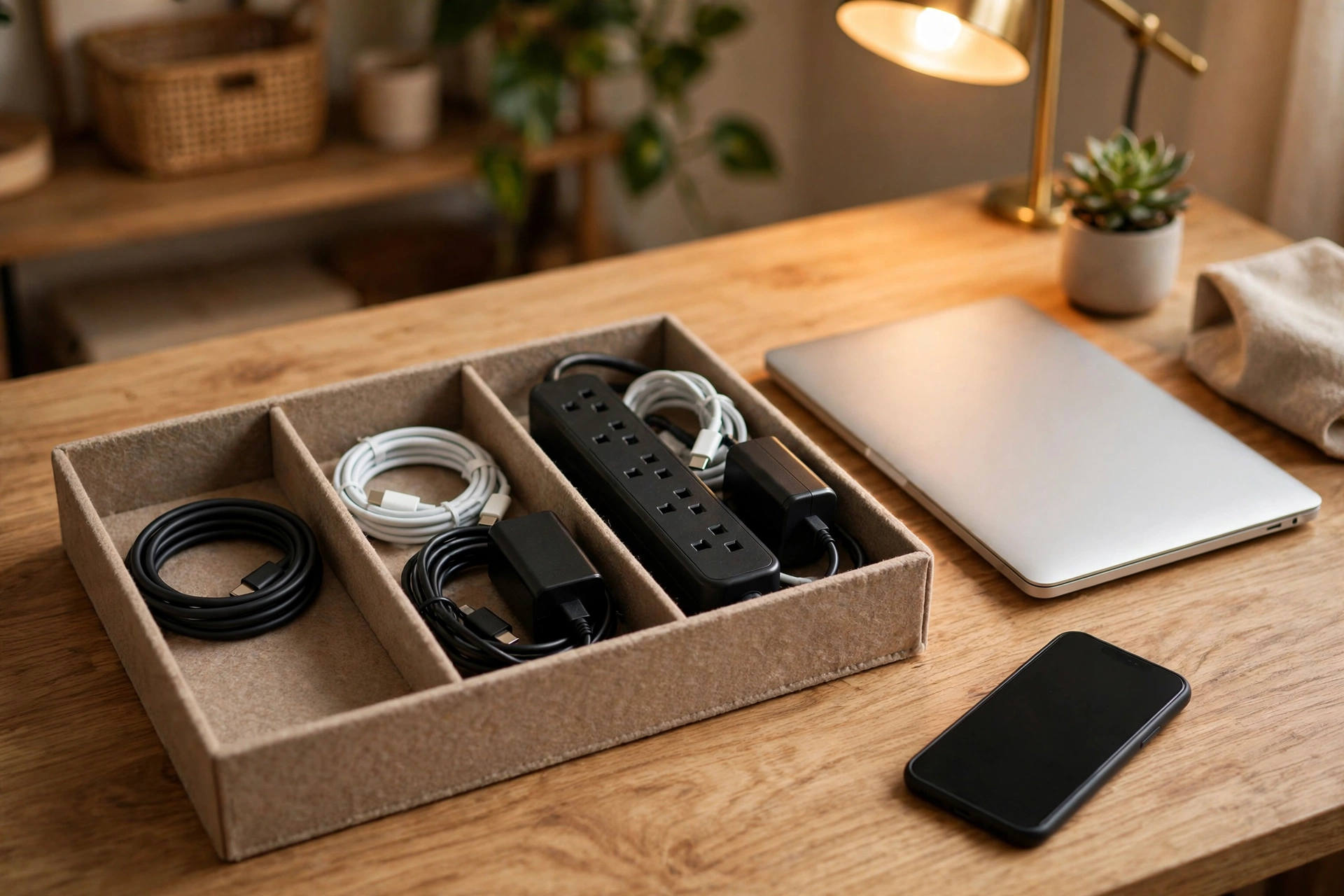
Avoid tight bends near the plug, which is where cables almost always fail. If you coil cables for travel, use loose loops rather than wrapping them tightly around a charger — the old “wrap it around the brick” habit is cable murder. A simple velcro tie keeps things tidy without the stress.
Keep one decent spare cable where you need it most — your bag, your car, your office drawer — instead of buying a new cheap one every time you forget. And label your cables if you own several: a tiny piece of tape marked “fast charge” versus “data only” saves you from the mystery-cable drawer we all otherwise end up with.

Can I use any USB-C charger with any USB-C device? Physically, yes — the plug fits. Electrically, the device will only draw what it needs, so a bigger charger is safe. Just make sure the wattage is enough for larger devices like laptops.
Why does my phone charge slowly with some cables? Usually the cable or charger is rated for lower power than your phone wants. Try the cable that came in the box — if that charges fast, the other cable is the bottleneck.
Is wireless charging replacing USB-C? Not really. Wireless charging is convenient for topping up overnight, but it is slower and less efficient. USB-C remains the fastest, most versatile option, and the two happily coexist.
Do I need to worry about the port wearing out? USB-C ports are rated for many thousands of insertions — years of daily use. Wireless charging for overnight top-ups can reduce wear further, but for most people it is a non-issue.
What do the tiny symbols on cables mean? Some cables mark their abilities with icons or text, but there is no universal system everyone follows. When in doubt, check the product listing rather than the cable itself.
USB-C is the closest the tech world has come to a universal connector, and for all its quirks, life with it is genuinely simpler than the drawer-of-mystery-cables era it replaced. Remember the three abilities — power, data, video — match wattage when buying chargers, and treat your cables kindly. Do that, and the little oval port will quietly do its job for years.

