

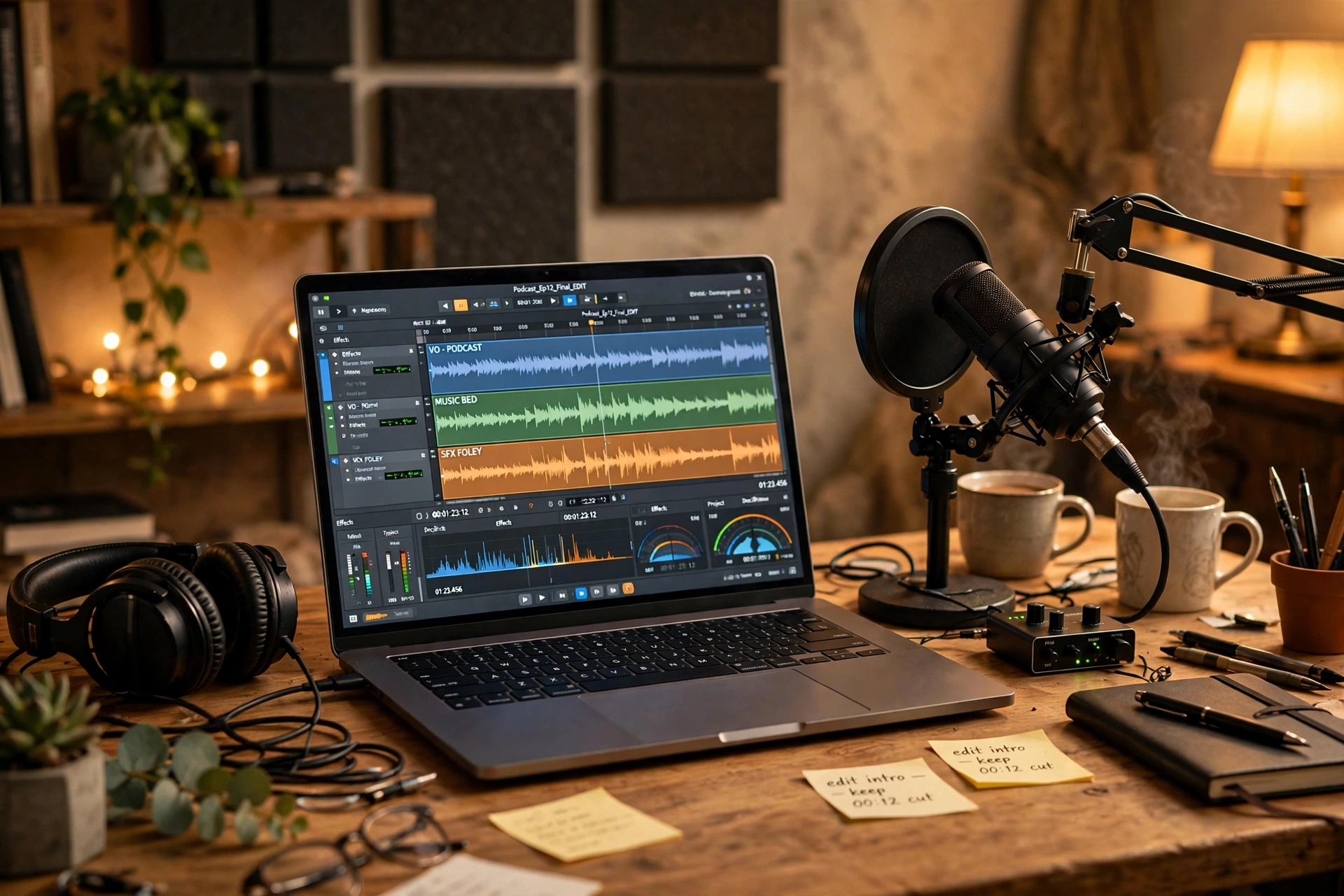
If you have ever wanted to record a voiceover, start a podcast, or clean up a noisy interview recording, someone has probably told you to just use Audacity. It is free, it has been around for ages, and the internet is full of people insisting it does everything a beginner needs.
Here is the part nobody mentions: Audacity looks like it travelled here from the early 2000s, and the first time you open it, you might honestly wonder if you have made a mistake. The good news is that underneath that dated appearance sits one of the most genuinely useful free tools you can put on your computer.
In this Audacity review, we will walk through what it is, who it suits, what it does brilliantly, and where it genuinely frustrates people — all in plain English, with no jargon.
What Is Audacity, Actually?
Audacity is a free, open-source audio editor and recorder that runs on Windows, macOS and Linux. It has been maintained by a community of volunteers for well over two decades — it changed hands a few years back when a music software company took over its development, but it stayed free, and it stayed open-source.
At its core, it does two jobs. First, it records sound: your voice through a microphone, a guitar plugged into an interface, or audio playing on your computer. Second, it edits sound: you can cut out mistakes, rearrange sections, reduce background noise, adjust volume, and apply effects like echo or bass boost. It works with multiple tracks at once, so you can layer a voiceover on top of background music, which is exactly what most beginner projects need.
Think of it as a word processor for sound. You see your recording as a wavy blue line on screen — that is the waveform — and you select, cut, copy and paste pieces of it the same way you would edit a document.
Who Gets the Most Out of It
Audacity is not trying to be everything to everyone, and that is part of why it works so well for certain people.
Podcast beginners are probably its biggest fans. If your podcast is one or two voices recorded on a decent microphone, Audacity covers nearly the entire workflow: recording, trimming silences, removing the odd “um”, and exporting a finished episode. YouTubers and course creators use it the same way for voiceovers.
It also suits students and teachers recording interviews or language practice, musicians capturing rough ideas or digitising old tapes and vinyl, and anyone who needs to clean up a recording — a meeting, a lecture, a voicemail — without paying for professional software. If you only edit audio a few times a month, paying a subscription for a fancy editor rarely makes sense, and that is exactly the gap Audacity fills.
What Audacity Gets Right
Let us start with the strengths, because there are several real ones.
It Costs Nothing — Really Nothing
This sounds obvious, but it matters more than you think. Audacity is completely free with no trial period, no locked features, and no watermark on your exports. There is no upsell waiting for you inside the app. For a beginner who is not even sure they enjoy editing audio yet, that removes the biggest barrier: you can experiment for a month and walk away owing nobody anything.
Recording Is Straightforward
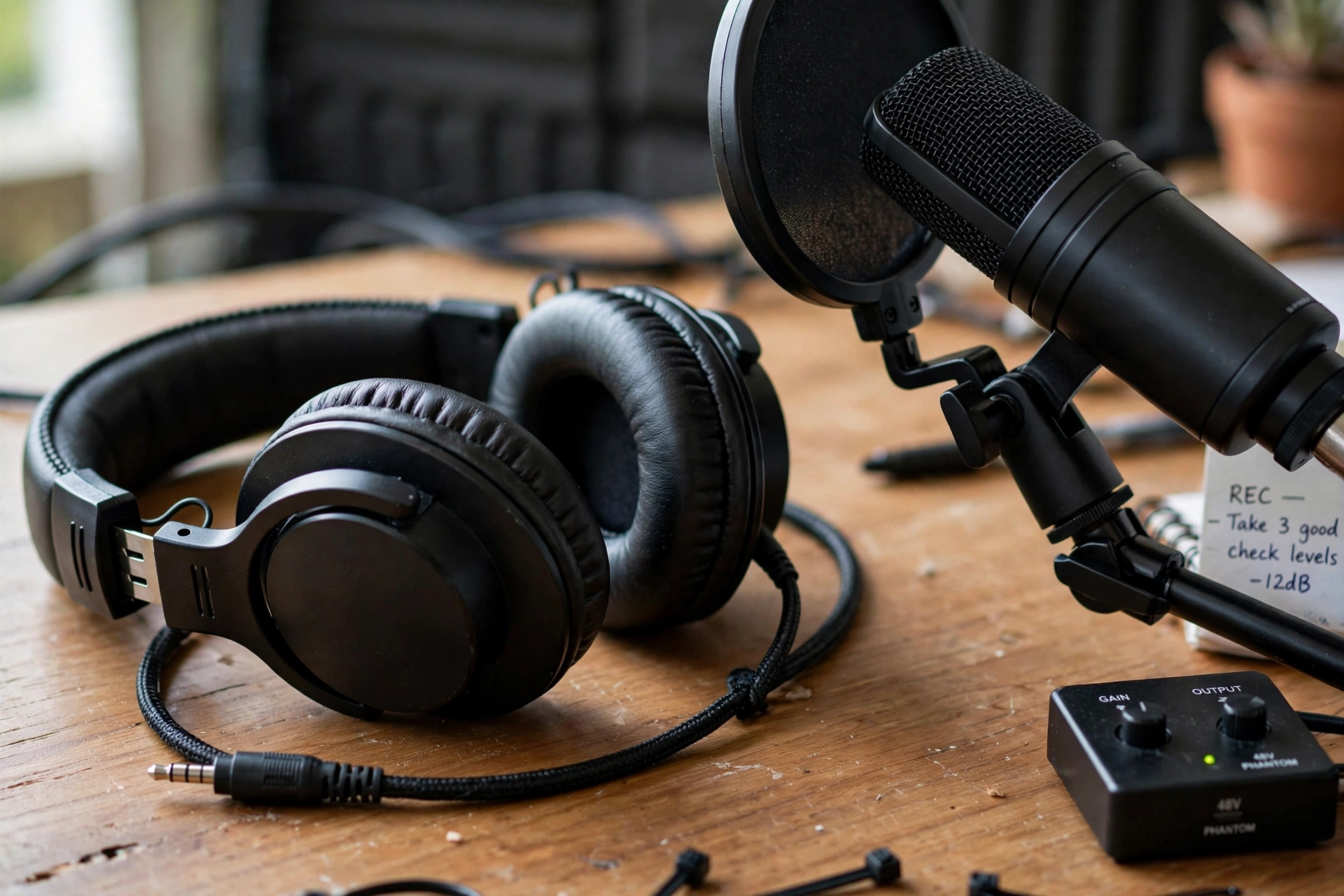
Once your microphone is plugged in, recording is genuinely simple. You pick your input from a dropdown, hit the red record button, and talk. A timer and a moving waveform show you that everything is working. You can record multiple takes on separate tracks, and you can monitor your levels so you do not end up with audio that is painfully quiet or distorted. For a free tool, the recording side is remarkably dependable.
The Everyday Editing Basics Cover Most Jobs
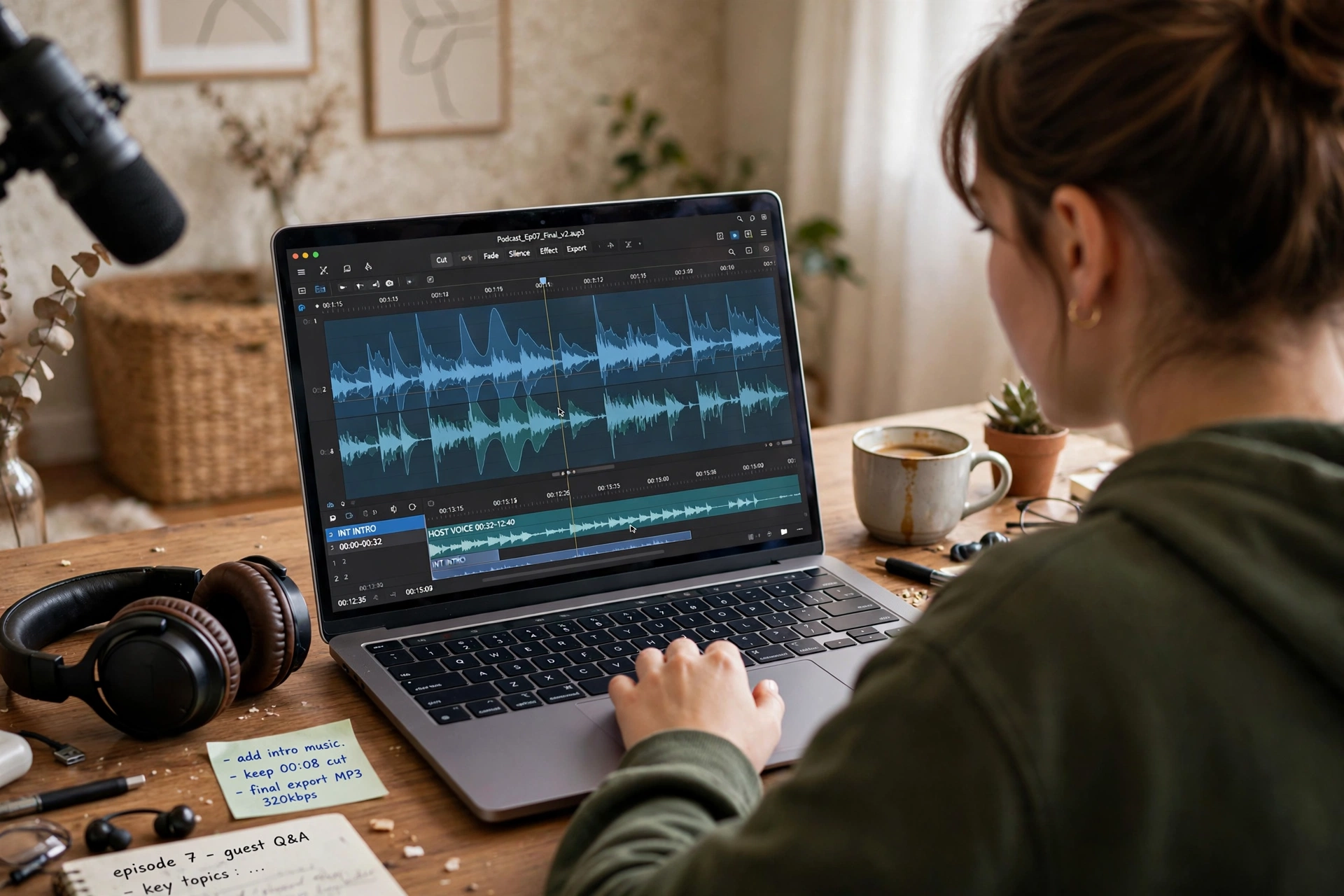
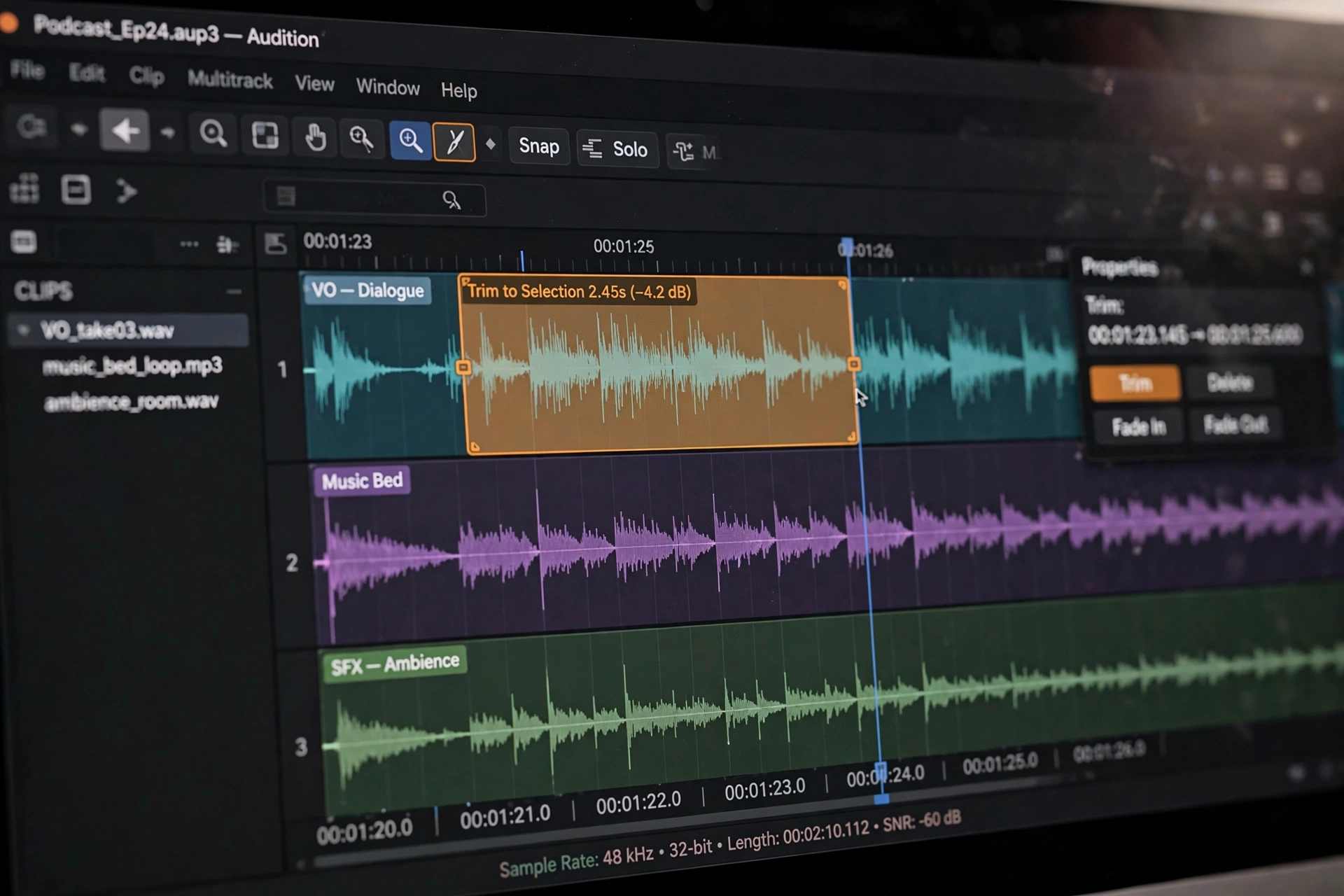
The tools you will use most — cutting, trimming, silencing pauses, moving clips around, fading in and out — are all there and all work reliably. Audacity also includes solid built-in effects: noise reduction that genuinely cleans up hiss and hum, a compressor that evens out volume between loud and quiet parts, and equalisation for shaping tone. These are not watered-down demo versions; they are the real thing, and they handle the vast majority of beginner projects without breaking a sweat.
Plugins Fill the Gaps
Whatever Audacity lacks out of the box, the plugin world usually provides. It supports common plugin formats, and there is a large library of free effects and tools made by the community — from extra noise removal tools to creative effects. Installing a plugin takes a little reading, but it means the app can grow with you as your skills improve, rather than forcing you to buy something new the moment you outgrow the basics.
Where It Shows Its Age
Now the honest part. Audacity is not perfect, and a fair review has to say so.
The Interface Looks Dated
There is no gentle way to say this: the interface looks like software from twenty years ago. Grey panels, tiny toolbar icons, menus packed with technical terms. It works, but nothing about it feels modern or welcoming. If you are coming from a slick app on your phone, the first impression can be genuinely off-putting. Functionally it is fine; visually it asks for your patience.
There Is a Learning Curve
Because the interface is dense, beginners often take a few sessions to feel comfortable. Simple tasks like exporting your finished audio in the right format can confuse people the first time — you need to know the difference between saving a project and exporting a finished file, and the app does not explain itself well. The online help and community tutorials are excellent, but you will need them. This is not an app most people master in an afternoon.
No Cloud, No Mobile App, No Teamwork
Audacity lives on your computer and only on your computer. There is no cloud syncing, no editing on your phone, and no way for two people to work on the same project at once. If your workflow involves recording on one device and editing on another, or collaborating with a co-host in another city, you will end up juggling files manually. Modern subscription editors handle this smoothly; Audacity simply does not play in that space.
Your First Half-Hour With the App
So what does getting started actually feel like? Download the installer from the official site, run it, and plug in your microphone before you open the program. Open Audacity, select your mic from the input dropdown, and do a ten-second test recording — talk normally, then stop and play it back.
Next, try the three moves you will use forever: drag across the waveform to select a section, press delete to remove it, and use the silence or fade tools on the rough edges. Then export your test as an MP3 or WAV file and listen to it outside the app. That is genuinely it. You will not know every feature, but you will have made a real recording, edited it, and produced a finished file — and that small win makes the learning curve feel much friendlier.
What Beginners Usually Ask About Audacity
Is it really free, with no catch?
Yes. There is no paid tier, no trial that expires, and no feature locked behind a paywall. It is maintained as an open-source project, which is why it can afford to be free.
Is it safe to download?
It is safe as long as you get it from the official Audacity website. As with any popular free software, copycat sites exist, so type the address yourself or use the official link rather than clicking random download buttons.
Can I edit a podcast with it?
Absolutely — this is one of its strongest use cases. Recording interviews, trimming mistakes, levelling volume between speakers, and exporting a finished episode are all well within its abilities.
Does it work on Mac?
Yes. Audacity runs on Windows, macOS and Linux, and your project files open on any of them, which is handy if you switch computers.
Do I need a powerful computer?
No. One of the quiet advantages of its old-school design is that it runs happily on modest, older machines. If your computer can browse the web, it can almost certainly run Audacity.
Worth a Try This Week
So, the verdict of this Audacity review: if you are a beginner who needs to record and edit audio without spending money, Audacity remains one of the best choices available. It is free forever, the recording and editing tools are genuinely capable, and the plugin ecosystem means it can grow with you.
The trade-offs are real — the dated interface, the learning curve, and the lack of cloud or mobile features — but none of them cost you a penny to discover. Download it, spend half an hour on a test recording, and see how it feels. For a huge number of beginners, that half hour turns into years of happy use. And if you eventually outgrow it, you will know exactly what you need from a paid tool, which makes Audacity the perfect free starting point.














