


If you still type with two index fingers and feel a little embarrassed every time someone watches you work, I get it. I was exactly there — hunched over the keyboard, hunting for every letter, watching my thoughts evaporate before my fingers could catch up. Nobody is born knowing how to type fast. The good news: typing is a habit, not a talent, and habits can be rebuilt one small change at a time.
The home row is your home base
Every keyboard has a middle row where your fingers are supposed to live: A, S, D, F for your left hand and J, K, L, ; for your right. Touch typists call this the home row, and it’s the single most useful thing nobody ever explains to beginners.
The idea is simple. Your fingers rest on these keys when they’re doing nothing, and they always come back here after striking another key. That means you stop wandering across the keyboard like a tourist without a map. You always know where you are.
Here’s a trick to feel it with your eyes closed: run your index fingers over the F and J keys. Feel those little raised bumps? Those exist so your fingers can find home without looking. Slide your left index onto F and your right index onto J, then let the other fingers settle onto the keys beside them. Congratulations — you’re now in the starting position that every fast typist on earth uses.
Don’t try to memorize the whole layout on day one. Just sit in the home position for a while, press a few keys, and get used to the feeling. Comfort comes before speed. Always.
Looking at the keys is what’s holding you back
Here’s the uncomfortable truth about slow typing: the looking is the problem. Every time your eyes drop to the keyboard, your brain has to do a little translation — find the letter, aim the finger, check that you hit it — and that chain of decisions is what makes typing feel so exhausting.
Fast typists aren’t fast because their fingers move at superhuman speed. They’re fast because their fingers know where to go without asking the eyes for permission. That only develops when you stop letting your eyes do the work.
So cover your hands. Seriously. A tea towel over your keyboard works perfectly, or you can just dim the room lights a little so the keys are harder to see. Your accuracy will collapse at first. That’s supposed to happen. For the first week, you will type like a toddler, and your pride will take a beating. Push through it. The moment your fingers start finding keys on their own is the moment everything changes — and it arrives sooner than you’d expect.
Sit like you mean it
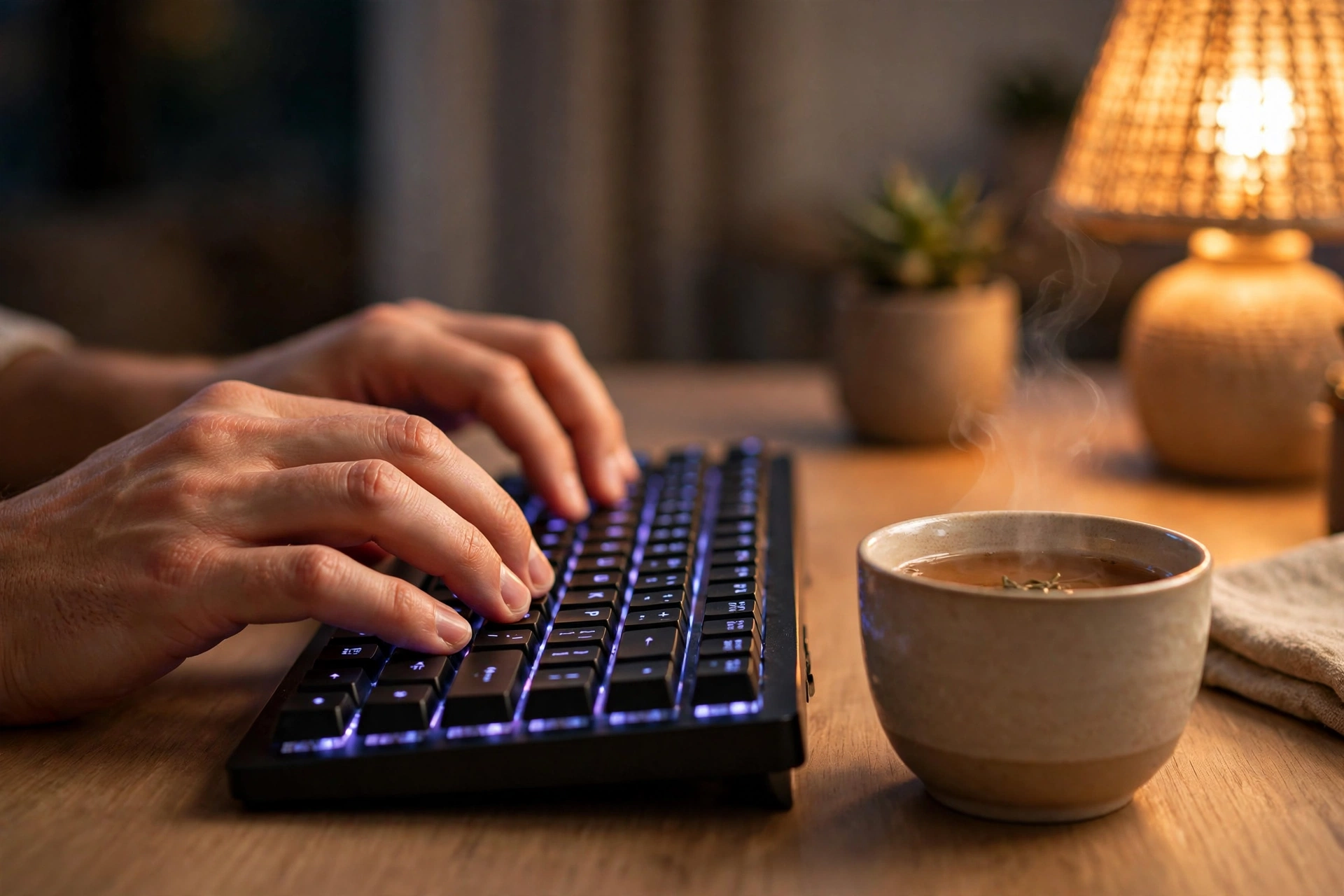
Bad posture doesn’t just hurt your back — it slows your hands down too. When you’re slouched with your wrists bent at a strange angle, your fingers have to work harder to reach every key. Tension creeps into your shoulders, your wrists start to ache, and typing becomes something you dread.
None of this needs a fancy chair. Sit with your feet flat on the floor, your back resting against the chair, and the keyboard at a height where your elbows make a relaxed, open angle — not scrunched up near your ears, not stretched out flat. Your wrists should float just above the keys, not rest their weight on the desk edge. That little change alone takes pressure off your hands.
Keep the screen roughly at eye level so your neck isn’t craning down. If you’re on a laptop, that might mean propping it on a stack of books for longer sessions. It looks silly. It works beautifully.
And take breaks. Every twenty or thirty minutes, stand up, shake your hands out, roll your shoulders. Your fingers are doing hundreds of tiny precise movements, and they deserve a breather. Short breaks actually make you faster over time, because tired hands get sloppy.
Ten minutes a day beats one long weekend session
Most beginners make the same mistake: they practice for two hours on a Saturday, get bored, and don’t touch the keyboard again for a month. Typing skill doesn’t work that way. It’s like learning an instrument — your brain needs frequent, short contact with the skill to build the pathways that make it automatic.

Ten focused minutes a day will take you further than a heroic weekend marathon. Set a timer if it helps. Practice before your morning coffee or during a lunch break — whatever fits your actual life, not your fantasy life.
What should you type during those ten minutes? Start with the basics: simple sentences you invent yourself, or type out a paragraph from a book you’re reading. The content doesn’t matter much at this stage. What matters is that your fingers keep moving without your eyes steering them.
As it starts feeling easier, add little challenges. Type the alphabet without looking. Type your own name a dozen times. Type out song lyrics from memory — they’re familiar enough that your brain can focus on the fingers instead of the words. Little games like these keep practice from feeling like homework.
Free places to practice without spending a penny
You don’t need a paid course. A couple of free websites give you structured practice with zero cost and no sign-up drama.
Typing.com walks you through lessons starting from the home row, one small step at a time. It’s the kind of thing that feels almost too simple at first, which is exactly the point — it builds the foundation before asking anything hard of you.
Keybr is a different flavor. It throws random letter combinations at you and adapts to the keys you keep missing, so your weakest fingers get the most work. It feels weird and robotic at first, but after a few sessions you notice your clumsy fingers getting sharper.
The mistakes every beginner makes (and how to dodge them)
Let’s talk about the classic traps, because everyone falls into at least one of them.
Chasing speed too early
Speed is the reward, not the method. If you hammer the keys fast while making a mess, you’re just training your fingers to be sloppy. Slow down. Type at the pace where you get almost everything right, and speed will sneak up on you on its own.
Using the wrong fingers for keys
Every key belongs to a specific finger. Your pinky handles Q, A, and Z on the left; your ring finger takes W, S, X; and so on. When you let your index fingers do everything, the other fingers never learn their job, and you hit a ceiling you can’t get past. The lesson sites above teach proper finger placement — follow their lead even when it feels awkward.
Practicing only when you feel motivated
Motivation is unreliable. You’ll have weeks where practicing feels fun and weeks where the keyboard looks like an enemy. Practice on both. The ten-minute rule exists precisely for the days you don’t feel like it — ten minutes is short enough to survive even when your enthusiasm is gone.
Comparing yourself to fast typists
Watching someone fly across a keyboard while you hunt for the letter C is demoralizing. Don’t. That person has years of daily practice behind them. You’re comparing your first chapter to their whole book.
Be honest with yourself about what to expect
Here’s what nobody in the productivity corner of the internet wants to say plainly: progress is gradual. You won’t wake up next Monday typing twice as fast. What happens instead is subtler — one day you realize you typed a whole sentence without looking, or you finished an email without that familiar shoulder tension. Those small wins stack up.
Most beginners notice real improvement within a few weeks of daily practice, and it keeps building from there. The curve isn’t a straight line. You’ll have plateaus where nothing seems to change for days, followed by sudden jumps where everything clicks. Both are normal.
Don’t set a target speed. Seriously. Fixating on a number turns practice into a test, and tests make people tense. Tense fingers are slow fingers. Aim for accuracy and comfort instead, and let speed arrive as a side effect of getting good.
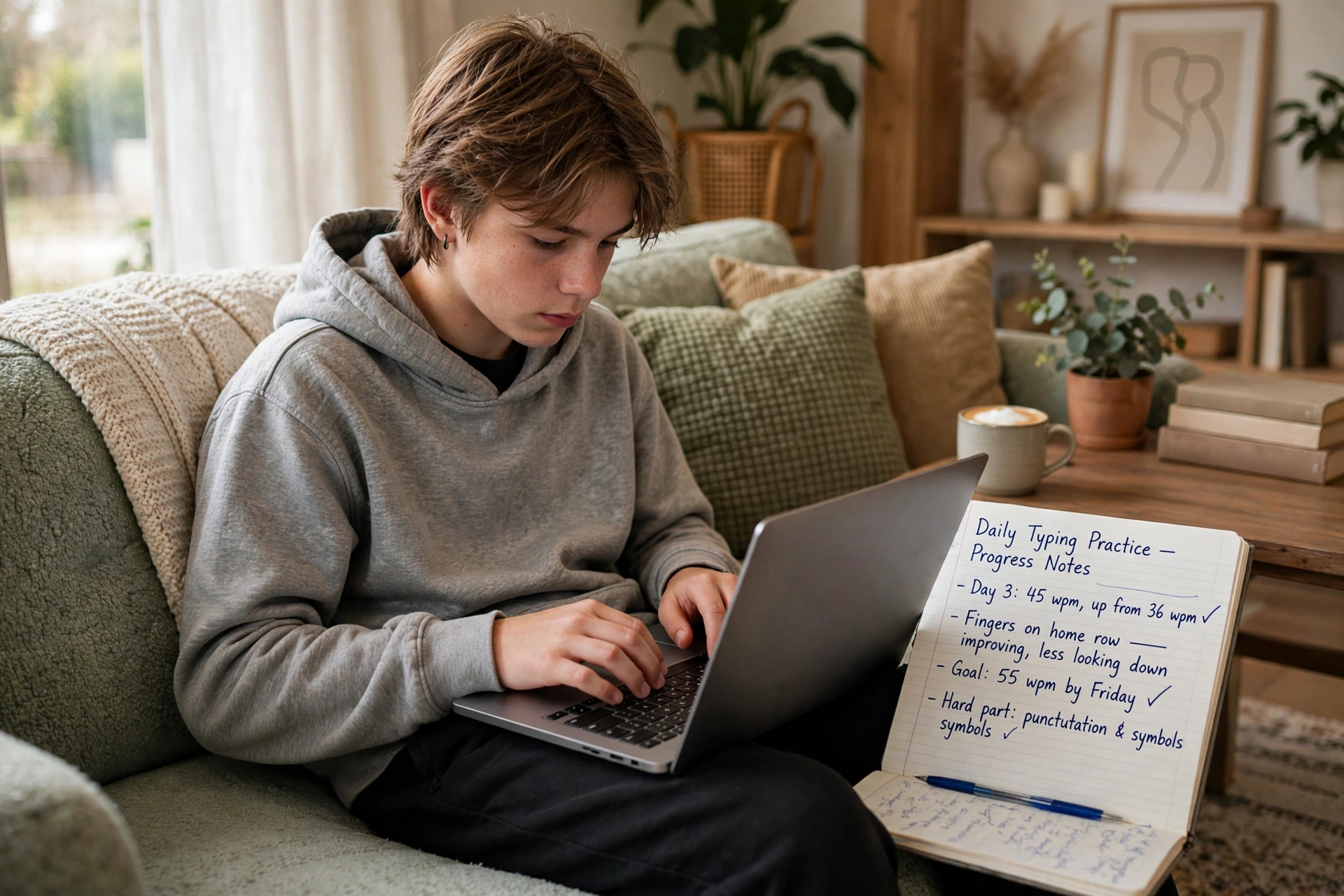
There will also be days where you type worse than the day before. That’s not failure — that’s your brain reorganizing what it learned. Sleep on it. Tomorrow is usually better.
What beginners ask about typing faster
Do I need a special keyboard to type faster?
No. Your regular keyboard is fine. Expensive mechanical keyboards feel lovely, but they don’t teach your fingers where the keys are. Technique matters far more than equipment.
Is it too late to learn if I’ve typed the wrong way for years?
Not at all. Relearning takes some patience because you have to override old habits, but plenty of people switch to proper finger placement after decades of hunt-and-peck and come out faster than before.
Should I learn on a laptop or a desktop keyboard?
Whichever one you use most. The layout is the same where it counts, and practicing on the keyboard you’ll actually use is the smartest choice.
How long should each practice session be?
Around ten to fifteen minutes is the sweet spot for beginners. Long enough to make progress, short enough that you don’t burn out or strain your hands.
Will my wrists hurt when I practice more?
They shouldn’t, as long as your posture is reasonable and you take breaks. Sharp or persistent pain is a signal to stop and reassess your setup — don’t push through real pain.
Start slow, finish faster
Typing faster isn’t about your fingers — it’s about trust. Trusting the home row, trusting your posture, trusting that ten quiet minutes a day adds up to something real. The looking-down habit took years to build, so give the new habit some time to take root.
Start tonight. Put a towel over your hands, find the home row bumps with your index fingers, and type one sentence without looking. It’ll be messy. Do it again tomorrow. Somewhere along the way, without any big announcement, you’ll notice you’re not watching your fingers anymore — and that’s when you’ll know it’s working.














