

You’ve probably heard someone say “I just opened TikTok for a minute and suddenly an hour was gone.” Maybe friends keep sending you videos, or you’ve seen TikTok clips everywhere else on the internet. And maybe you’ve thought: is this for me? The honest answer is that TikTok is simply a place where short videos live — funny ones, useful ones, beautiful ones, odd ones — and getting started is far less intimidating than it looks from the outside.
This guide is for the complete newcomer: no account, no experience, no idea what “For You page” means. Over the next few sections, you’ll set up your account sensibly, learn your way around the app, understand how the feed works, and — if you feel like it — post your very first video. By the end of your first week, TikTok will feel like any other app on your phone.
Setting Up Without the Regrets
Download the app, open it, and you’ll be asked to sign up. You can register with a phone number, an email address, or an existing account from another service. A dedicated email address is the calmest option — it keeps TikTok separate from everything else and makes account recovery straightforward if you ever get logged out.
Next comes the username. Pick something you won’t be embarrassed by in a year — your name, a nickname, or a simple combination. Avoid strings of random numbers if you can; they’re hard for friends to find and harder for you to remember. You can change it later, but only occasionally, so choose with mild care.
Then, before you do anything fun, visit the privacy settings. This is the step almost everyone skips and almost everyone later wishes they hadn’t. Decide whether your account is public (anyone can watch your videos) or private (only approved followers can). For your first week, private is the relaxed choice — you can always open it up later. Also look at who can message you, duet your videos, and see your liked videos, and set each to a level you’re comfortable with. Five minutes here buys total peace of mind.
Your First Tour of the App
Open TikTok and you land on the For You feed — an endless stream of short vertical videos chosen for you. Swipe up to move to the next one. That’s genuinely 90% of the interface. At the bottom of the screen you’ll find the main navigation: Home (the feed), Discover or Search (find topics, sounds, and people), the big + button (create), Inbox (notifications and messages), and Profile (your page).

On each video, the right-hand column holds the action buttons: like (the heart), comment (the speech bubble), save or favourite (the bookmark), and share (the arrow). Double-tapping the video itself also likes it — the fastest way to tell the app “more of this, please.” The spinning disc or sound name at the bottom tells you what audio the video uses; tapping it shows you every other video made with the same sound, which is how trends spread.
Don’t worry about understanding everything on day one. For the first couple of days, just watch. Like what you like, skip what you don’t (a quick swipe up), and let the feed learn. It learns fast — noticeably fast — and within a day or two it starts feeling uncannily tuned to your interests.
How the For You Feed Actually Works
The For You feed is a recommendation system: it watches what you watch and shows you more of it. It pays attention to what you linger on, what you like, what you share, what you watch to the end, and what you skip instantly. There is no test to pass and no settings to master — your ordinary behaviour is the instruction manual.
This means you can actively shape it. Want more cooking videos and fewer pranks? Linger on the cooking, like the cooking, follow two cooking creators, and swipe past pranks without hesitation. Within days, the pranks thin out. It also means the feed reflects your habits back at you, so if you find yourself in a doom-scrolling spiral of outrage clips, that’s a sign to deliberately engage with lighter stuff for a while.
Two practical controls worth knowing: you can long-press any video and choose “Not interested” to nudge the feed away from a topic, and you can pull-to-refresh the feed for a fresh batch. And if the app ever feels like too much, the screen-time settings let you set daily limits and bedtime reminders — genuinely useful, genuinely underused.
Following People Worth Your Time
Following is how you build a feed that feels like yours rather than the algorithm’s guess. Start with people you already know — the app can suggest contacts if you allow it — then branch out. Search for your interests: “beginner gardening,” “easy weeknight dinners,” “home workouts,” whatever you actually care about. Watch a few videos from a creator before following; one good video doesn’t guarantee a good account.

A healthy following list has variety: a few friends, a few educators in your hobbies, a few pure-entertainment accounts, maybe a news source or two you trust. Aim for quality over quantity — fifty accounts you genuinely enjoy beats five hundred you mute. And remember that unfollowing is guilt-free and invisible; curate ruthlessly. Your feed should make your day slightly better, not slightly worse.
Comments deserve a word too. TikTok comment sections can be genuinely funny and useful — tips, context, corrections — but they can also be rough. You never owe anyone engagement. Like the kind comments, ignore the rest, and use the block and filter tools without hesitation if someone is unpleasant. Your account, your rules.
Posting Your First Video (It’s Easier Than You Think)
You don’t have to post anything — most TikTok users mostly watch, and that’s completely fine. But if you’re curious, here’s the gentle path. Tap the + button and you’ll see the camera. Before recording, notice the options: you can pick a sound first (hugely popular approach — find a sound you like, then film to it), set a timer for hands-free recording, and choose video length.
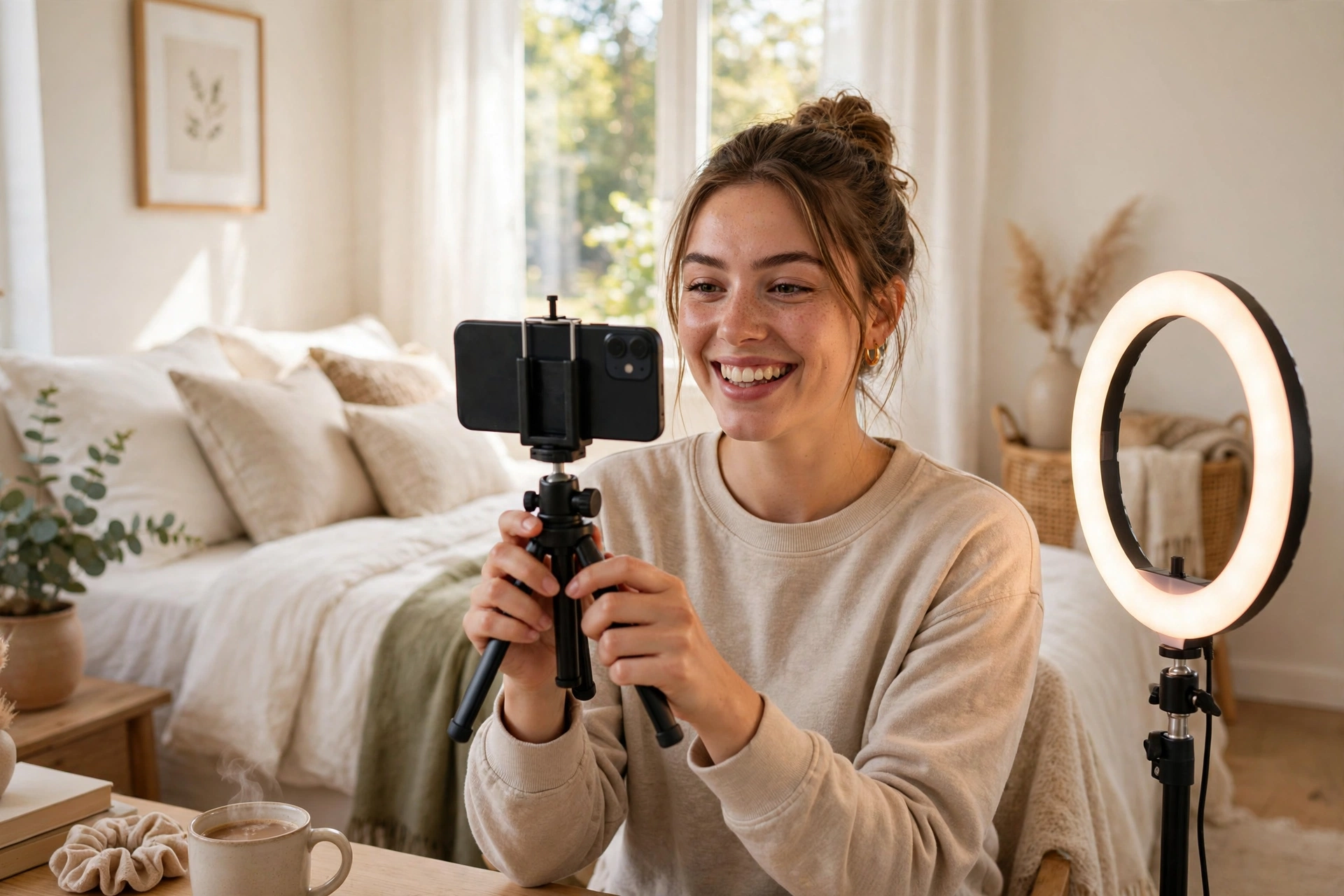
For a first video, keep it simple: fifteen to thirty seconds, good daylight (a window beats any lamp), phone propped up or on a cheap tripod, and one clear idea. “Here’s my bookshelf,” “my dog’s morning routine,” “three things I learned this week” — ordinary is fine. Ordinary is, in fact, most of TikTok. Record a few takes; nobody posts the first one.

After recording, the editing screen offers text overlays, filters, and effects. Add captions or on-screen text summarising the point — many people watch without sound, and text makes videos far more watchable. Then write a short caption, add a few relevant hashtags (three to five is plenty; don’t stuff thirty), choose a cover frame, and decide your audience for this video. Then post — and walk away. Refreshing the view count every ten seconds is a rite of passage, but it won’t change anything.
About views: your first videos will likely get modest numbers, and that’s normal — the app is still figuring out who likes your kind of content. Post a few times before judging. Consistency and genuine enjoyment beat chasing trends you don’t care about, every time.
Staying Safe and Sane
A few ground rules will keep your TikTok experience pleasant. Never share your exact location, daily routines, children’s school details, or financial information in videos or comments — assume anything you post could be seen by anyone, even on a private account (screenshots exist). Be sceptical of miracle cures, get-rich-quick schemes, and too-good-to-be-true giveaways; the short-video format is a paradise for scams, and “do your own research” applies double here.
Protect your time deliberately. Short videos are engineered to be sticky — that’s not a moral failing on your part, it’s design. Decide in advance how TikTok fits your day (the commute, the lunch break), use the app’s time limits, and notice how you feel after a session. Energised and amused? Great. Drained and twitchy? Time to curate or log off.
Finally, be kind in a way the internet rarely rewards. The creator you’re about to criticise in a comment is a real person who was nervous posting. If you wouldn’t say it to their face, don’t type it. The accounts people love most are rarely the most polished — they’re the most genuine.
First-Week Questions, Answered
Do I need to post videos to enjoy TikTok? Not at all. The large majority of users primarily watch. Post only if you want to — curiosity is a good enough reason, pressure isn’t.
Is TikTok free? Yes, the app is free. You’ll see ads between videos, and there are optional in-app purchases (like sending virtual gifts to creators), but watching and posting cost nothing.
Can I use it on a computer too? Yes — there’s a web version where you can watch, and even upload. The phone app is the full experience, though.
What if I see something upsetting? Long-press the video for options including “Not interested,” and use the report function for anything that breaks the rules. You can also filter specific keywords out of your feed entirely in settings.
Will people I know find me? They might, if your account is public or if you sync contacts. If you’d rather explore anonymously at first, keep the account private, skip contact syncing, and use a username that isn’t obviously you.
Press Record When You’re Ready
A week from now, TikTok will feel unremarkable — just another app where you watch things you like and, maybe, share things you make. That’s the whole trick: it looks like a youth-culture fortress from the outside and feels like television with a comment section from the inside. Set up thoughtfully, curate deliberately, guard your time, and don’t let anyone tell you you’re “too old” or “too serious” for it. Curiosity is the only prerequisite.
So finish your tea, open the app, and spend twenty minutes just watching. Like what delights you, skip what doesn’t, and let the feed do the rest. Your first week starts now — and your first video, whenever you’re ready, is going to be just fine.














