

Most of us never picked our browser. It was just there when the laptop or phone first switched on, and we kept using it out of habit. The default works fine — but we never asked whether something else might fit us better. I spent a month using Firefox as my main browser after years on the default, and this firefox review is the plain version: what felt good right away, what bugged me for a week, and who should bother switching at all.
Why Your Current Browser Might Not Be Your Choice
Think about how you got your browser. New laptop, you open it, there is an icon, you click it, you search for something. Done. Nobody sat you down with options. You just inherited a piece of software you now use for banking, work, messages, shopping, and late-night rabbit holes.
That matters because a browser is not a small thing anymore. It remembers your passwords. It knows which sites you visit at 7 a.m. and which ones you open at midnight. When one tool sees that much of your day, picking it on purpose instead of by accident feels sensible.
Firefox is one of the older names in this space. It is made by Mozilla, a non-profit group, and it runs on Windows, Mac, Linux, and phones. You do not pay for it. You download it, open it, and start browsing.
What Feels Different on Day One
The first launch is unremarkable, and that is a compliment. Address bar at the top, tabs, a back button. If you have used any browser in the last decade, you already know where everything lives. Importing bookmarks and saved passwords takes a few clicks during setup, and Firefox offers to do it for you.
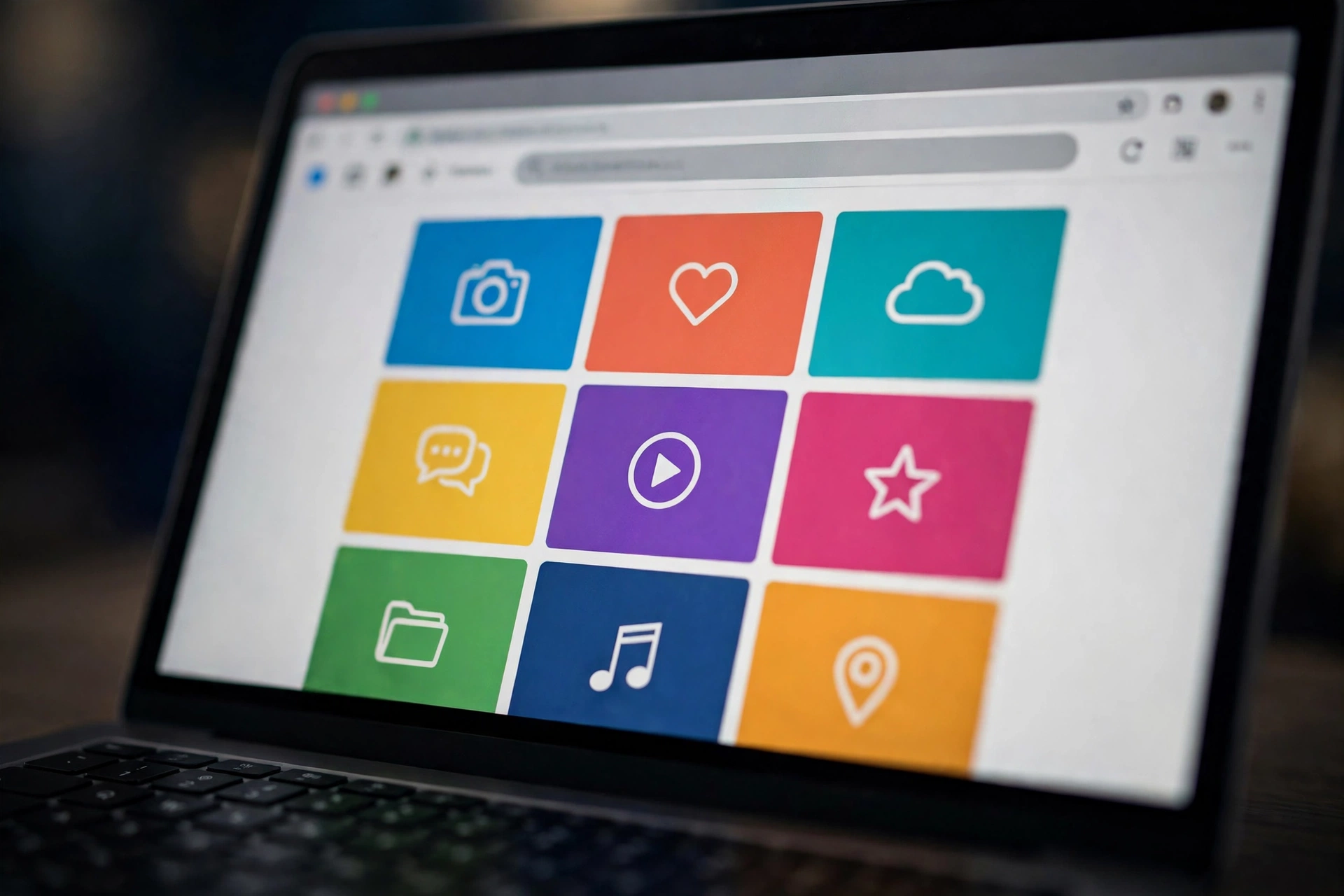
What struck me first was the new tab page. Open a fresh tab and you get a clean grid: a search box, shortcuts to sites you visit often, and recently closed pages if you want them back. No news feed shouting at you. No sponsored tiles trying to sell you a holiday. Just your stuff. After months of a new tab page that felt like a billboard, the quiet was noticeable.
Tabs behave well too. Open twenty of them — we all do it — and they stay readable instead of shrinking into tiny icons you cannot tell apart. A small dropdown at the end of the tab bar lists every open tab by name, which sounds dull until you are hunting for that one recipe tab among thirty others.
Private browsing is one click away: a separate window that forgets history, cookies, and form entries when you close it. Handy for booking flights on a shared computer or checking a surprise gift without leaving clues.
The Parts That Take a Week to Click
Honesty time: the first two days felt slightly off. Not broken, just unfamiliar. The menu sits in a different corner. Settings use different words. A shortcut I used on autopilot did something else. My hands kept reaching for the old layout.
Search from the address bar took a small adjustment. You can pick your default search engine in settings, and search a specific site straight from the bar by typing a shortcut first — invisible until someone shows you, then hard to give up.
Downloads live in a small panel near the top right instead of a full page. Screenshots work the same way: Firefox has a built-in tool to capture a page or part of it, and it took me a week to remember it was there instead of reaching for a separate app.
Some websites assume everyone uses the same browser. Once or twice a month I hit a page that looked a touch wonky, and opening it in the old browser fixed it. Less than I feared, but a fair review should say so.
Privacy, Without the Lecture
Firefox talks about privacy a lot in its own marketing. Strip away the slogans and a few practical things remain: tracker blocking with a simple choice between levels, so you can stop more of the invisible scripts that follow you between sites without breaking the pages you visit. Private windows forget your trail when closed.
None of this demands a research project. The default settings are sensible, and tighter controls sit in one settings area written in plain language, with a short explanation next to each toggle. Tap the small shield in the address bar and Firefox shows you, in ordinary words, what it blocked on that page. No guilt trip. Just a quiet report.
One habit worth stealing regardless of browser: use separate profiles for work and personal life. Your work tabs, logins, and history live apart from your personal ones, so your manager never sees your holiday searches when you share your screen.

Extensions and the Little Everyday Tools
A browser on its own is bare bones. The small add-ons — extensions — are where it becomes yours. The library has the usual suspects: ad blockers, password managers, note clippers, dark mode toggles, price trackers. Installing one takes seconds. Removing it is just as fast.
My daily set is boring and proud of it: a password manager, a note clipper, and a tab suspender that puts sleeping tabs to rest so my laptop fan stays quiet. The built-in reader mode deserves a mention too — one click strips a cluttered article down to clean text on a plain background. If you read a lot online, that alone can justify the switch.
Sync is the other quiet win. Sign in with a free account and your bookmarks, passwords, open tabs, and history follow you between laptop and phone. Start reading on the sofa, finish on the train. I forgot about it within a day — exactly what sync should feel like. You can also tidy the toolbar, hiding buttons you never touch. Ten minutes on day one pays off daily.

Who Gets Frustrated and Quits Early
Let me save some people an afternoon. If your workplace runs on web tools built for one particular browser, Firefox will fight you. Some company systems, exam portals, and older government sites treat every other browser as an afterthought. Keep the default around for those — your sanity matters more than browser purity.
People deep inside one company’s ecosystem may feel friction too. If your photos, documents, phone, and laptop all live in a single account with the browser as glue, moving one piece feels like pulling a thread. Firefox sync covers the browser side well, but it will not merge your whole digital life into one dashboard.
If you mostly read, shop, bank, watch, and message — the normal internet — Firefox handles all of it without drama. Page loading felt the same as before in my month of use, and the confusion lasted about as long as learning a new kitchen layout: a few days of opening the wrong drawer, then muscle memory takes over.
Questions People Ask Before Switching
Is Firefox free?
Yes. You download it and use it without paying. There is no trial period and no premium tier hiding the good features. Mozilla is a non-profit, and the browser itself costs nothing.
Will my bookmarks and passwords move over?
During setup, Firefox offers to import bookmarks, saved passwords, and history from your old browser. It took me a few minutes, and the option stays in settings if you skip it.
Can I use it on my phone too?
Yes — phone and tablet versions exist, and with a free sync account your tabs and bookmarks travel between devices. Open a page on your laptop, pick it up on your phone.
What if a website does not work properly?
It happens now and then. Keep your old browser installed for those stubborn pages — no rule says you must use only one. Most people who switch open the default a few times a month at most.
Is it hard to go back?
Not at all. Your old browser stays exactly as you left it. If Firefox does not suit you after a week, close it and carry on. Trying it is an experiment, not a commitment.
Give It One Honest Week
Here is my whole take, minus any hype. Firefox feels calmer than the default most of us inherited. The new tab page stays out of your way, private browsing is simple, the privacy controls speak plain English, and sync ties your devices together. The cost is a few days of mild unfamiliarity and the odd website that prefers a different browser.
Download it, import your bookmarks, and use it as your only browser for one week. Do not judge the first hour — that is just your hands learning a new layout. Judge day seven, when you stop thinking about the browser at all and only your work and reading remain. Firefox passed that test for me. It might for you too.














