

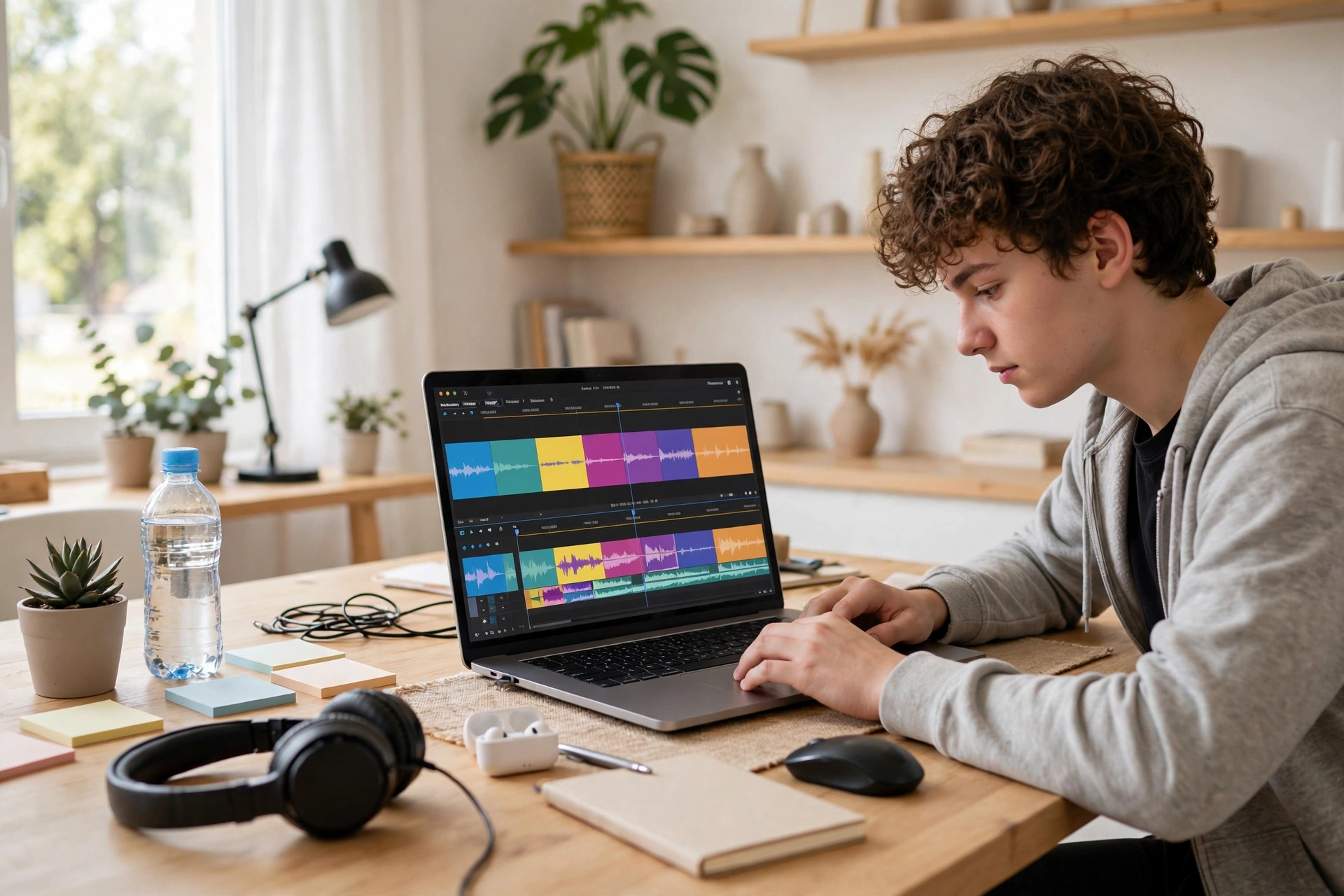
Opening an editing app for the first time feels a bit like sitting down at someone else’s piano. Rows of buttons. A timeline that looks like a train track. Windows you are scared to touch in case the whole thing breaks. That feeling puts a lot of people off before they even start. Here is the change worth knowing about: a new wave of AI video editing tools for beginners does the fiddly parts for you. The cuts, the captions, the shaky middle minute where you said “um” twelve times — software can handle much of that while you focus on the story. You do not need to become an editor. You just need one small video, and a tool that meets you halfway.
Why Editing Used to Feel So Heavy
Traditional editing asks you to think like a technician. You learn what a playhead is. You hunt for the razor tool. You drag clips around, nudge the audio, export, find the sound is too quiet, and start again. None of it is hard once you know it — but knowing it takes a weekend most people never give it.
The older way front-loads the boring jobs, too. Watching footage back in real time. Cutting pauses out by hand. Typing captions word by word. By the time the fun part arrives, a lot of beginners have already closed the laptop.
That is the gap the newer tools aim at. Not making films for you. Just clearing the dull, repetitive work off your plate so a first video feels possible on a weekday evening.
What These Tools Actually Do for You
Strip away the marketing and most beginner-friendly editors lean on the same handful of tricks. The first is automatic cutting. The software listens to your footage, finds the silences and the wobbly false starts, and trims them away. A rambling five-minute clip can come back as a tight ninety seconds without you touching a single cut point.
The second is captions without the typing. The tool transcribes your speech and places the words on screen, timed to your voice. You read through, fix a name it heard wrong, maybe change the size so it reads well on a phone. Minutes of work, not an evening of it.
Then there is cleanup. Background noise gets softened. A plain room behind you can be blurred or swapped out. Shaky handheld footage gets steadied. None of this turns a bad recording into a great one, but it nudges an ordinary clip into something you are happy to share.
Templates tie it together. Pick a layout for a short vertical video or a simple tutorial, drop your clips in, and the pacing, transitions, and music placement are already decided. You are filling in a frame, not building one from an empty screen.
Picking a Starting Point That Fits Your Habits
Beginners usually edit in one of two places, and the honest answer depends on where you already spend your time. If your footage lives on your phone and you want to post from the sofa, a phone-first editor makes sense. The whole flow — record, trim, caption, share — stays in one app, and nothing needs to move between devices.
If you record longer videos, or you like a bigger screen and a real keyboard, a browser or desktop editor feels calmer. Text-based editing is the feature to look for there: the tool shows your words as a document, and deleting a sentence deletes that moment from the video. Editing starts to feel like trimming a paragraph, which most of us already know how to do.
Whichever you choose, run one test first. Take a recent clip and try to make a thirty-second video from it. If you finish without opening a help page, the tool suits you. If the first ten minutes leave you stuck, try another. Fit matters more than features at this stage.
Recording With the Editor in Mind
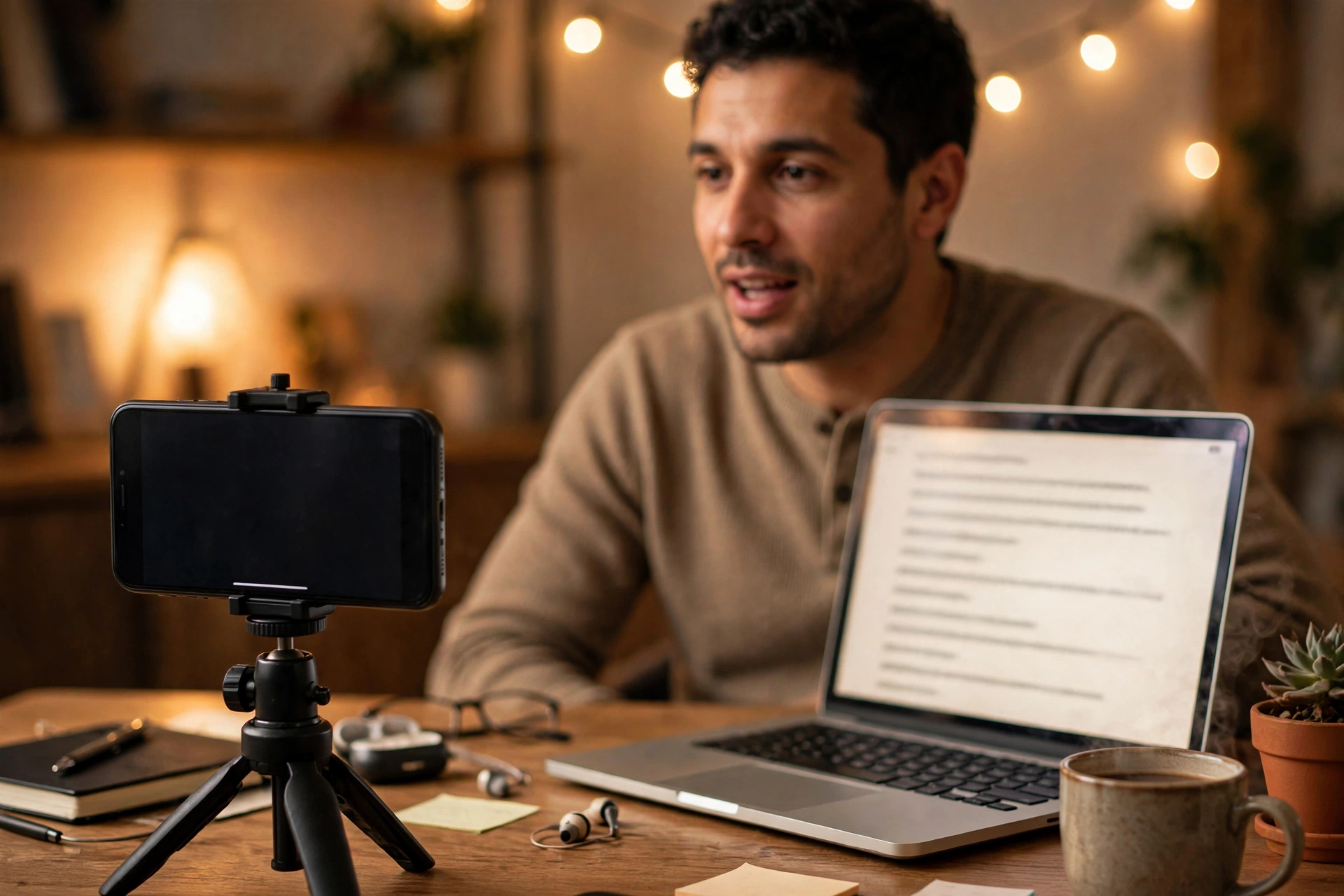
A small secret from people who edit a lot: good editing starts before you press record. You do not need fancy gear. A phone on a small tripod, facing a window or a soft lamp, beats a camera wobbling in your hand every time. Steady footage gives the software less to fix and gives you fewer reasons to re-shoot.
Sound deserves the same care. Record a few seconds of the room and listen back with headphones. Hear a fridge humming or traffic rolling past? Move a few feet and try again. Cleanup tools soften noise, but a quiet room from the start always wins.
Leave a beat of silence at the start and end of each take, too. Those little pauses give the auto-cut feature clear edges to work with, and they stop your first word from getting clipped. It sounds minor. It saves real annoyance later.
A Simple First Video You Can Finish Tonight
Forget the hour-long project for now. Aim for something small and done: a sixty-to-ninety-second video where you talk to the camera about one thing you know well. A recipe shortcut. A tip from your job. Something your friend group already asks you about. One idea, one take, no script beyond a few notes.
Shoot it in one go, mistakes included. The false starts and long pauses are exactly what the automatic cutting is for. When you drop the clip into your editor, let the tool trim the silences first, then watch the result once through. You will probably be surprised how watchable it already feels.
Next, turn on the automatic captions and read them like a proofreader, not an editor. Fix names, fix the odd misheard word, and leave the rest alone. Add a template only if the plain version looks bare — often a clean caption style is plenty for a talking video.
Export it and watch it on your phone, the way a viewer would. Check the sound at a normal level, glance at whether the captions stay readable, then stop. First videos teach you more when they get finished and shared than when they polish forever on a hard drive.
Mistakes Almost Everyone Makes at the Start
The most common one is over-editing. Beginners see every tool in the panel and feel they should use all of them — transitions between every clip, effects on every caption, music under every second. The result looks busy and a bit tired. Pick one or two touches and let the rest be plain. Calm usually reads as confident.
Another classic: trusting the automatic transcript blind. It gets most words right and quietly mangles the ones that matter — names, places, anything unusual you said. Read every caption once before you share. It takes three minutes and saves you from the comment pointing out that you apparently live in a town you have never heard of.
And watch the temptation to re-record forever. Auto-cut features exist partly to rescue imperfect takes. If a sentence came out clearly, keep it — even if your face did something odd halfway through. Viewers forgive a blink. They do not forgive a video that never gets posted.

What New Editors Usually Ask
Do I need a powerful computer for this?
For short videos, no. Phone-based and browser-based editors carry the heavy processing on their side, so an ordinary laptop or mid-range phone copes fine. Older hardware only struggles with long, high-resolution footage — another reason to keep first projects short.
Will an AI-edited video look obviously artificial?
Not if you stay light with it. The giveaways are overdone effects, captions you never checked, and cuts so tight the video never breathes. Use the tools for the labor, then make the final calls yourself. Your judgment keeps it human.
Should I film vertically or horizontally?
Match it to where the video will live. Short clips for social feeds usually suit vertical framing, while anything headed for a computer screen or a TV suits horizontal. Many editors can reframe a clip for you, but filming in the right shape from the start always looks better.
How long should my first few videos be?
Shorter than you think. A minute or two is a friendly size: long enough to say something real, short enough to finish in one sitting. As your confidence grows, length can grow with it.
Make One Small Video This Week
That is the whole ask. Not a channel launch, not a content plan — one small video, shot on your phone, cleaned up by tools that do the heavy lifting, captions checked once by your own eyes.
The intimidating blank timeline is not the boss of you anymore. The software handles the cuts and cleanup; you bring the one thing it cannot invent — something worth saying. Pick your topic tonight, prop the phone up, and press record.














