

You know that sinking feeling. A meeting ends, a lecture finishes, or a friend tells you a wonderful story on a voice note — and you know the words are trapped inside an audio file. Listening back and typing it all out sounds like an evening gone. Pausing, rewinding, mishearing a name, starting again. Most people leave the recording sitting on their phone for weeks, then give up on it entirely. That dread is exactly why AI transcription tools exist. They listen to the audio for you and hand back written words you can read, search, and tidy up. Nothing about the idea is fancy once you see it plainly. You talk, or someone else talks, and you end up with text instead of a sound file you never revisit.
What the tool actually does
Strip away the marketing and the job is simple. A transcription tool takes spoken language and turns it into written language. You give it a recording — a voice memo, a meeting, a class, an interview — and it plays the audio through a system trained to recognise speech patterns. Words appear as text, usually in the order they were spoken. Some tools also split the text by speaker, so you can see where one voice stops and another begins. Others add rough timestamps, which help when you want to jump back to one part of a long session.
None of that means the tool understands your conversation the way a person would. It hears sounds and matches them to likely words. Accents, mumbling, background noise, and two people talking over each other can all trip it up. That is normal, not a sign that you did something wrong. Think of the first draft as a helpful rough copy rather than a finished document. Your job comes after: reading through, fixing the odd misheard word, and shaping the text into something you can actually use. People who expect a perfect transcript on the first pass tend to feel let down. People who expect a strong starting point tend to feel relieved.
Your recording decides the result
Here is the honest secret nobody puts in a headline: the quality of your audio matters more than the tool you pick. A clear recording made in a quiet room will beat a noisy one every time, no matter how clever the software claims to be. Sit close to the microphone. Ask everyone to speak one at a time where you can. Turn off the television in the background and move away from a humming fan if you can. Small choices like these save you far more editing time than any setting buried in a menu.
Your phone already records well enough for a first try. Hold it steady, place it on the table between speakers rather than in a pocket, and do a ten-second test before the real conversation starts. Play that test back. Can you hear every voice clearly? If not, move the phone closer or find a quieter corner. A test takes seconds and rescues recordings that would otherwise come back patchy. Once you have a decent recording habit, almost any transcription tool will give you something workable. Without one, even the best tool spends its effort guessing.

Choosing without spiralling
Search for transcription tools and you will meet a wall of options, each promising to be the easiest or the smartest. Beginners do not need to compare them all. Start with what you already have. Many phones and computers include a basic way to turn speech into text, and many note-taking apps offer transcription as part of what they do. Trying one familiar option first teaches you more than reading twenty reviews. You will learn how long your recordings take to process, how the text looks when it comes back, and which rough edges bother you most.
When you do look further, judge a tool by plain questions. Can you upload a recording you already made, or must you record inside the tool itself? Does it let you edit the text afterwards and export it as a document you can keep? Does it handle more than one speaker? Does it work with the language you actually speak? Those answers matter far more than a long feature list. Skip anything that asks you to commit before you have tried a short recording of your own. A two-minute test with your own voice tells you more about fit than any demo clip made under perfect conditions.
Making the rough text useful
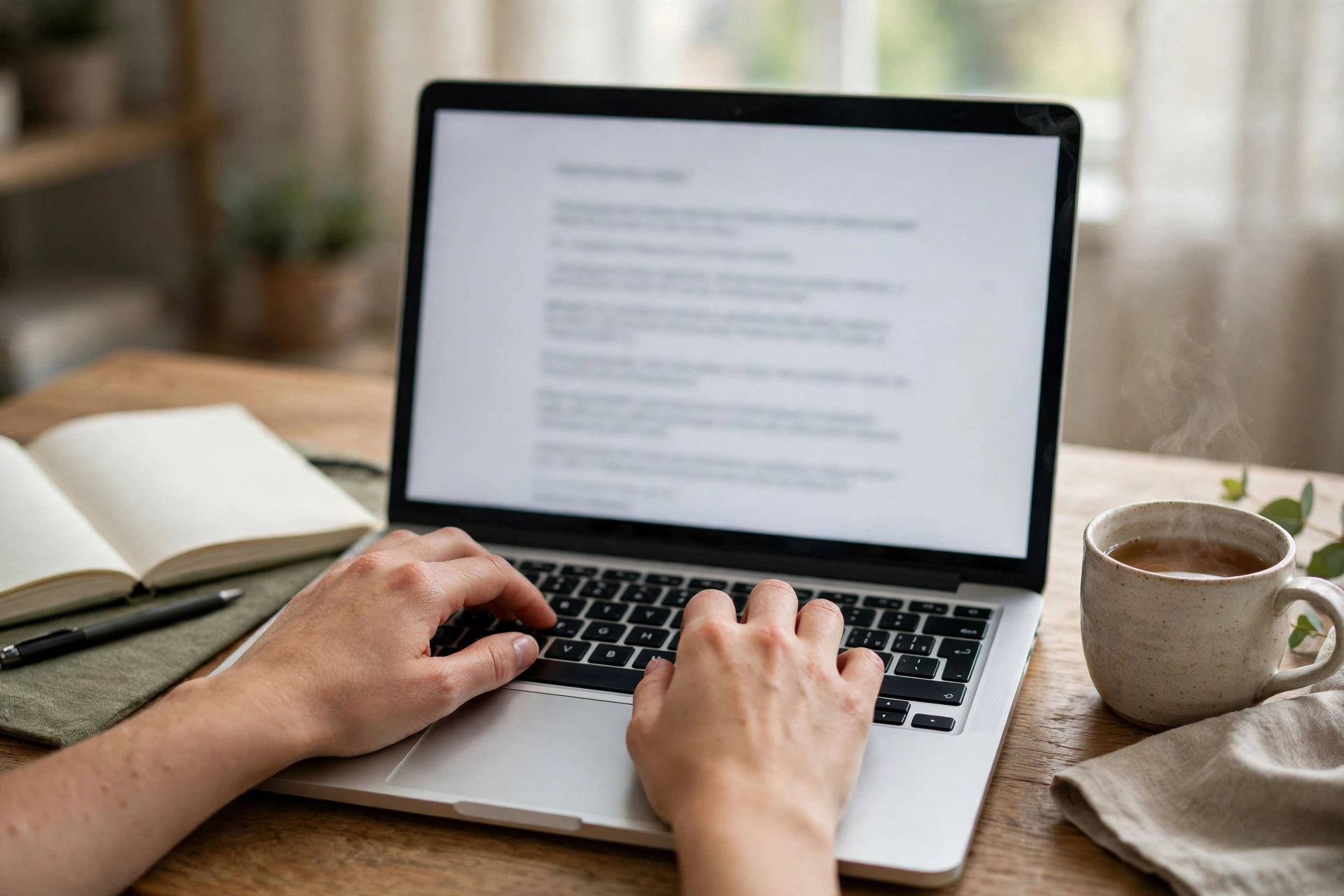
When your first transcript comes back, resist the urge to fix every line from the top. Read it through once, just to get the shape of it. Mark the parts that matter: the decision in a meeting, the quote in an interview, the explanation in a lecture that finally clicked. Spoken language rambles. People repeat themselves, trail off, and change direction mid-sentence. Your transcript will carry all of that. Cutting the filler is part of the job, and it is much quicker than typing from scratch.
Names deserve a second look. Tools often mishear unusual names, place names, and technical terms, because those words appear less often in everyday speech. If a name looks wrong, listen to that short stretch of audio again and correct it by hand. The same goes for numbers and dates, which matter when you plan to quote or share the text. Fixing a handful of details beats rewriting pages, and it keeps the transcript trustworthy. Save your edited version somewhere you can find it later, with a clear file name and the date of the recording. Future you will be grateful.
Where beginners get the most value
Some uses suit transcription better than others, and picking one helps you learn fast. Students use transcripts to revisit lectures without replaying an hour of audio to find one point. Interviewers use them to quote people accurately instead of trusting scribbled notes. Anyone who runs meetings uses them to keep a record of what was agreed, so nobody has to argue about it later. Podcast listeners use them to search an episode for a topic instead of scrubbing through the whole thing. Content creators turn spoken ideas into drafts they can shape into posts or scripts.
Notice what these uses share. Nobody is asking the transcript to be beautiful. They want something searchable, quotable, and honest to what was said. If your goal is a polished article, the transcript is raw material, not the finished piece. You will still rewrite, reorder, and cut. If your goal is notes, a lightly tidied transcript may already be enough. Setting that expectation before you start keeps the whole process calm. You are not chasing perfection. You are saving yourself hours of typing and gaining a record you can actually use.
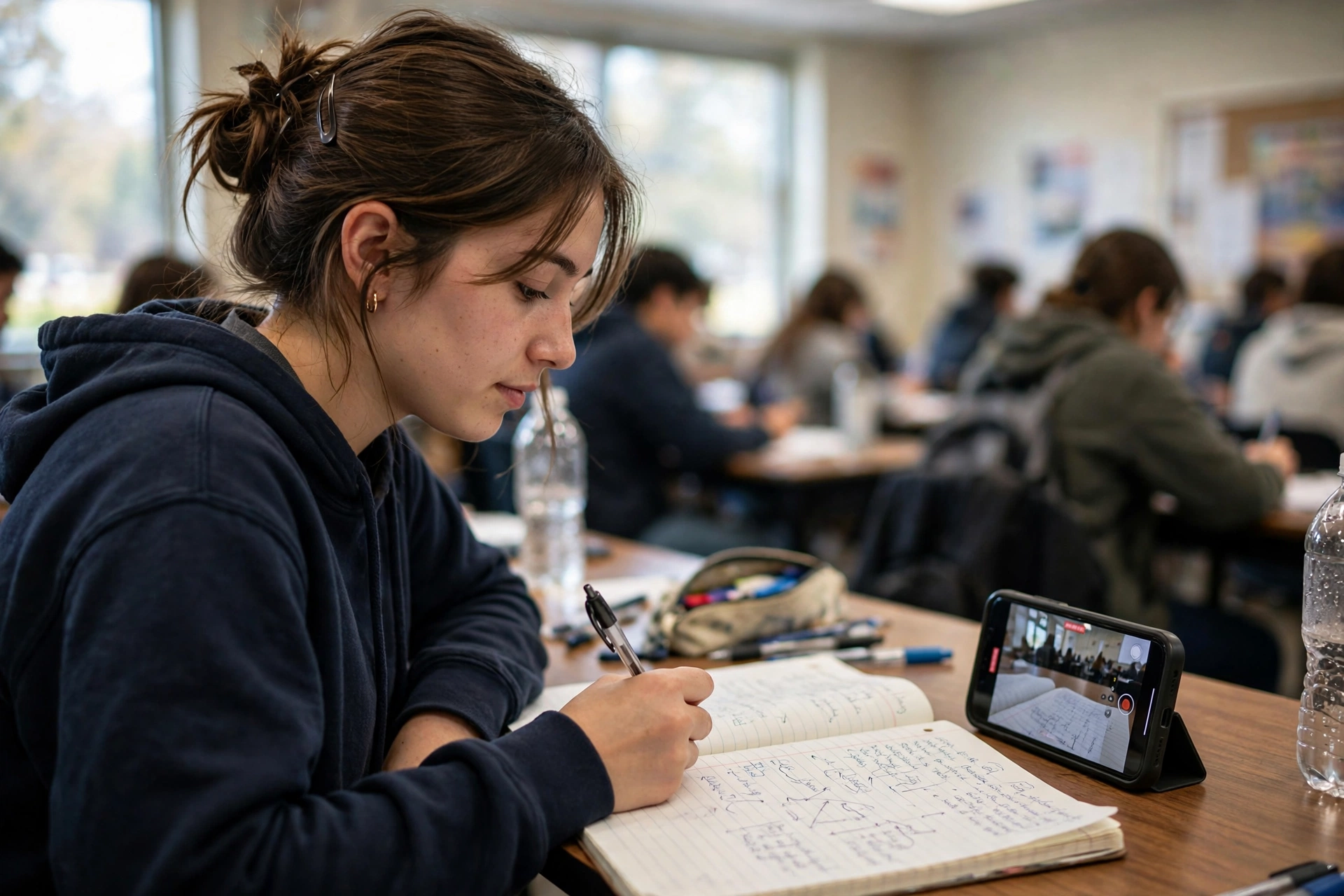
Before you press record, you might wonder
Do I need permission to record someone?
Yes, ask first, every time. Tell people you plan to record, explain what the recording is for, and let them say no. Most people agree happily when they understand the purpose. Recording someone without their knowledge can damage trust and, in some places, break the law. A quick sentence at the start — “Mind if I record this so I can get your words right?” — covers both courtesy and consent.
Will the tool handle accents and fast talkers?
It will cope better than many beginners expect, and worse than a patient human would. Clear, steady speech in a quiet room gives the best results. Heavy background noise, overlapping voices, and whispered asides cause the most errors. If a recording comes back messy, treat it as a lesson about the recording conditions, not proof that transcription never works. Try again in a quieter spot before you write the idea off.
Should I keep the audio after I have the text?
Keep it, at least until you have checked the transcript and fixed the details that matter. Audio is your backup when a word looks doubtful. Once the text is settled and you no longer need to check it, you can decide what to keep based on your own storage and privacy habits. For anything personal or sensitive, think about who can access the files and delete what you no longer need.
Press record on something small this week
Do not start with the most important interview of your life. Start with something low-stakes and short. Record yourself talking through an idea for two minutes. Record a chat with a friend who does not mind being your guinea pig. Run it through a tool, read the result, fix the names, and notice how much time you saved compared with typing it yourself. That small win teaches you the whole workflow: record well, get text back, tidy it up, use it.
Once that feels easy, the bigger uses open up on their own. Lectures become searchable. Meetings leave a paper trail. Interviews turn into quotes you can trust. You still do the thinking, the editing, and the deciding — the tool only removes the most tedious step. Talk first, type never, and let the words you already spoke do the work they were waiting to do.