

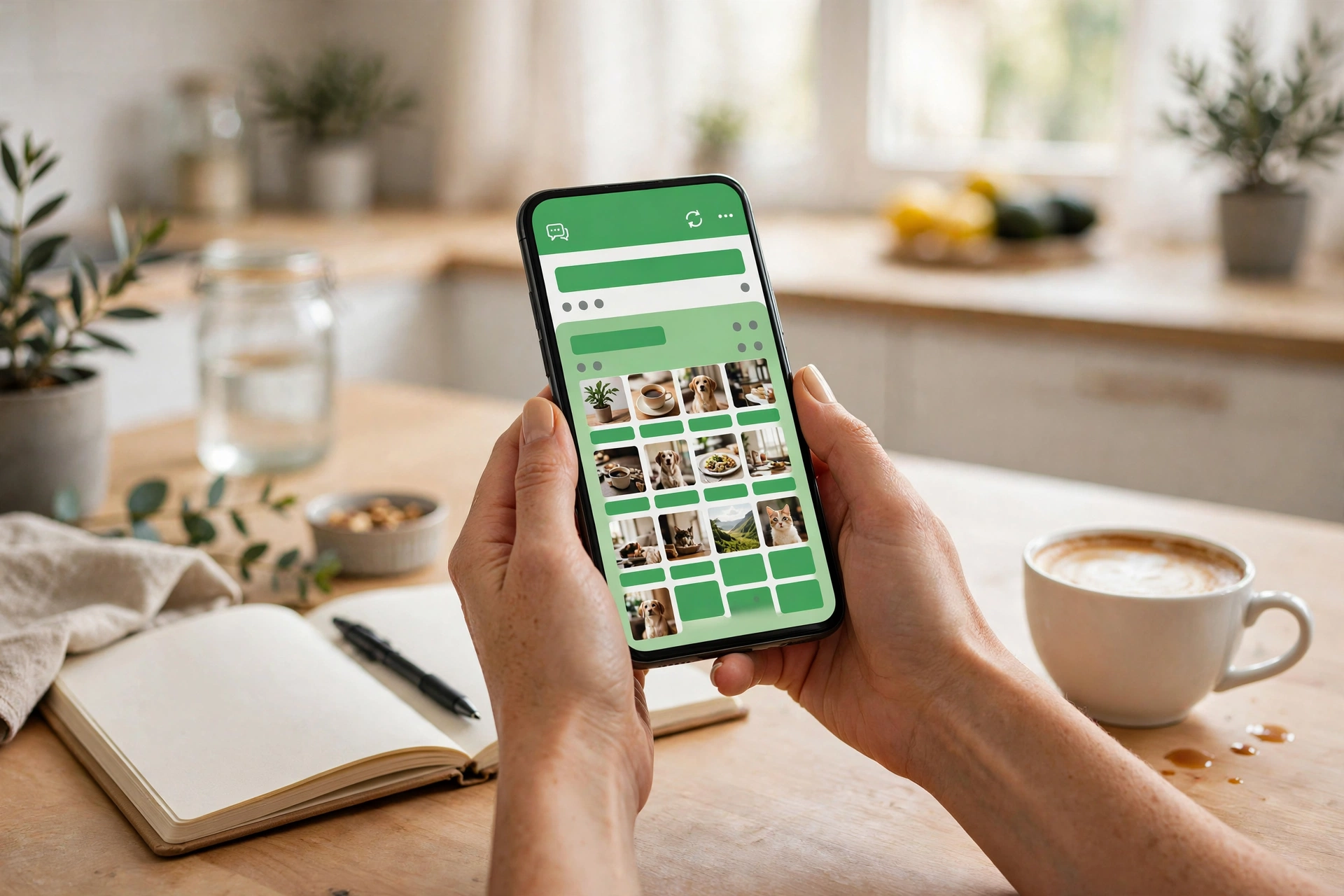
Have you ever needed to tell a hundred people something at once — and groaned at the thought of adding them all to a group chat? You know how that ends: forty “noted” messages, your phone buzzing at midnight, and the one person who asks a question you answered three days ago. There is a calmer way. WhatsApp has a feature called Channels that works like your own little broadcast station: you post, people follow, and nobody can start a conversation inside your channel. This guide walks you through what a channel is, how to create one in a couple of minutes, and how to get people to actually follow it. If you can send a WhatsApp message, you already have every skill this requires.
So what is a WhatsApp channel, exactly?
A channel is a one-way broadcast. You post text, photos, videos, polls, and links; your followers see them in their Updates tab. They can react with an emoji, but they can’t start a conversation inside your channel, and they can’t see each other. Think of the difference between standing on a stage with a microphone and sitting around a dinner table. The stage is the channel: everyone hears you, nobody talks over you.
It’s also different from a broadcast list. A broadcast list sends your message as a separate private chat to each person — fine for birthday wishes, hopeless for a hundred followers. A channel keeps everything in one place, under your channel’s name, where anyone who follows can catch up on anything they missed.
Why does this matter for beginners? Because it removes the social pressure. Nobody has to reply. Nobody’s phone lights up with other people’s small talk. People follow because they’re interested, and they stay because you respect their attention.
Why a channel beats a group for announcements
Picture a school parents’ group with eighty members. The teacher posts the field trip details. Then come forty “thanks” messages, someone asks a question the original message already answered, two parents start a side conversation about packed lunches, and the trip details are buried forever. Channels fix this by design. Only admins post. Followers can’t derail anything, because there’s nothing to derail.
Privacy runs both ways, which is the part most beginners don’t expect. Your phone number stays hidden from your followers — they follow the channel, not you personally. And your followers stay invisible to each other; nobody’s contact details get exposed to the crowd. That matters if your channel is for a community, a class, a hobby club, or anything where people might not all know each other.
What you need before you create one
Almost nothing, honestly. You need WhatsApp installed and an account — the same one you already use. Beyond that, the useful preparation is all thinking, not tech.
First, know what your channel is about. “Updates” is too vague; “match fixtures and results for our Sunday league team” is a channel people will actually follow. A channel with a clear topic grows. A channel about “stuff I’ll post sometimes” stalls.
Then pick a name that says what it is. People deciding whether to follow read your name and your short description, nothing else. Write the description the way you’d explain it to a friend in one sentence. And keep a short list — five or six ideas — of things you’d post in the first week. A channel that goes silent the day after it’s created looks abandoned, and first impressions stick. You don’t need the posts written yet, just the ideas: a photo, a poll asking what people want to hear about, a short welcome message. That’s enough to start with momentum.
Creating your channel takes about two minutes
The process is short. Open WhatsApp and head to the Updates tab — that’s the screen where statuses and channels live. Somewhere on that screen you’ll find the option to create a new channel. Tap it, and the app walks you through the setup.
You’ll be asked to give your channel a name and a short description. There’s usually a spot to add a picture too — a simple photo or logo works fine. Don’t overthink it; you can change all of this later. Confirm, and your channel exists. That’s genuinely it. The whole thing takes less time than ordering a coffee.
Before posting anything, open the channel and look around. Find where the share link lives — you’ll need it soon. Then send your first update, something small and human: who you are, what you’ll be posting, and how often. “Hi, this is where I’ll post our running club’s weekly routes and race results — every Sunday evening.” One message like that turns an empty channel into a real thing.
The privacy part is better than you think
This deserves its own moment, because it’s the question everyone asks first: will strangers see my phone number? No. Followers see your channel’s name, picture, and posts — not your number, not your profile details.
The same protection runs the other way. Your followers are hidden from each other. Someone who follows your channel can’t browse a list of the other followers or message them. For community organisers, teachers, and anyone running something where members value their privacy, this is quietly the best feature channels have.
One honest note: your channel is still public in the sense that anyone with the link can follow it. So post like someone you don’t know might read it — because they might. Keep personal details, exact addresses, and anything you’d regret out of your updates. That one habit covers almost every privacy worry you’ll ever have.
What to actually post (and how often)

The channels people stick with feel like a person talking, not a company announcing. Short text updates work. Photos work better. Short videos and polls work best of all, because they give followers something to do — tap an emoji reaction, vote, watch. A link now and then is fine; a channel that is only links feels like spam, and people drift away.
Frequency matters more than volume. Two or three good updates a week beats ten forgettable ones a day. Think of it like texting a friend: you’d never send them twelve messages before breakfast, so don’t do it to your followers either. A simple rhythm — one update on Monday, one on Thursday — builds a habit for you and for them.
Here’s a trick that costs nothing: ask your followers what they want. A one-question poll (“what should I cover next week?”) does two jobs at once — it gives you ideas, and it makes people feel the channel is theirs too. Engagement isn’t a marketing word here; it’s just people feeling included.
And don’t chase perfection. Channels reward consistency and honesty, not polish. A slightly blurry photo of something real beats a flawless stock image every time. Your followers signed up for you, not for a magazine.
Getting your first followers without begging
Every channel starts at zero followers, and that number feels enormous for about a week. Then it moves. Here’s how to nudge it.
Start with your channel’s share link. Send it to the people who’d genuinely care — the group chat it replaces, friends who asked to be kept in the loop, your status. One short message: what the channel is, why it’s useful, the link. That’s the whole pitch. People who want it will tap; people who don’t, won’t. Both outcomes are fine.
If you run a group that your channel replaces, pin a message in the group pointing to the channel and say the announcements are moving there. Most people will be relieved — they’d rather follow a quiet channel than wade through a noisy group.
Then be patient and keep posting. Channels grow slowly at first because people follow things that look alive. Ten good updates and a clear description convince a stranger to follow; an empty channel with one post does not. Growth follows quality with a delay. That’s not a flaw in the system; it’s just how trust works.
Questions beginners ask before pressing create
Does it cost anything?
No. Creating a channel and posting to it is free, like the rest of WhatsApp.
Will my followers see my phone number?
No. Followers see your channel’s name, picture, and posts. Your number and profile stay private.
Can followers reply to my posts?
Not inside the channel. They can react with emoji. That’s by design — it keeps the channel readable. If someone wants to talk, they’ll message you separately.
Can someone else help me run it?
If your channel grows, you can usually add other people as admins to help with posting. Start alone, add help when you actually need it.
What if I post something by mistake?
You can delete or edit your updates the way you would any other message. Fix it, move on — nobody will remember by next week.
Your first broadcast is closer than you think
You now know more about channels than most people who already run one. The idea is simple — one-way updates, quiet followers, your number stays private. The setup takes minutes. The hard part was never the tech; it was deciding the channel was worth starting.
So decide. Pick the name, write the one-sentence description, and post that first hello. Your first ten followers will probably be friends, and that’s perfect — every big channel started as a small one with a friend who tapped follow. A month from now, you’ll wonder why you waited.














