

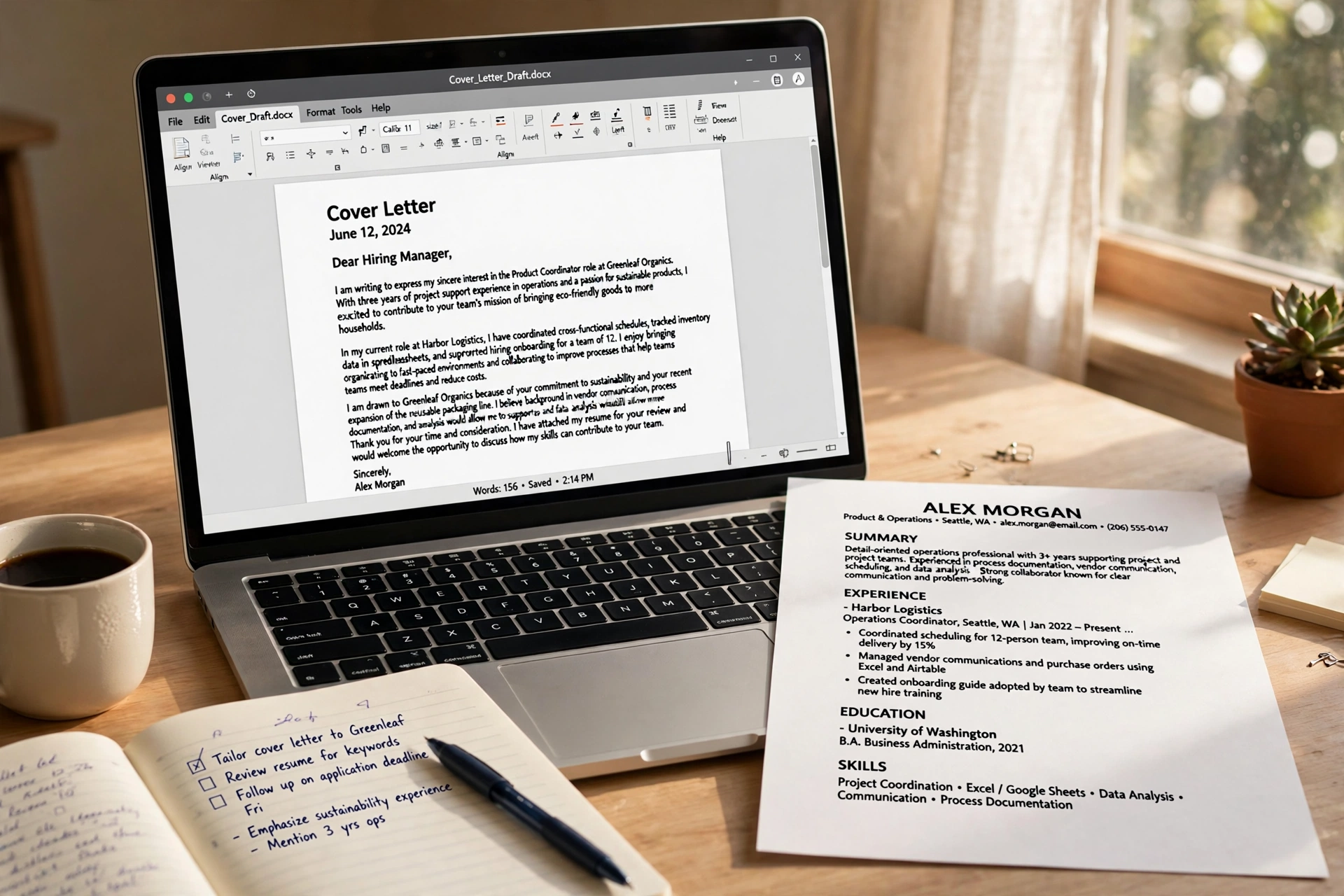
Writing a job application is a strange kind of torture. You care deeply about getting it right, but the tenth cover letter of the week feels like filling in a tax form. AI can take the worst of the drudgery away — and if you use it well, your applications can sound more like you, not less. The trick is knowing exactly where AI helps, where it hurts, and where the human (that’s you) has to stay in charge.
Why Your Applications Deserve Better Than Copy-Paste
Most rejected applications fail for the same reason: they feel generic. The CV could belong to anyone, the cover letter could be addressed to anyone, and the hiring manager — who might skim dozens of applications in a sitting — moves on. Learning how to use AI for job applications is really about fixing that problem at scale: producing tailored, specific, polished applications without spending six hours per posting.
But there is a trap hiding inside the solution. If you paste the job description into a chatbot and send off whatever comes back, you will get a document that is technically fine and completely forgettable. Recruiters read thousands of these; they can feel when nobody was home. Worse, unchecked AI output can invent job titles, stretch your experience, or add skills you don’t actually have. That is not a shortcut — that is a landmine.
The right mindset is this: AI is your tireless first-draft assistant and your toughest proofreader. You are the editor, the fact-checker, and the person whose name goes at the top. With that partnership in place, here is how to work through a real application, step by step.

Start With the Job Description, Not a Blank Page
Before you touch your CV, copy the job posting into an AI chatbot and ask a simple question: what are the five most important skills and requirements in this listing? Most AI tools handle this well because it is pure analysis, not invention — the answer comes straight from the text you provided.
This gives you a cheat sheet. Now you know what the hiring manager is actually scanning for, which means you can make sure those exact terms appear in your application (in your own words, describing your real experience). Many companies use applicant-tracking software that filters CVs by keyword before a human ever sees them, so echoing the listing’s language — truthfully — is genuinely useful.
A handy prompt to try: “Highlight the hard skills, soft skills, and qualifications in this job posting as three short lists.” Keep the result next to you while you write. Think of it as a map, not a script.
Let AI Sharpen Your CV — Then Check Every Line Yourself
Your CV probably contains lines that sound like this: “Responsible for various tasks.” That tells a recruiter nothing, and it is exactly the kind of sentence AI is good at fixing. Paste one bullet point at a time and ask for clearer, more specific phrasing — but always rooted in what you actually did. If the chatbot suggests “led a team of twelve” and you mentored two interns once, it has invented your career, and you must catch it.
The best workflow is a loop. You provide the raw truth — your real duties, your real numbers, your real results. AI tightens the language. You verify that every revised line is still accurate, then accept or rewrite. Never let a tool add a skill, a certification, or a job title you don’t have. Interviews have a way of exposing fiction, and losing a job over a fabricated CV line is far worse than taking an extra hour to get it right.
One more use many people miss: ask the chatbot to compare your CV against the job description and list any relevant experience you have that you forgot to mention. It is surprisingly good at spotting your own blind spots — the project you buried on page two, the volunteering that demonstrates leadership, the tool you used daily but never thought to list.
Drafting Cover Letters That Don’t All Sound the Same
The cover letter is where AI earns its keep and where it most often goes wrong. A generic AI cover letter reads like a greeting card — polite, warm, and identical to the last thousand. To avoid that, give the chatbot something only you have: two or three sentences about why this specific role appeals to you, or a genuine connection between your background and the company.
Try a prompt like: “Draft a short cover letter opening for this role using these points in a natural tone: [your points]. Keep it under 150 words.” Then read it aloud. If it sounds like something you would never say, rewrite those sentences in your own voice. The final letter should pass the “could my friend tell I wrote this?” test. Your quirks and phrasing are features, not bugs — they are what make you memorable.
A practical guardrail: aim for one genuinely specific paragraph. Mention something real about the company — a product, a project, a value that matches your own experience. AI can help you research and structure, but the specific detail must come from you. That single paragraph is usually what separates your letter from the pile.
Practice Interviews With a Chatbot in the Room
Here is the use of AI that surprised me most: mock interviews. Most AI chatbots can play the interviewer — you tell it the role and the company type, and it asks you realistic questions one at a time, then gives feedback on your answers. It costs nothing, it never gets bored, and it is available at midnight when your actual interview is at 9am.

A simple way to run your first mock session
Start with a clear setup prompt: “Act as a friendly but thorough interviewer for a junior marketing role. Ask me one question at a time, wait for my answer, then ask a short follow-up before moving on.” Answer by speaking out loud — this is crucial, because typing your answers doesn’t prepare you for the pressure of talking. Record yourself on your phone if you can; most people are shocked at how often they say “um” or trail off mid-sentence.
After a few questions, ask the chatbot for feedback: which answers were strong, which were vague, and what you should have said. Treat its advice as one opinion, not gospel — AI can’t read a room. But for catching rambling answers, weak structure, and missing examples, it is an excellent training partner. Do five of these sessions before a real interview and you will feel the difference in your confidence.
The One Rule You Must Never Break
Everything above works because it amplifies what is already true about you. The moment AI starts generating facts about you, the deal is off. Do not let it invent job titles, dates, qualifications, or achievements. Do not let it fabricate references or project outcomes. And never submit anything — CV, letter, or application form — that you haven’t read and verified line by line.
This is not just an ethics lecture; it is practical self-defense. Recruiters cross-check. Background checks verify dates and titles. Interviewers ask probing questions about exactly the details a chatbot would invent. A single lie, discovered late, destroys more trust than a dozen honest weaknesses ever could. Honesty is also simply easier: a truthful application is one you can defend comfortably in a room full of strangers.
There is a second, subtler rule worth adopting: check the employer’s stance. Some companies ask applicants to disclose AI assistance, and a few run writing samples or tests that expect unaided work. When in doubt, be transparent. “I used an AI tool to help organize my thoughts” is a perfectly respectable thing to say.

What Job Seekers Usually Ask About AI
Can recruiters tell when AI wrote my application? Sometimes, yes. Overly smooth, generic phrasing with no personal detail is a common giveaway. The fix is not to hide AI use — it is to edit the output until it sounds like you, with specific details only you could know.
Is it cheating to use AI at all? Using a tool to organize and polish your own genuine experience is no different from using spell-check or asking a friend to proofread. It becomes a problem only when the tool invents experience or writes something you can’t back up in conversation.
Should I use the free version of a chatbot or pay for one? For job applications, the free tier of most well-known AI chatbots is more than enough. You are drafting and editing, not running complex research. Save your money for the interview outfit.
What about AI-written follow-up emails after interviews? A short thank-you email is a great place for AI help: ask for a concise, warm draft, then personalize it with something specific you discussed. Recruiters remember candidates who reference real moments from the conversation.
One Last Thought Before You Apply
AI won’t get you the job. It can’t shake the interviewer’s hand, can’t care about the role, and can’t carry your years of experience into the room. What it can do is remove the friction between you and the application — the blank page, the clumsy phrasing, the forgotten keyword, the interview question that catches you cold. Used honestly, it gives you more time and energy for the parts no tool can do: understanding what you actually want, and showing up as the person who wants it. Start with your truth, let AI sharpen it, and press send with confidence.














