Physical Address
304 North Cardinal St.
Dorchester Center, MA 02124
Physical Address
304 North Cardinal St.
Dorchester Center, MA 02124


Stop posting randomly. Learn how to plan a simple social media content calendar that saves time and keeps your ideas organized — perfect for beginners.
Do you open Instagram, stare at the screen, and think, “What should I post today?” Then post nothing? Or post something random at midnight? You are not alone. Most beginners struggle not with creating content, but with deciding what to create and when.
A social media content calendar fixes exactly that. It is a simple plan that says what you will post, where, and when. This guide shows you how to build one in under an hour, even if you have never planned anything in your life.
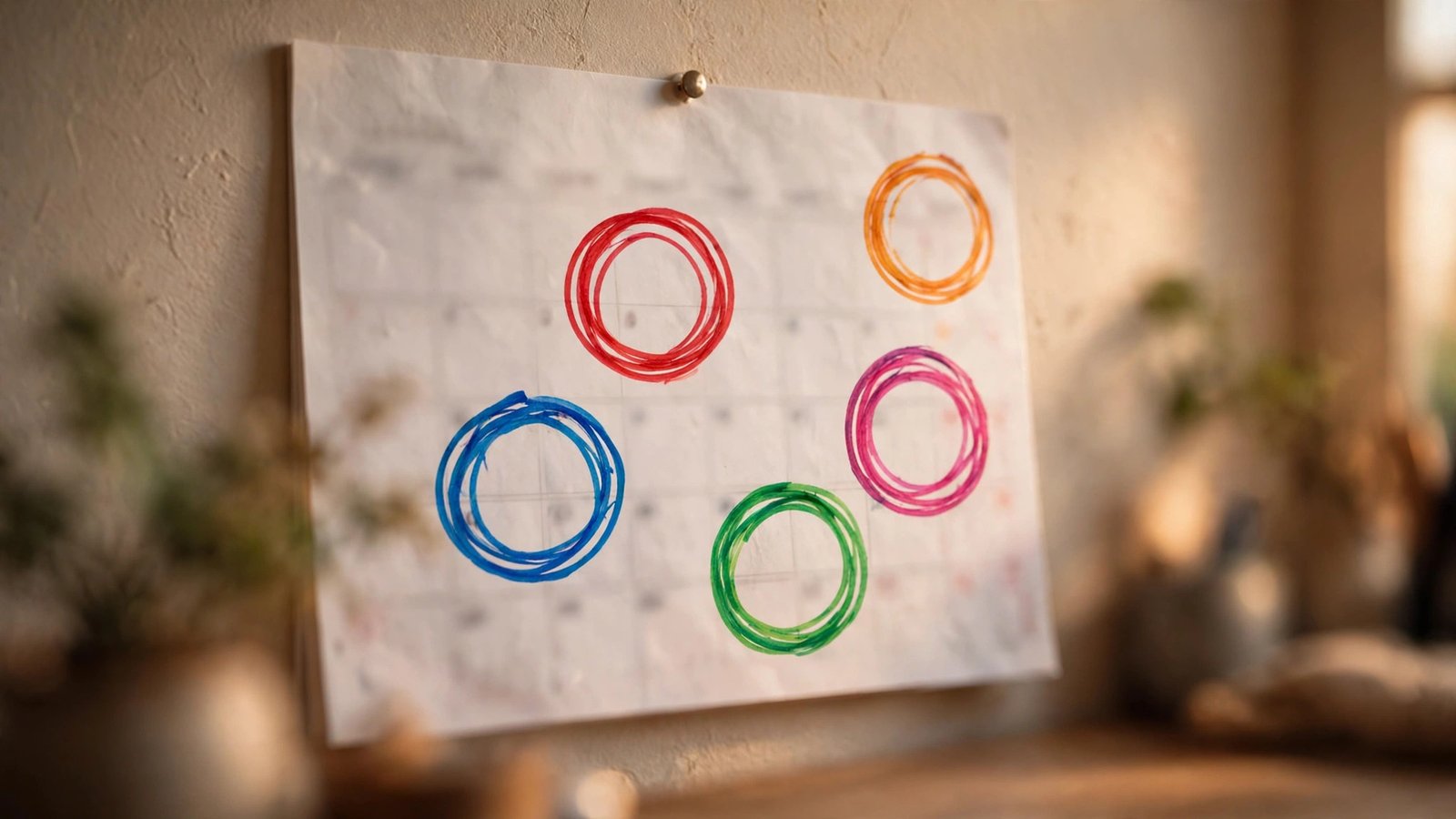
A content calendar is just a schedule for your posts. For each day you plan to post, it notes three things: the platform (Instagram, YouTube, Facebook), the format (Reel, photo, story, short video), and the topic (“5-minute breakfast recipe”).
That is the whole concept. It is not a complicated marketing system. Think of it like a meal plan for the week: deciding on Sunday what you will cook each day removes the daily “what’s for dinner” stress. A content calendar removes the daily “what should I post” stress in the same way.
Planning ahead has three big benefits. First, you never run out of ideas, because you collect them in advance. Second, your posting becomes consistent, which every platform rewards. Third, you can batch your work: film four videos in one afternoon instead of scrambling every single day.
You do not need special software to start. A notebook, a spreadsheet, or even a phone note works perfectly. Fancy tools can come later, once the habit is in place.
Beginners often try to be everywhere at once: Instagram, YouTube, TikTok, Facebook, and X, all at the same time. This is the fastest road to burnout. Start small.
Choose one or two platforms. Pick the ones where you already spend time and where your topic fits naturally. Love short videos? Instagram Reels or YouTube Shorts. Enjoy writing and photos? Instagram feed posts or Facebook. Master one platform before adding a second.
Choose realistic posting days. Be honest about your schedule. If you have a job or classes, posting daily is probably unrealistic. Three posts a week is an excellent beginner pace. Pick specific days, for example Tuesday, Thursday, and Saturday, and treat them like appointments.
Match format to energy. Not every post needs to be a polished video. A healthy weekly mix for a beginner might be: one short video, one photo or carousel, and one story or simple text post. Easy posts keep you consistent on busy weeks; bigger posts give your account its highlights.
Write your choices down: “I post on Instagram, Tuesday/Thursday/Saturday: one Reel, one carousel, one story.” That single sentence is already the skeleton of your calendar.
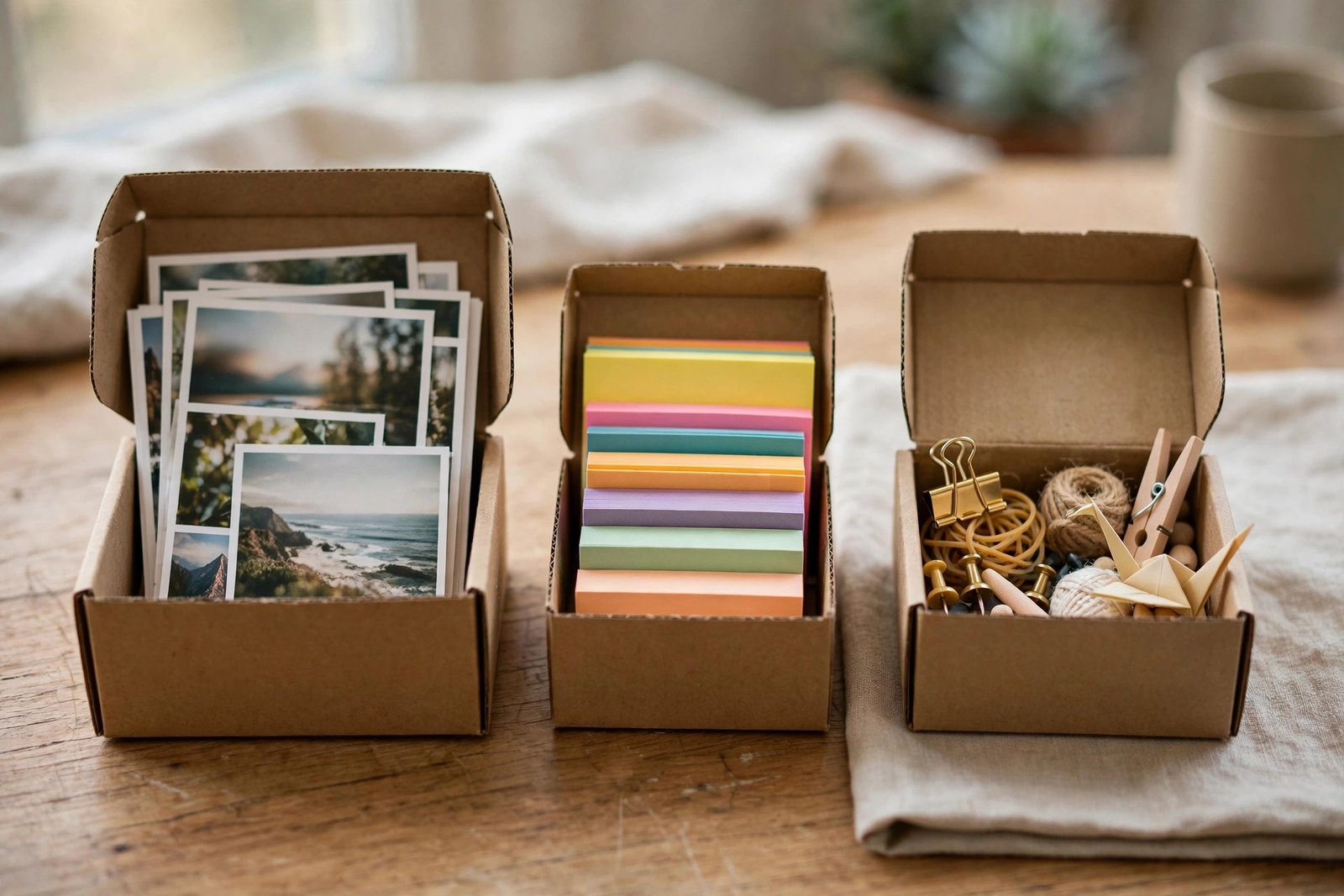
The hardest part of a calendar is filling it with ideas. The 3-bucket method makes idea generation almost automatic. You sort every content idea into one of three buckets.
Bucket 1: Teach. Share something useful you know. Tips, tutorials, mistakes to avoid, quick how-tos. Examples: “How I organize my desk in 10 minutes,” “3 mistakes beginners make when jogging,” “The cheapest way to start gardening.” Teaching content gets saved and shared, which platforms love.
Bucket 2: Show. Let people see your process, your life, or your work. Behind-the-scenes clips, before-and-after photos, day-in-the-life videos, work-in-progress updates. Examples: “Packing orders for my small shop,” “My morning routine as a student,” “Sketching a portrait, start to finish.” Showing content builds connection and trust.
Bucket 3: Engage. Start conversations. Questions, polls, opinions, relatable humor. Examples: “Tea or coffee? Defend your answer,” “What is one skill you wish school taught?” “POV: you finally clean your room.” Engaging content drives comments, which boosts your reach.
Now the rule: rotate through the buckets. Tuesday teaches, Thursday shows, Saturday engages. You will never post three dry tutorials in a row, and your feed will feel varied without any extra effort. Keep a running note on your phone, and drop every idea into its bucket the moment it comes to you.

Let’s put it all together with a concrete example. Imagine you run a beginner baking account on Instagram, posting three times a week.
Sunday (planning, 30 minutes): Open your idea buckets and pick one idea per posting day. Write a one-line plan for each: what you will film or photograph, and the main point. Gather anything you need, like ingredients or props.
Posting day template:
Batch the filming. Instead of filming on Tuesday morning in a panic, film Tuesday’s and Thursday’s content in one Sunday or Monday session. Change your shirt between videos if you want them to look like different days. Future you will be grateful.
Schedule when possible. Instagram, Facebook, and YouTube all let you schedule posts in advance through their own free tools. Scheduling Tuesday’s post on Sunday night means it goes live even if Tuesday gets chaotic.
Start with just one week. At the end of the week, look at what worked: which post got the most saves, shares, or comments? Feed that learning into next week’s plan. Your calendar gets smarter every week you use it.
You can run a content calendar on paper forever. But when you are ready for a little help, these free options cover the basics.
Google Sheets or Excel: Make a simple table with columns for date, platform, format, topic, and status (idea, filmed, posted). Free, flexible, and enough for most beginners for a long time.
Notion or Trello (free plans): If you like drag-and-drop boards, these turn your calendar into movable cards. Create one card per post, drag it between “Ideas,” “In Progress,” and “Posted” columns. Many creators find this visual style motivating.
Meta Business Suite: If you post on Facebook and Instagram, Meta’s free Business Suite lets you draft and schedule posts for both from one place. Scheduling a week of posts in one sitting is a genuine time-saver.
Your phone’s notes app: Do not underestimate it. A single note titled “Content Ideas” with the three buckets as headings is often all a beginner needs for the first few months. The best tool is the one you will actually open.
Avoid the trap of spending a week comparing tools instead of posting. Pick the simplest option today. You can always upgrade later.
One week ahead is perfect for beginners. It is close enough that your ideas still feel fresh, and short enough that planning never becomes a heavy chore. As you get comfortable, you can stretch to two weeks. Planning a whole month in advance usually backfires for beginners, because plans go stale.
Nothing terrible happens. Skip it and continue with the next planned post. Do not try to “catch up” by posting twice the next day; that just creates stress. Consistency over months matters far more than any single missed day.
It helps, but it is not critical at the start. If you want a simple rule: post when your audience is likely awake and scrolling, often late morning or evening in your own timezone. Later, your platform’s free analytics will show you when your followers are most active, and you can adjust.
Absolutely. One idea can become a Reel on Instagram and a Short on YouTube with almost no extra work. Just make sure there are no watermarks from other apps on the video, and tweak the caption for each platform’s audience.
Three reliable sources: questions people ask you (every question is a post), problems you recently solved (teach the solution), and content in your niche that performed well (make your own version, never copy). Add every spark to your phone note immediately. Ideas evaporate fast.
A content calendar is not about becoming a robot. It is about removing the daily decision fatigue that stops most beginners from posting consistently. Pick one or two platforms, choose three posting days, sort ideas into teach, show, and engage buckets, and plan one week at a time. Thirty minutes of planning on Sunday can power your entire week. Start this Sunday. Your future consistent self is waiting.

