Physical Address
304 North Cardinal St.
Dorchester Center, MA 02124
Physical Address
304 North Cardinal St.
Dorchester Center, MA 02124

A VPN encrypts your connection and hides your location — but it can't do everything. Here's a plain-English explainer on how VPNs work, when they help, and how to pick one wisely.
You have probably seen the ads. “Protect your privacy! Hide your location! Browse safely!” Everyone seems to be telling you to get a VPN. But what is a VPN, really? Strip away the marketing and the answer is surprisingly simple: a VPN is a tool that creates a private, encrypted connection between your device and a server run by the VPN provider. Everything you do online travels through that private connection first, so people in the middle — your internet provider, the coffee shop Wi-Fi owner, a nosy network — cannot easily see what you are doing. That is the core idea. Everything else is detail, and this guide will walk you through all of it in plain English.
Think of your normal internet connection like sending postcards through the mail. Every website you visit travels across the network in a form that others can inspect. Your internet service provider (ISP) can see which sites you visit, and on public Wi-Fi, strangers on the same network may be able to snoop on your traffic.
A VPN puts your postcards inside a sealed envelope. It builds an encrypted tunnel between your phone or laptop and a VPN server: your device encrypts everything first, sends it through the tunnel, and the server unwraps it and passes it on to the wider internet. Anyone watching from the outside sees only scrambled data.
Along the way, one more thing changes. When your traffic leaves the VPN server, websites see the server’s IP address instead of yours. Your real IP address — a number that can reveal your rough location — stays hidden. So a VPN does two jobs at once: it encrypts your traffic, and it hides your real IP address.
First, your internet provider can no longer see the details of your browsing. Without a VPN, your ISP can see every website you visit. With one on, it sees only that you are connected to a VPN server — the contents and destinations stay hidden. This is the biggest practical privacy gain a VPN offers.
Second, you are protected from snooping on shared networks. Public Wi-Fi at airports, hotels and cafés is notoriously insecure, and a skilled snoop can intercept unencrypted traffic there. A VPN’s encrypted tunnel makes any intercepted data useless to them.
Third, websites and advertisers see the VPN server’s location instead of yours. Connect through a server in another city or country and websites will treat you as if you are browsing from there — changing things like site language, the news homepage you see and the ads shown to you.
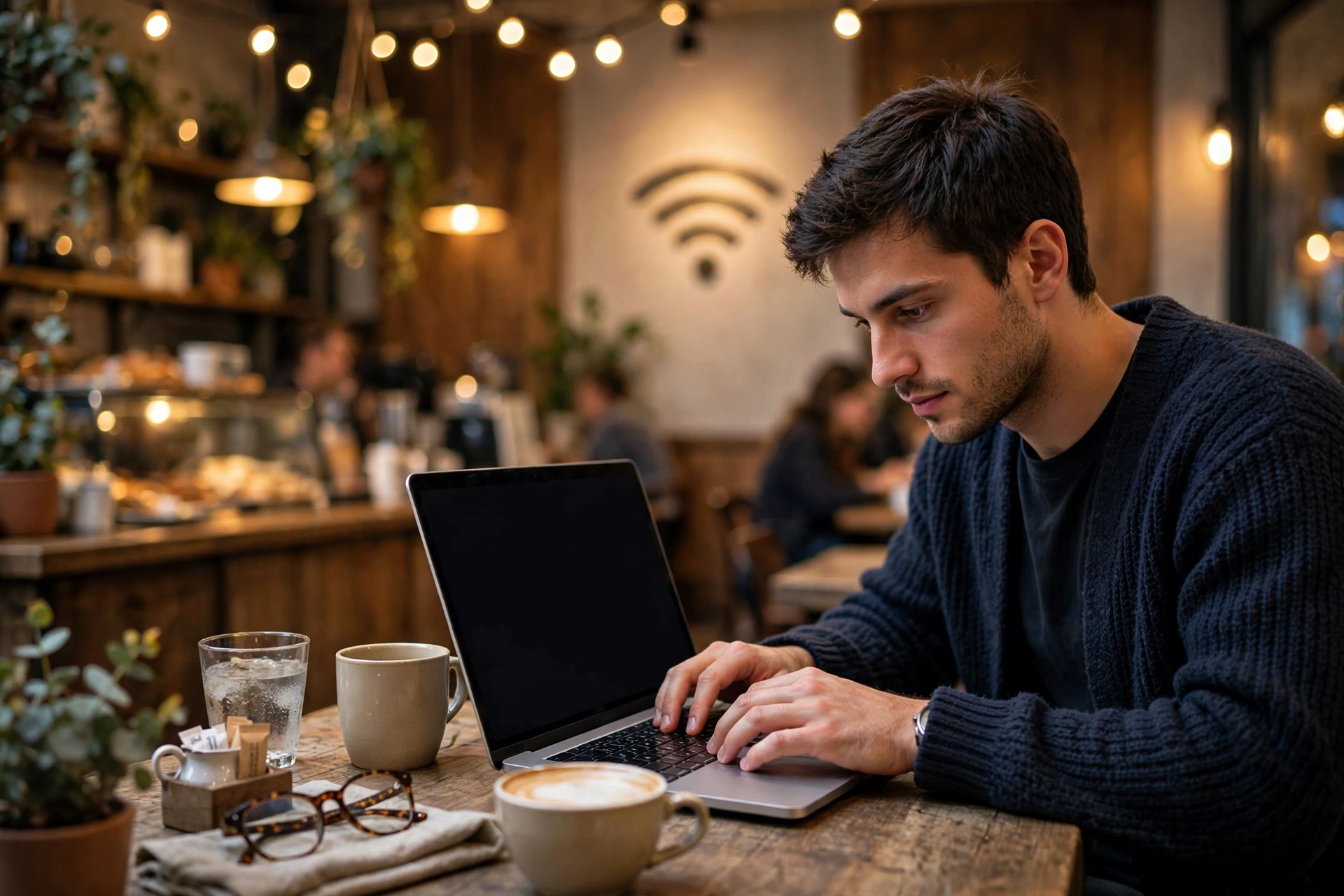
So when does all of this actually matter in real life? A few everyday situations:
Working from cafés or airports. If you ever open your banking app or check work email on public Wi-Fi, a VPN adds a meaningful layer of protection between your device and the unknown network around you.
Shared living spaces. In a hostel, dorm or shared flat, a VPN keeps your browsing details away from anyone else on the same local network.
Travelling abroad. A VPN lets you keep using your home country’s version of a site while you travel, by connecting through a server back home.
Simple privacy from your ISP. Some people just prefer that their internet provider cannot build a detailed profile of their browsing habits. A VPN is the straightforward way to do that.
A VPN is useful, but it is not a magic cloak. Here is what it does not do.
It does not protect you from viruses or malware. If you download an infected file, a VPN will not stop it. You still need antivirus software and a healthy suspicion of strange downloads and attachments.
It does not protect you from phishing. Type your password into a fake login page and the encrypted tunnel will faithfully deliver it to the scammers. A VPN cannot tell you whether a website is legitimate — only careful checking can.
It does not make you anonymous when you are logged in. Sign into your email or social media on a VPN and those services know exactly who you are — you handed your identity to the site yourself by logging in.
It does not replace the padlock in your browser. Modern websites already encrypt your connection with HTTPS, which protects the content of your communication with that site. A VPN adds protection for everything else — especially what your ISP and network can see.
Think of a VPN as one good lock on your front door. You still need the others: strong unique passwords, two-factor authentication, updated software and common sense about links and attachments.
Running VPN servers costs real money — bandwidth, hardware, staff — so a free service has to make money somehow. Some show you ads. Some cap your data. And some have been caught logging and selling user data, which defeats the entire purpose of a VPN.
Paid services earn their money directly from subscribers. The reputable ones publish clear no-logs policies — a written promise not to record your browsing activity — and some have those policies checked by independent auditors. A paid subscription does not guarantee quality, but the business model is at least aligned with your privacy: you are the customer, not the product.
Shopping for a VPN can feel overwhelming. You do not need to compare dozens of services — just check these five things:
A clear no-logs policy. The provider should state plainly that it does not log your browsing activity, connection timestamps or IP addresses. Vague wording like “we respect your privacy” is not enough — look for specifics.
Strong, modern encryption. Reputable services use well-established VPN protocols such as OpenVPN or WireGuard. You do not need to understand the maths — just make sure the provider names its protocols openly instead of hiding behind “military-grade” marketing talk.
Apps for your devices. A good VPN offers easy-to-use apps for the devices you actually own — your phone and laptop at minimum. A proper app makes setup far simpler and harder to get wrong.
A kill switch. If the VPN connection drops unexpectedly, this feature blocks all internet traffic until it reconnects, so your real IP address never leaks out accidentally. Look for it in the app’s settings.
Transparent ownership. A provider with a public company behind it, a history of independent audits and a clear privacy policy beats a mystery app with no website and no contact details. If you cannot find out who runs the service, walk away.
Note: this guide deliberately avoids naming specific brands as “the best”. Rankings change constantly and every review site has its biases. Use the checklist above and judge any service on its own merits.

Once you have picked a service, setup is usually quick. Here is how it typically goes:
A practical tip: leave the VPN connected on networks you do not fully trust, and turn on the “connect automatically” option so you do not have to remember. On your home network the benefit is smaller, though the ISP-privacy point still applies.
Usually a little — your traffic takes a longer route through the VPN server. With a good service and a nearby server, most people barely notice the difference for browsing and streaming.
In most countries, yes — VPNs are a legitimate privacy tool used by businesses and individuals every day. A small number of countries restrict them, so check local rules before you travel.
Most subscriptions allow several devices at once — typically your phone, laptop and maybe a tablet. Check the device limit before you sign up if you have a big household.
Yes. A VPN and antivirus do completely different jobs: a VPN protects your connection, antivirus protects your device from malicious software. Use both.
Not on its own. A VPN hides your IP address, but sites can still track you with cookies, browser fingerprinting and your logged-in accounts. Use your browser’s privacy settings or a dedicated blocker alongside the VPN.
Now you know what a VPN is: an encrypted tunnel between your device and a VPN server that hides your IP address, shields your traffic from ISPs and network snoopers, and lets you choose the location websites see. You also know its limits — it is not antivirus, not phishing protection, and not anonymity while logged in. That honest picture is exactly what most ads skip.
If any of this sounds like your life — café Wi-Fi, shared housing, frequent travel, or just a preference for keeping your browsing to yourself — try one this week. Pick a reputable provider with the checklist above, install the app and press connect. In five minutes you will have a meaningfully more private connection, and you will understand exactly what it is doing for you.

