


Here’s a confession: I spent years keeping notes in five different places — a phone app, a paper notebook, random scraps of email drafts — and every single one became a little graveyard I was scared to open. If your notes feel like that too, you’re not disorganized. You just never had a tool that did the boring parts for you. That’s exactly what AI note-taking apps are built for, and getting started is a lot simpler than the name makes it sound.
So, What’s an AI Note App, Really?
Strip away the marketing: it’s a normal notes app with a clever assistant inside. You write, talk, or paste things in, same as always. The difference is what happens next — instead of sitting there like dead files, your notes get read: a rambling voice memo becomes a summary, a messy meeting transcript yields action items, an old note surfaces the moment you search a word in it.
You don’t need to learn anything new. There’s no special language, no setup ritual. You take notes the way you always have — badly, quickly, at red lights and in queues — and the app quietly cleans up after you. Think of it less like software and more like a friend with a great memory.
You might know some of the big names — Notion, Evernote, OneNote, and Google Keep are where most people start, and several now have AI features built in. This guide isn’t about picking a winner. It’s about understanding what the category does for you, so whichever app you land on actually gets used.
The Four Things It Does for You
Most of the hype boils down to four jobs. Once you see them, the whole category clicks into place.
It listens when you’re too busy to type
You know the moment: you’re driving, cooking, or walking the dog when the perfect thought arrives. By the time you can type it, it’s gone. AI note apps let you just talk. Hit record, ramble for two minutes, and the app turns it into written text you can read later — usually surprisingly accurately, even with background noise.
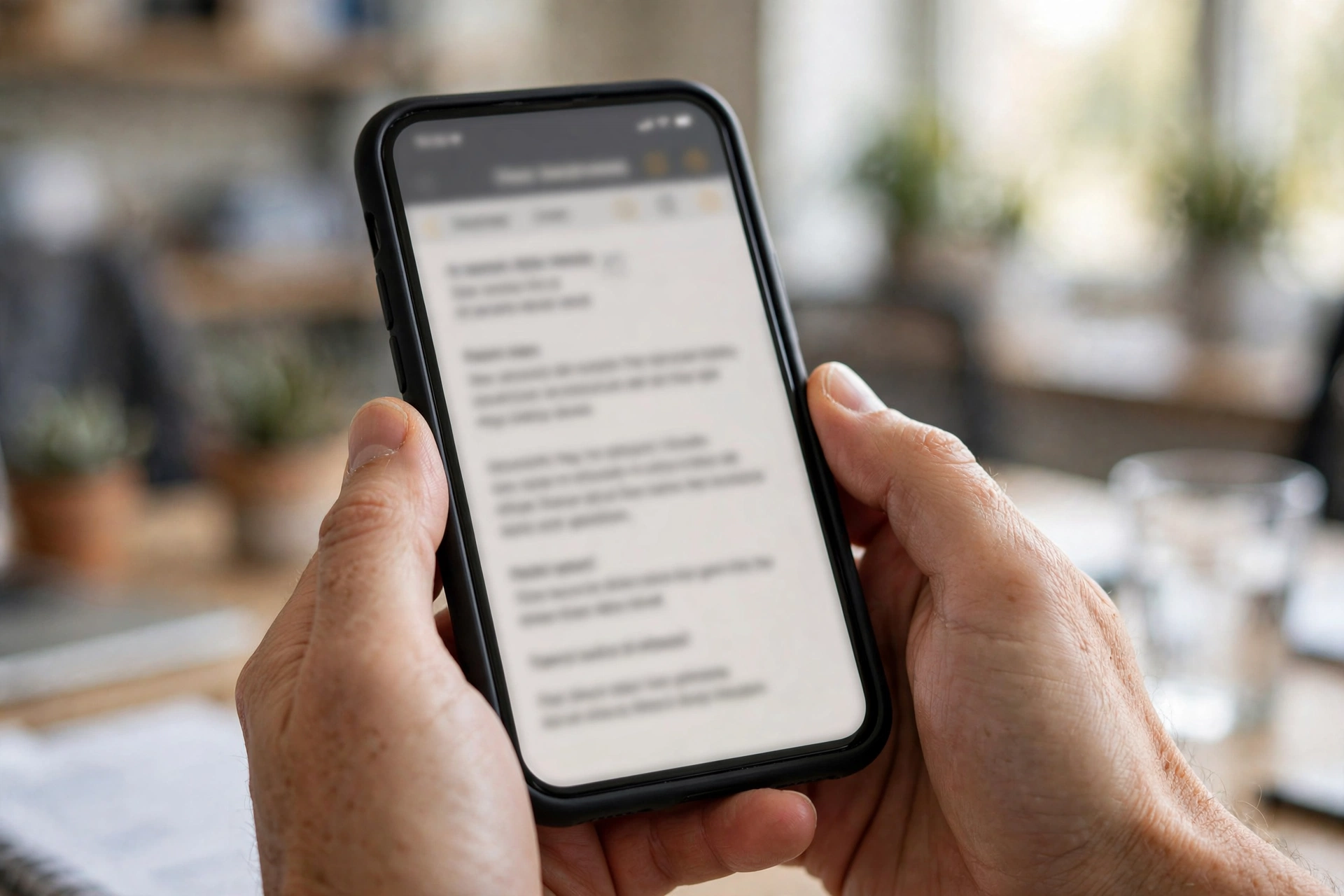
Some go further than plain transcription. They mark the parts that sound like decisions, dates, or to-dos on their own. Not perfect, but close enough that your two-minute car rant becomes a note with a headline and three action items.
It turns rambling into readable
This is the trick that hooked me. Take a page of rough notes — half-sentences, abbreviations only you understand — and ask the app to summarize it. Out comes a short, clean version with the main points and next steps. It feels like magic the first time, then it just feels normal.
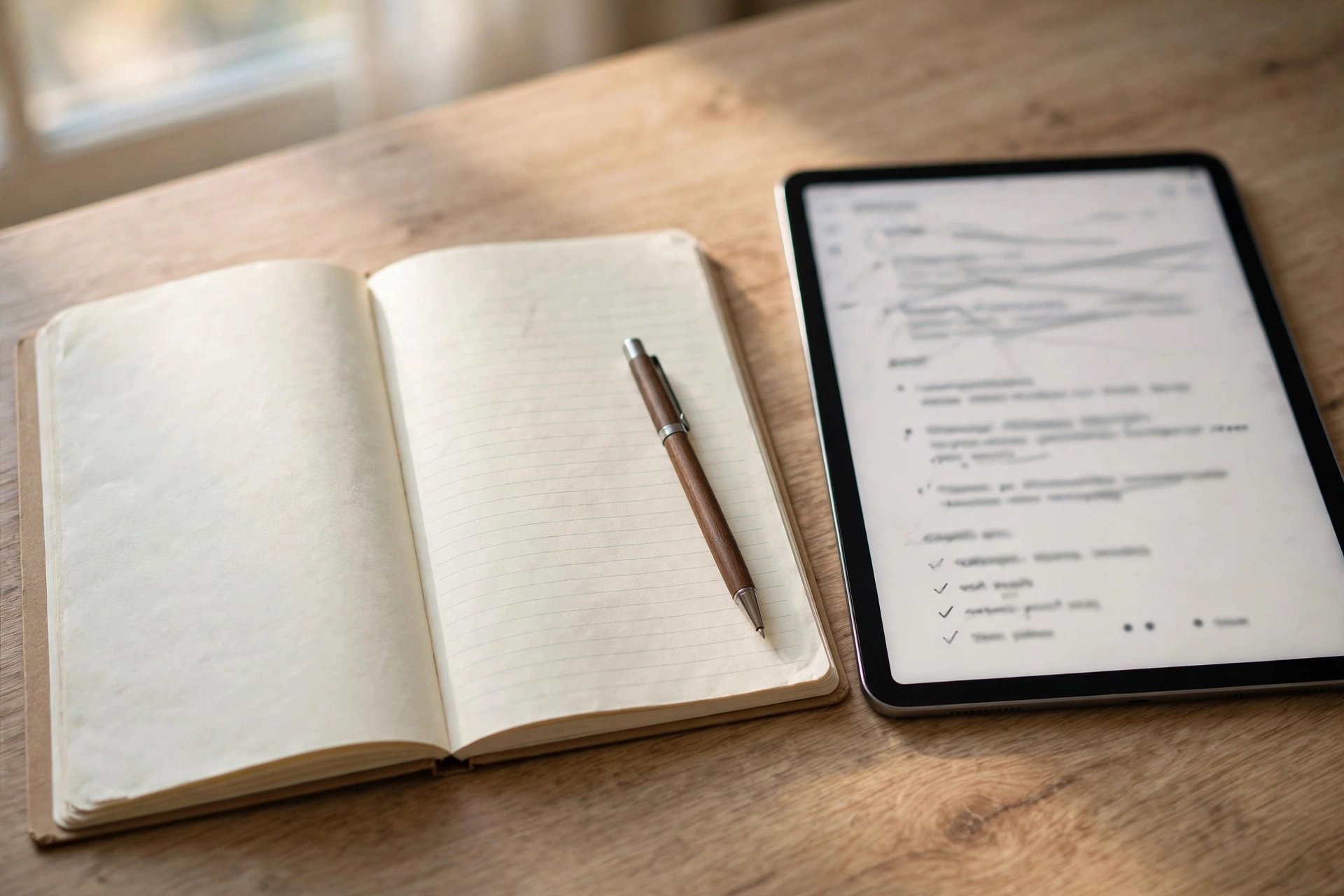
The honest truth is that most of us never re-read our raw notes. They’re written in panic. Summaries fix that by giving you a version you might actually open again. I now end every meeting with a one-line “summarize this.” Ten seconds, and my future self has stopped cursing my past self.
It finds stuff you forgot you wrote
Regular search finds exact words. AI search finds ideas. Ask your app something like “what did I decide about the holiday plans?” and it can dig up a note from October where you never used the word “holiday” but wrote three paragraphs about train tickets. That’s the gap between searching files and asking a friend who remembers everything.

This changes how you write notes, oddly. Once you trust the search, you stop organizing on the way in. Dump half-formed thoughts wherever and trust you’ll find them later. Less filing, more thinking. My folder structure is now a flat mess and I don’t care at all.
It sorts things so you don’t have to
Left alone, AI note apps tag and group your notes by topic on their own — recipes together, work notes clustered, book recommendations gathered in one spot. Mine once filed a wedding speech under “project proposals,” which was technically true. It saves the Sunday organizing session nobody actually does.
Worth saying: none of this replaces your judgment. The app drafts, you decide. Skim the summary before you trust it. Check the transcript if a quote matters. The apps are assistants, not witnesses.
Picking One Without Falling Down a Rabbit Hole
Here is where most beginners stall. They read twenty comparison articles, make a spreadsheet, and three weeks later still haven’t picked an app. Don’t do that. The differences between the main options matter less than the habit of using one.
Start with what you already have. If your life runs on Google, Google Keep is right there. If you live in Microsoft’s world, OneNote is waiting on your laptop. Phone and laptop already syncing notes? That’s half the battle won before you begin.
Then answer three quick questions: voice or typing? Work or personal life? One big organized space or small quick notes? Match the answers to whatever app a friend recommends — asking a friend beats reading reviews — and start.
Give it two weeks before you judge. Every app feels awkward on day one and obvious on day fourteen. If after two weeks you’re still fighting it, switch. Your notes export fine. Nobody is marrying an app here.
A First-Week Game Plan That Doesn’t Feel Like Homework
Don’t try to reorganize your life on day one. Just fold the app into three moments you already have.
First, replace one typing moment with a voice memo. Your commute, your morning walk, the queue at the shop — pick one and talk instead of typing. Listen to the transcription once so you trust it.
Second, feed it one real mess — a meeting, a lecture, a brainstorm. Let the app summarize it and compare. You’ll either be impressed or amused; both are useful data.
Third, ask it to find something old. Search for a decision you made weeks ago, something you know is buried somewhere in your notes. When it turns up in seconds, you’ll feel the point of the whole thing land.
By the end of the week you’ll know exactly which features matter to you. Some people live in voice notes and never touch summaries. Others only care about search. Let your actual habits decide — the app is supposed to bend toward you, not the other way round.
The Privacy Talk (Short and Honest)
These apps work by reading your notes. Some process things on your phone, others send them to their servers. If you’re putting medical details, financial numbers, or anything you’d whisper in there, that’s worth knowing.
Read the privacy page before you sign up, not after. Two things to look for — whether your data trains the company’s models, and whether you can opt out. Most big apps let you; the setting is just never where you’d expect it.
One practical rule that’s served me well: keep a bright line between everyday notes and sensitive ones. Meeting summaries, ideas, reading lists — fine. Passwords, health records, financial documents — those live somewhere else entirely. AI notes are a brilliant assistant for your life, not a vault for your secrets.
Stuff Beginners Wonder About AI Notes
Do I need to pay for one?
Not to start. The well-known apps all offer free tiers with the basics, and most AI features work in some form without paying. Use the free version for two weeks. You’ll know by then whether the paid extras would change your life or just sit there.
How accurate is the transcription, really?
Better than you’d expect in quiet settings, decent with accents, and honestly wobbly with heavy background noise or fast crosstalk. Treat it like a helpful first draft. If the words matter — a quote, a number, a name — play back the audio for that bit.
Can it replace my notebook?
It doesn’t have to. Plenty of people write on paper and then photograph the pages into the app — now they’re searchable too. Think of the app as the memory and the notebook as the thinking space. They get along fine.
What if the AI gets a summary wrong?
It will, occasionally. Usually it’s a funny misread rather than a disaster — a joke transcribed as a serious decision. The fix is easy: your original notes are always still there. Skim the summary, fix what it missed, move on. Never forward an unchecked summary to anyone; that’s the whole rule.
Will this eat my battery or storage?
No more than any other app you use daily. Voice recordings are the biggest files, but a few minutes of audio is tiny by phone standards. If you’re recording hours of lectures, plug in the charger. That’s the whole warning.
Give Your Notes a Brain of Their Own
Most people treat notes like a junk drawer: stuff goes in, nothing comes out. An AI note app flips that. Everything you toss in — the voice memo from the car, the meeting summary, the three a.m. idea — becomes something you can search, summarize, and actually use again.
You don’t need a system. You don’t need a course. Pick the app closest to hand, record one voice note tomorrow morning, and see what comes back. Your notes were always meant to work for you. Time they started.














