

Picture this: you hum a tune into thin air, and under a minute later a finished-sounding song comes back. That’s basically what an AI music generator does — except instead of humming, you type. Describe the music you want in plain words — “a calm piano melody for a rainy evening” — and the software composes, arranges, even mixes something to match. No instrument skills, no studio, no music theory. If you’ve ever wanted to make your own music but the barrier felt too high, this guide is for you.
What Exactly Is an AI Music Generator?
An AI music generator is software that turns a text description into music. You write a short prompt, press a button, and out comes an audio track — usually with melody, chords, rhythm, sometimes even vocals. Think of it as a very fast, very eager band living in your browser, taking requests in plain English.
Under the hood, these tools have studied enormous piles of music — countless songs across genres, tempos, moods. All that listening taught them the patterns: what makes jazz sound like jazz, a lullaby like a lullaby, a workout anthem like a workout anthem. When you ask for something, they’re not copying any single song. They’re recombining those learned patterns into something new that fits your description.
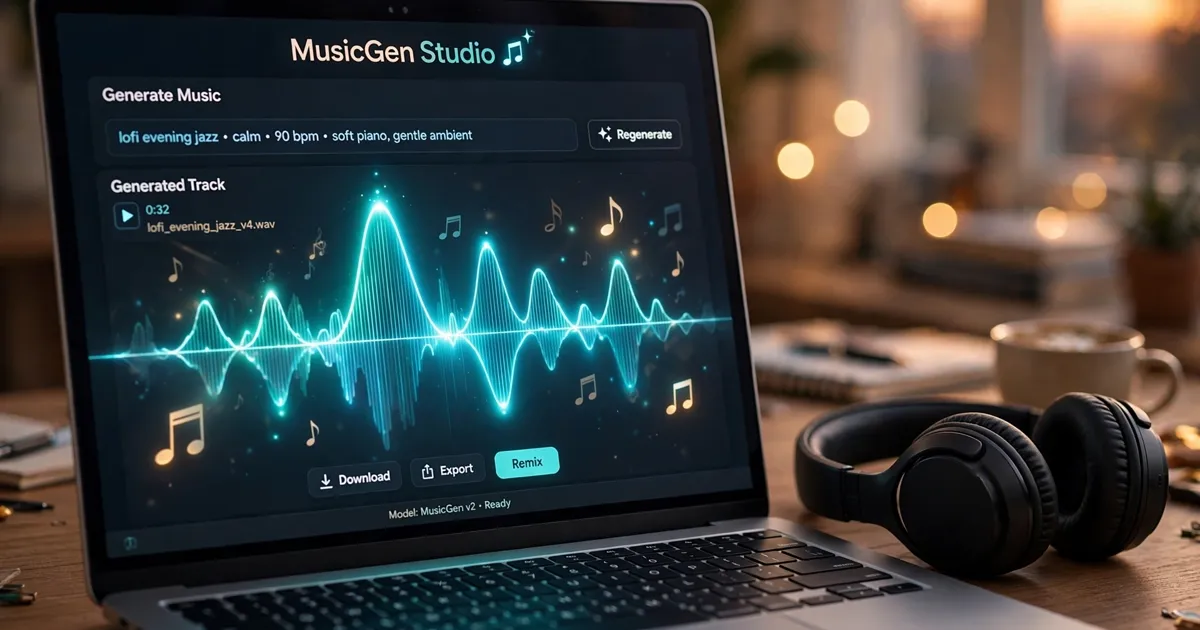
Most of these tools are built for beginners. A big text box for your prompt, a few optional settings — song length, vocals — and a generate button. A minute later you’ve got tracks to listen to. Like one? Download it. Don’t? Tweak your words and try again. Many tools have free tiers, so experimenting costs nothing at first.
How Words Become a Song
It feels like magic, so here’s the un-magical version in plain English. First the software reads your prompt and pulls out the musical clues: genre words like “rock” or “lo-fi,” mood words like “cheerful” or “mysterious,” instrument words like “piano” or “drums,” pace words like “slow” or “upbeat.” Each clue narrows the sound it’s aiming for.
Then it composes. Drawing on everything it has learned, it builds a song’s building blocks: a melody (the tune you’d hum), chords (the harmonies underneath), a rhythm (the beat carrying it along), and the overall “production” (how polished and full it feels). It arranges these into a shape — maybe a gentle intro, a main section, an ending — so it feels like a real piece of music instead of a random jumble.
Some tools go further and generate vocals: they write simple lyrics from your prompt and sing them with a synthetic voice. Others let you supply your own lyrics, or keep the track instrumental. Either way the whole thing happens in one pass — which is why results arrive so fast.
One thing to understand: you’re steering, not playing. The tool makes hundreds of small creative choices you never specified, so the same prompt can sound noticeably different across two tries. Learning to describe what you want — that’s the real skill here.
Fun Things You Can Actually Make
So what do people actually make with these tools? Quite a lot, it turns out. Here are the most popular uses among beginners.
First: hobby songs. The big one. Birthday songs for friends, silly theme tunes for a pet, a little anthem for a family holiday. Since you can describe a person or an occasion right in the prompt, the results feel surprisingly personal — and they make brilliant, unexpected gifts.
Second: background music for videos. If you make slideshows, home videos, travel clips, or simple social posts, you know the pain of hunting for music that fits. An AI generator lets you describe exactly the vibe — “light acoustic background for a beach montage” — and get something tailored, instead of scrolling stock libraries for an hour.
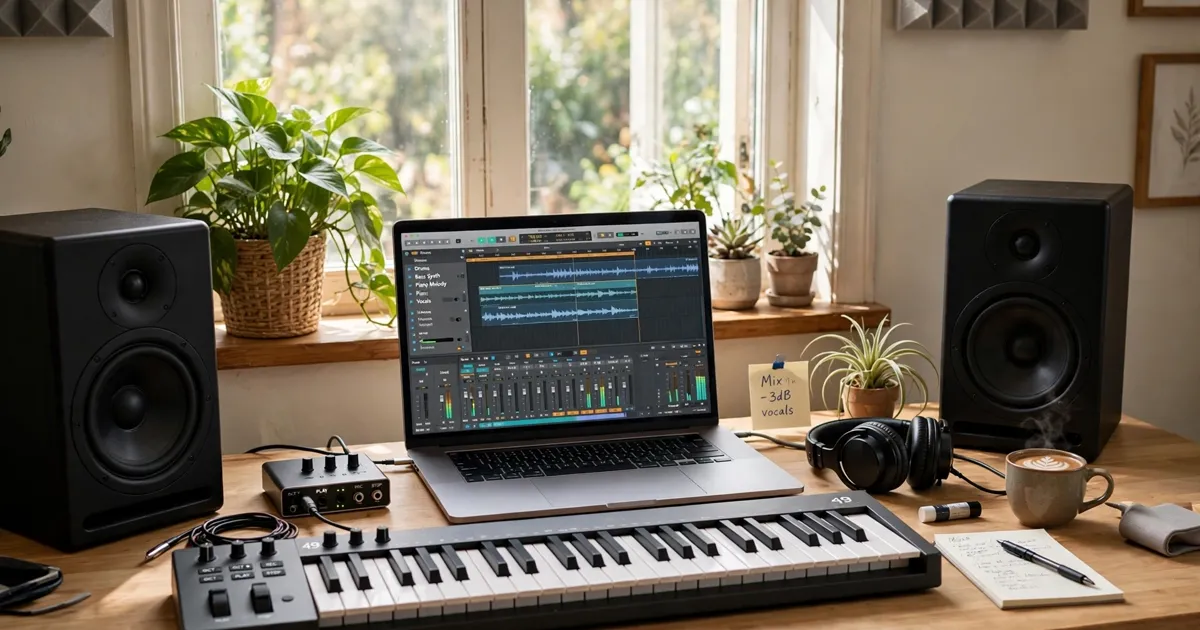
Third: exploring musical ideas. Plenty of people use these tools as a sketchpad. Maybe you’ve got a lyric scribbled in a notebook, or a vague feeling you want to catch in sound. Generating a few versions gives you something concrete to react to — and reacting to it often sparks the real idea.
Fourth: learning by listening. Aspiring musicians use generators to hear how genres are put together. Ask for “a blues song in a slow shuffle” and you can hear the structure, the chord choices, the rhythm — guided listening that’s genuinely useful when you later pick up an instrument.
Professional work? Tread carefully. The tool’s terms spell out who owns the output and whether commercial use is allowed — read them before a generated track goes into a business project or monetized video. For personal and hobby use, you’re generally fine.
Writing a Prompt That Sounds Good
Your results are only as good as your description, so prompt writing is the heart of the skill. The good news: it’s not complicated. A strong music prompt usually has four ingredients.
Genre first. Name the style: pop, folk, jazz, electronic, classical, hip-hop, lo-fi, country — whatever you’re after. Not sure of the genre name? Describe the sound instead. “Music that sounds like a coffee shop on a Sunday morning” works surprisingly well.
Mood second. Music is emotion made audible, so say how it should feel: calm, joyful, dramatic, dreamy, energetic, nostalgic. One or two mood words give the tool its emotional compass.
Instruments and pace third. Mention what you want to hear — piano, guitar, strings, drums, synthesizer — and the speed: slow, medium, fast. This shapes the track’s texture more than anything else.
A touch of structure last. A short note on shape helps: “starts soft, builds to a big chorus, ends quietly.” No musical jargon needed — plain descriptions of how the song should unfold do the job.
Here’s a full example: “A gentle folk song, warm and hopeful, with acoustic guitar and soft piano, medium tempo, starts quiet and builds to a singalong chorus.” See how each ingredient shows up? Compare that with a weak prompt like “nice song” — which gives the tool nothing to work with.
Then iterate. Treat the first result as a draft, not a verdict. Came out too fast? Add “slower.” Too dramatic? Add “lighter, more playful.” Small tweaks to your words make big differences in the music — and this back-and-forth is where the fun really lives.
Where the Magic Runs Out
Let’s be honest about the limits, because knowing them saves frustration. First, the tool can’t read your mind. It’ll make choices you never asked for, and sometimes they’re odd — a random tempo change, a melody that wanders off. That’s normal. Regenerate or adjust the prompt rather than fighting it.
Second, songs can start sounding alike after a while. Since the tool draws on common patterns, longer pieces sometimes fall into familiar loops. Short tracks and varied prompts keep things fresh.
Third, lyrics are the weakest link. AI-written lyrics tend to be simple and a bit generic. If the words matter to you, write your own and supply them — most tools with vocal support allow this, and it improves the result enormously.
And a note on originality. The tool builds new combinations rather than copying songs, but its “vocabulary” comes from music made by real musicians. Treat generated music as a personal creation or a starting point, not a replacement for human artists — and if you share it publicly, say it was AI-assisted.
Quick Answers Before You Begin
Do I need any musical training? Not at all. Describing music in plain words is the whole interface. If anything, beginners often do better — they describe feelings instead of getting tangled in technical terms.
How long does it take to make a song? Usually under a minute per generation. The real time goes into listening, tweaking your prompt, and generating new versions until you love one.

Is it free? Many tools offer free tiers with a limited number of tracks per day or month — plenty for experimenting. Paid plans generally raise those limits and may add features, but you don’t need to pay to start.
Can I use the songs in my videos? For personal, non-commercial videos, usually yes. For anything commercial or monetized, check the tool’s terms of use first — ownership and licensing rules differ between tools.
Will it sound like a real band? Surprisingly close for short pieces, especially instrumental ones. Vocals are where you’ll notice the artificial quality most — though they keep improving.
Your Turn Now
Here’s the simplest way to start: pick an occasion from your own life — a friend’s birthday, a quiet Sunday, a workout playlist — and write one sentence describing the music it deserves. Feed that sentence into any AI music tool with a free tier and listen to what comes back. Then change one word and generate it again.
You’ll learn more from ten minutes of that experiment than from any amount of reading. The gap between “I wish I could make music” and “I just made a song” has never been smaller. Go make something that sounds like you.














