


If the thought of booking a train ticket online makes you a little nervous, you are not alone. Plenty of people stare at the screen, worry about picking the wrong station or the wrong day, and quietly wish someone would sit beside them for the first try. Once you do it one time, slowly, it starts to feel ordinary. This guide walks beside you from searching for your train to keeping your ticket safe for travel day.
Why Booking From Your Sofa Just Feels Kinder
Picture a cold morning at the station. The queue shuffles forward, the board keeps changing, and you are trying to hold your bag, your phone, and your patience at the same time. Booking online gives you a different scene. You can sit at the kitchen table with a cup of tea, take your time, and read things twice. No one is standing behind you. No one is sighing while you count change.
That calm helps you spot mistakes — the station name that looks almost right, the early train that means leaving home in the dark. Step away, think, come back. The screen will still be there. Your confirmation sits safely in your email too, which beats hunting for a crumpled slip in a coat pocket later.
Pick a Place You Trust to Book
Start with the official rail site or the official site of the train company you plan to ride. Many countries also have a national rail booking page that covers most routes. Trusted travel booking sites exist too, and plenty of people use them without trouble. Trouble starts when a random page that looks like a rail site turns out to be something else.
Check the web address spelling, and notice how the page feels. A calm page that lets you search, read, and go back is a good sign. One that hides the final total until the last second is not. Search first without an account if you like. Create one only when you are ready to book, with an email you check often — that inbox is where your ticket lands.
Search Slowly, Like You Mean It
Type your starting station and your destination. Go letter by letter. Big cities often have more than one station, and names can look alike. A central station, an airport station, and a small suburban stop can share part of a name and still sit miles apart. Pause here. This one pause saves more trips than any other tip in this guide.
Next, pick your travel date and a rough time. Morning, midday, evening — start broad, then narrow down. If your plans bend a little, search the day before and the day after as well. Trains fill in odd patterns. A train an hour later might have a calmer carriage and a seat you like more.
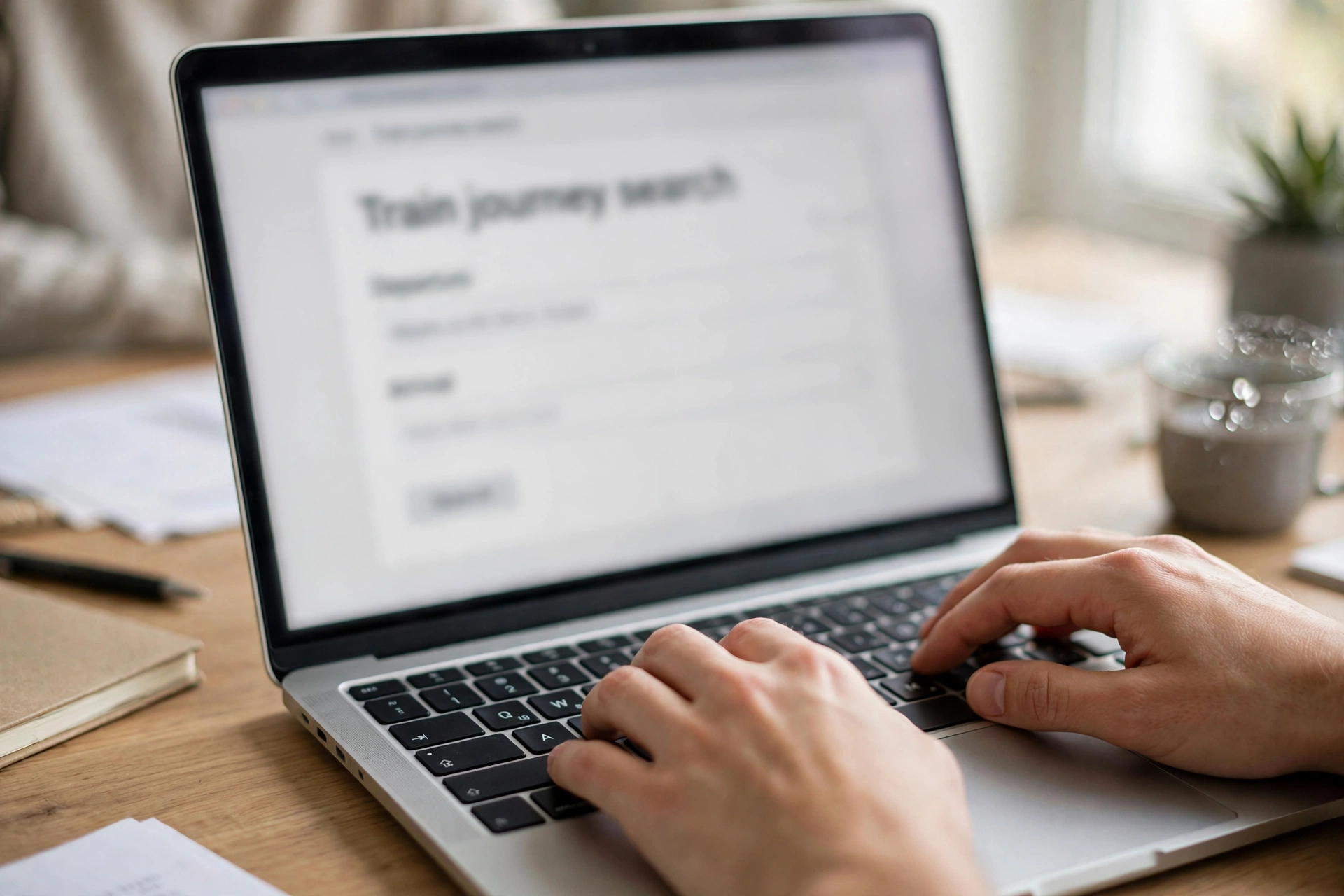
Going one way or coming back? Choose that now. A return search shows both legs together, which helps you see the full picture. One-way keeps things simple if your return plans are still loose. Neither choice is better. The right one is the one that matches your actual week.
Small Search Habits That Save Headaches
Check the date at the top of the results again — it sounds silly until you book next month when you meant this Friday. Check the station names too, then breathe. Nothing is paid yet. Searching is free. If you travel together, add all passengers now so the site can keep your seats together.
Reading the Options Without Feeling Rushed
Results usually show departure time, arrival time, journey length, and how many changes sit along the way. A direct train goes from start to finish without asking you to hop off. A journey with changes can still be fine, but it asks more of you — new platform, new departure board, a bit of clock-watching.
For your first online booking, a direct train is a kind gift to yourself. If a change is part of the route, look at the gap between trains. A short gap on paper can feel tight in a big station with stairs and crowds. A longer gap gives you room to find your platform, grab water, and settle your nerves.
Seats, Coaches, and the Little Choices That Matter
Some trains let you pick a seat on a simple map. Window or aisle. Facing forward or back. Near the door or tucked in the middle. There is no wrong pick, only your pick. Window seats suit daydreamers and first-time riders who want to watch the world slide past. Aisle seats suit people who like to stretch their legs or get up without asking anyone to move.
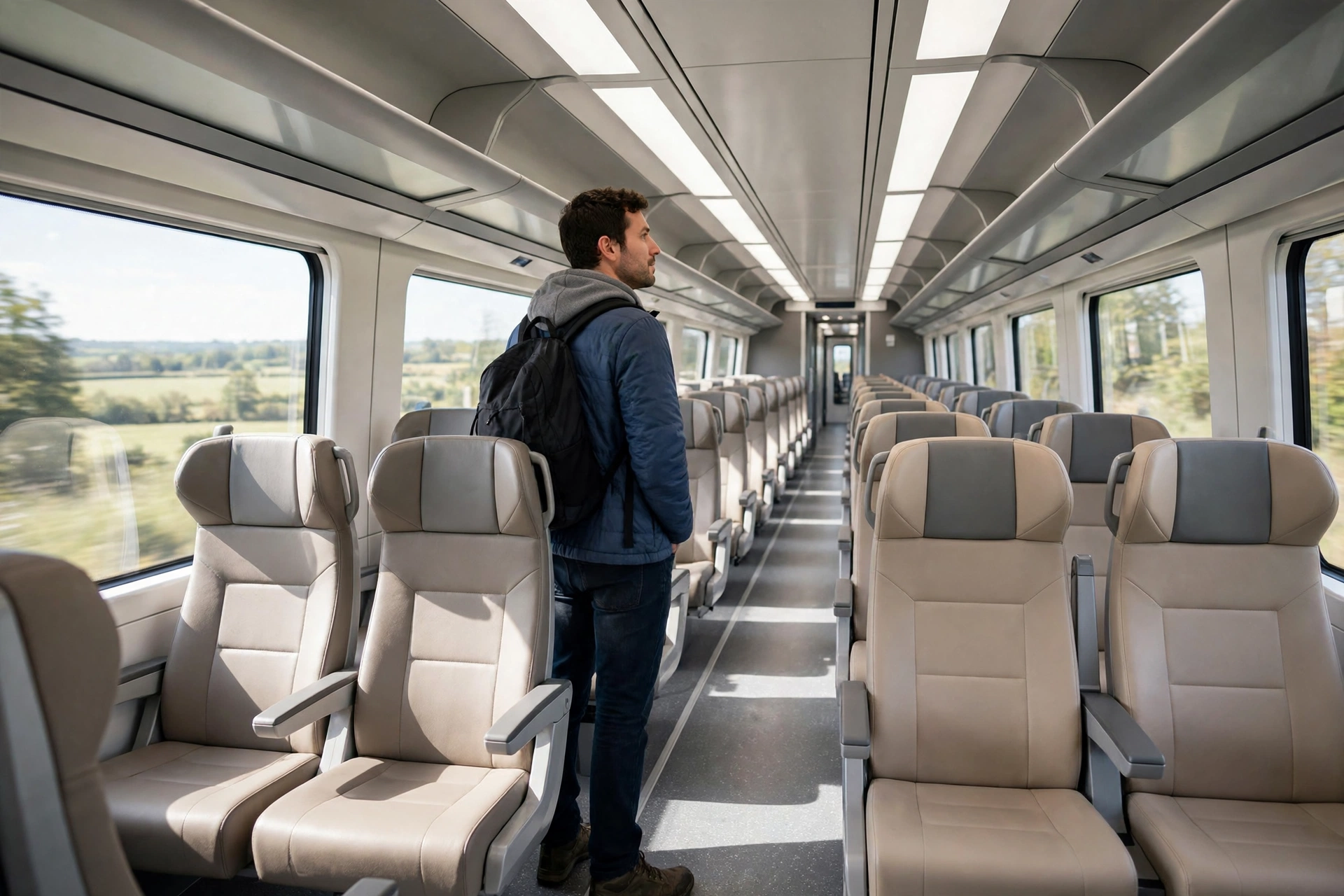
Table seats give room for a book or snack. Airline-style seats, with a fold-down tray, feel more private. Face-to-face seats suit friends who want to chat; a quiet corner suits a solo rider after a long week.
Coaches matter too. A quiet coach asks riders to keep voices low. If the map confuses you, let the site assign a seat — assigned seats are fine. Try manual picking next trip, once the basics feel familiar.
A Note on Luggage and Bikes
Most booking pages note luggage space during checkout. Bikes, large instruments, and pets follow their own rules on many networks, so check official guidance for your route if that is you. Two minutes now beats a stressful talk on the platform later.
Look Once More Before Money Moves
Here comes the most valuable page of the whole booking: the review screen. Stations, date, times, passengers, seats — it should all sit there in a neat list. Read it out loud if that helps. Reading out loud slows your eyes down in a kind way.
Type passenger names as they appear on official ID, if your route asks for ID. Small spelling slips cause awkward talks at the gate, so fix them now while fixing is a click. Check the total, too. If something feels off, go back — good booking pages expect it.
Paying Safely and Keeping Your Ticket Safe
Pay on the checkout page of the site you started on. Your browser should show a padlock in the address bar, and the address should start with https. Those two signs tell you the connection is private. Public café Wi-Fi is fine for searching, but home Wi-Fi or your mobile data is a calmer place to pay.
Use a payment card in your own name when you can. Stay on the page until the confirmation screen loads. It usually shows a booking reference, a short code of letters and numbers. Write it down somewhere beyond your phone — a notebook by the door works.
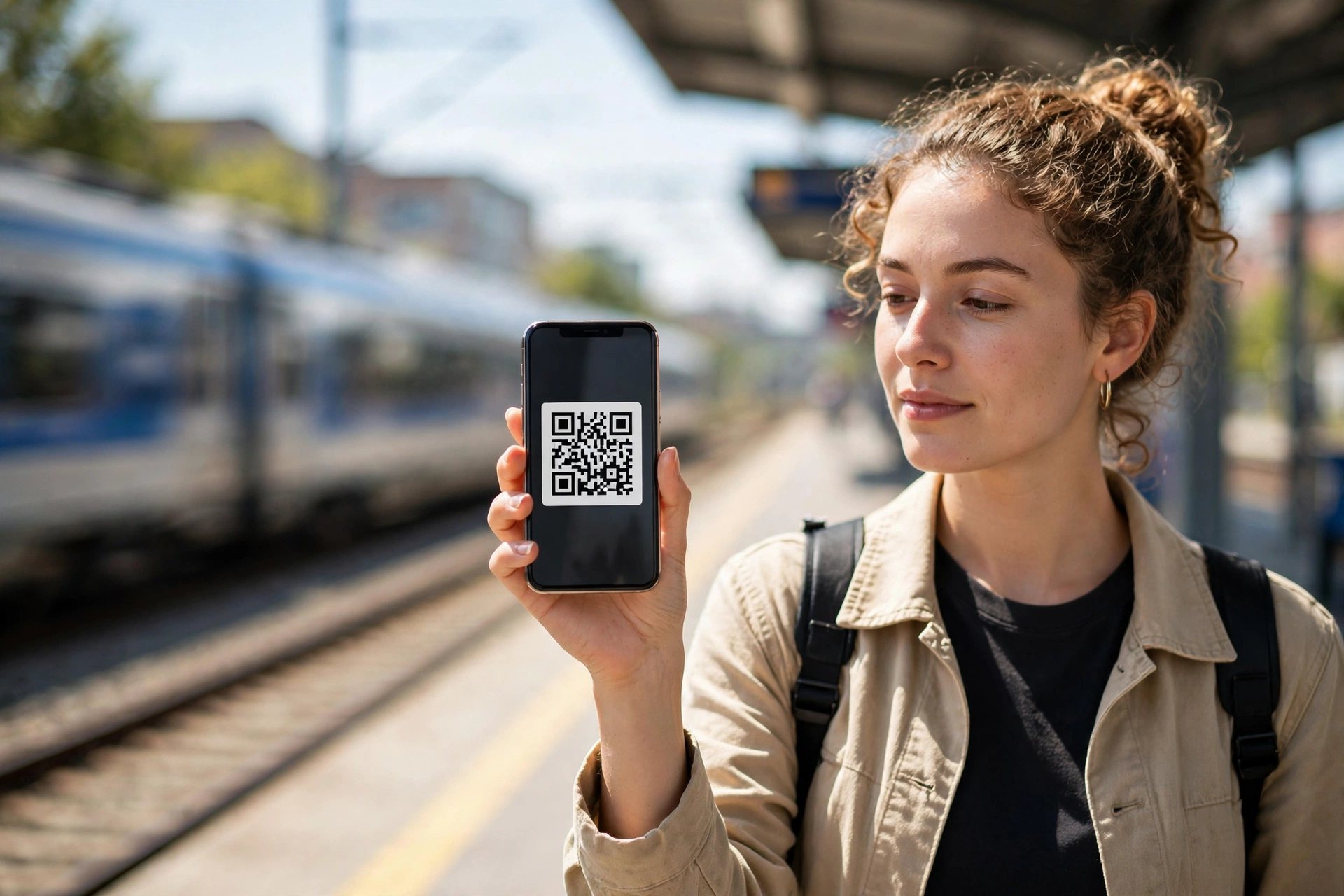
Your e-ticket may arrive as an email attachment, a code you show on your phone, or a file you save in a rail app. Save it in two places. Screenshot it. Forward the email to someone travelling with you. Phones run out of charge at the worst moments, and a backup turns a panic into a shrug.
On travel day, arrive with time to spare. Find your platform on the big board, check it again up close, and keep your ticket ready. A smile and a ready ticket make the conductor’s job and your morning easier.
Things First-Timers Usually Worry About
What if I pick the wrong date and only notice later?
Read your confirmation email about changes. Many tickets allow a change for a fee, some freely within a set window. Use the manage-booking page on the official site with your booking reference, rather than rushing into a second ticket.
What if my phone dies before the conductor checks tickets?
That backup will save the day. A printed copy, a screenshot on a travel partner’s phone, or your booking reference on paper all help staff find your booking. Charge your phone before you leave, and carry a small charger if you can.
Can someone else use my ticket?
Rules differ by rail network and ticket type. Some tickets carry a name and ask for matching ID. Others do not. Read the ticket details in your confirmation before handing a ticket to a friend. A quick read now prevents a refused ride later.
What if the train is cancelled?
Watch your email and the official rail site on travel day. Stations announce changes on boards and speakers too. If your train is cancelled, staff can point you to the next option, and your confirmation email explains what your ticket allows.
One Small Trip First
You do not need to master train booking on a long, complicated journey across the country. Book a short hop first. A visit to a friend in the next town. A day out somewhere familiar. That small trip teaches your hands the rhythm: search, read, check, pay, save. Next time, the rhythm is already there, waiting for you.
And be kind to yourself along the way. People who book trains with total ease today once squinted at a results page and wondered if they were doing it wrong. They were not wrong. They were learning. So are you. Kettle on, stations checked twice, ticket saved in two places — you have got this, one calm booking at a time.














