A professional networking illustration with connected profile nodes in blue tones

“How to Build a LinkedIn Profile That Gets Noticed (2026)”

Learn how to build a LinkedIn profile that gets noticed in 2026 — photo, headline, summary, skills, and networking tips for absolute beginners.

LinkedIn is the world’s largest professional network, with over a billion members. Recruiters search it daily for candidates, clients check it before hiring freelancers, and professionals use it to learn and connect. If you are starting your career or freelancing journey, learning how to build a LinkedIn profile is one of the highest-value digital skills you can develop — and it is completely free.

Many beginners create a LinkedIn account, add their name, and abandon it. That is a wasted opportunity. A complete, active profile works like a 24/7 resume that recruiters can find. This guide shows you exactly how to build one, section by section.

Why Recruiters Live on LinkedIn

Think of LinkedIn as a mix of a resume, a portfolio, and a professional community. Unlike a paper resume that sits in an inbox, your LinkedIn profile can be discovered through search. Recruiters routinely search for skills like “content writer” or “Canva designer” and contact people directly — even beginners.

LinkedIn also lets you show proof of your work: project samples, certificates from free courses, and recommendations from people you have worked with. For freelancers, it doubles as a credibility page that clients check before hiring. Setting it up well takes a few hours; the benefits compound for years.
Setting Up Without the Usual Mistakes

  • Sign up at linkedin.com with a professional email address — ideally one that includes your name.
  • Use your real, full name as it appears on official documents. This is not the place for nicknames.
  • Customize your profile URL. LinkedIn gives you a long default web address. Change it to linkedin.com/in/yourname in your profile settings — it looks far more professional on resumes and business cards.
  • Turn on “Open to Work” thoughtfully. If you are job hunting, this setting tells recruiters you are available. You can show it publicly or only to recruiters.

Photos and Banners That Invite Clicks

Illustration of a professional profile photo and banner on a profile page

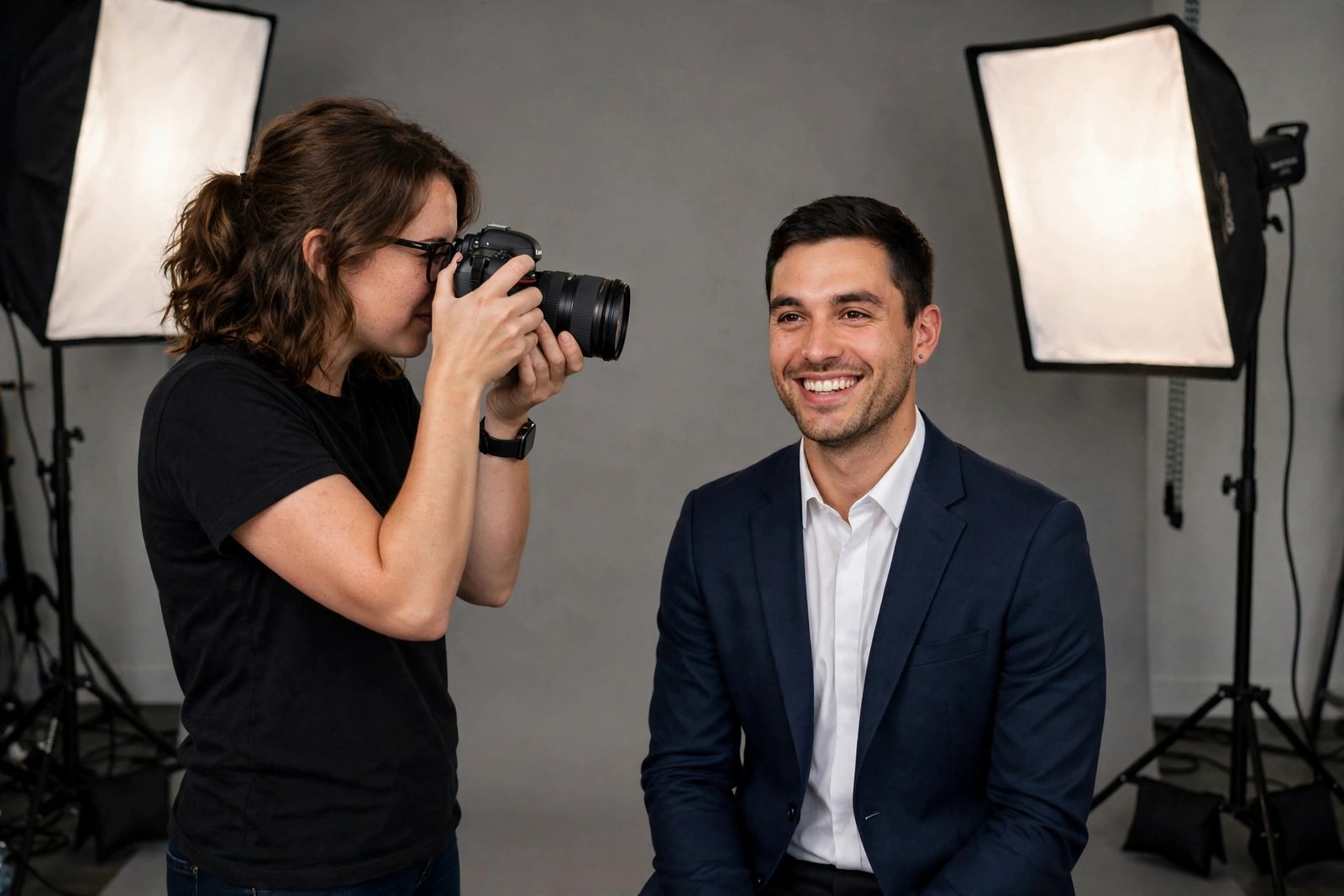
Profiles with photos get far more views than those without — people trust a face. You do not need a professional photoshoot:

  • Photo tips: Use a clear, recent headshot with good lighting and a simple background. Face the camera, smile naturally, and dress as you would for the job you want. A smartphone photo against a plain wall works perfectly.
  • Banner tips: The wide image behind your photo is free advertising space. Use it to show what you do — a simple graphic with your profession or key skills. Canva has free LinkedIn banner templates sized exactly right.
  • Avoid: Selfies with sunglasses, group photos, blurry images, or leaving the default blue banner. These small details signal how seriously you take your profile.

A Headline That Makes People Pause

Your headline appears under your name everywhere — in search results, comments, and connection requests. Most beginners leave the default (“Student at XYZ” or just a job title). That wastes prime space. A strong beginner headline follows this formula:

What you do + who you help + a key skill.

  • Instead of “Student,” try: “Aspiring Content Writer | Blog Posts & SEO Articles | Open to Freelance Work”
  • Instead of “Designer,” try: “Graphic Designer | Social Media Creatives & Brand Posts | Canva Specialist”
  • Instead of nothing, try: “Customer Support Specialist | Helping Businesses Delight Customers | English & Hindi”

Include keywords recruiters actually search for — your skill names. Keep it honest: never claim experience you do not have, but do not hide your ambition either.

The About Section: Tell Your Story

The About section is a short paragraph (or a few) at the top of your profile. Write it in the first person, as if introducing yourself. A simple structure works best:

  • Line 1: Who you are and what you do. (“I’m a beginner graphic designer passionate about creating social media content for small businesses.”)
  • Line 2–3: Your skills and what you are learning. (“I work with Canva and am currently learning video editing.”)
  • Line 4: What you are looking for. (“I’m open to freelance projects and internships — feel free to message me.”)

Keep it warm and specific. Avoid buzzword soup like “hardworking team player passionate about synergy.” Concrete skills beat vague adjectives every time.

Experience and Skills That Speak Up

A person adding skills and experience to their online profile

Even beginners have more to list than they think:

  • Experience: List internships, freelance projects, volunteer work, and even significant personal projects. For each, write one or two lines about what you actually did and the result. “Designed 20+ social media posts for a local bakery, increasing their Instagram engagement” beats “Worked as a designer.”
  • Skills: Add every relevant skill — LinkedIn lets you list many. Prioritize the ones you want to be hired for, and ask connections to endorse your top skills. Endorsements are quick credibility signals.
  • Licenses and certifications: Completed a free course on Google Digital Garage, HubSpot Academy, or Coursera? Add it here. Free certificates still demonstrate initiative.
  • Featured section: Pin your best work samples, portfolio links, or posts here so visitors see proof immediately.

Growing a Network from Zero

Illustration of a growing professional network with connected people icons

A profile with no connections looks abandoned. You do not need thousands — aim for your first 100 quality connections:

  • Start with people you know: Classmates, colleagues, teachers, and friends. These are easy first connections.
  • Add a personal note to every connection request. “Hi, I’m a beginner content writer learning SEO. I’d love to connect and learn from your posts” works far better than a blank request.
  • Connect with people in your target field: Follow professionals whose careers you admire. Many accept requests from genuine beginners.
  • Join LinkedIn groups related to your skill — writing groups, design groups, freelancing groups. They are good places to learn and be seen.
  • Do not spam. Never pitch your services in the first message. Build the relationship first; opportunities follow naturally.

Staying Visible After the Setup

Creating the profile is step one; staying slightly active is what makes it work. You do not need to post daily — even light activity helps:

  • Comment thoughtfully on posts in your field a few times a week. Good comments get you noticed by the right people.
  • Share what you learn: Finished a Canva tutorial? Post the design with one lesson you learned. Small, honest posts outperform silent profiles.
  • Congratulate connections on new jobs and work anniversaries. It keeps you visible and builds goodwill.
  • Keep your profile updated: Add new skills, projects, and certificates as you earn them. An updated profile ranks better in recruiter searches.

LinkedIn Questions, Answered

Is LinkedIn free to use?

Yes. A standard LinkedIn account is completely free and includes everything a beginner needs: a full profile, networking, job search, and posting. A paid Premium tier exists with extra features, but it is not necessary when starting out.

I have no work experience. What do I put on my profile?

List internships, volunteer work, freelance or personal projects, coursework, and certificates. Focus on skills and what you can do rather than job titles. Many successful profiles started exactly this way.

How many connections do I need?

Quality beats quantity. Your first 100 relevant connections — people in your field or network — matter more than 1,000 random ones. Grow steadily and genuinely.

Should I accept connection requests from strangers?

It is generally fine to accept requests from professionals in your industry, especially if they include a personal note. Be cautious with blank requests from people with empty profiles, and never share sensitive personal information in messages.

How often should I post on LinkedIn?

There is no required frequency. One thoughtful post per week — or even a few genuine comments per week — is plenty for beginners. Consistency matters more than volume.

Your Profile Is Your Handshake

Learning how to build a LinkedIn profile is really about telling your professional story clearly: a real photo, a keyword-rich headline, an honest About section, documented skills, and a growing network. Spend one focused weekend setting it up, then stay lightly active. Your profile will quietly work for you around the clock — introducing you to recruiters, clients, and opportunities while you focus on building your skills.

See also  "Freelancing in 2026: Your First Client from Zero"
Amit Singh
Amit Singh

Amit Singh publishes beginner-friendly guides on AI tools, technology, software, internet services, and digital skills. Our mission is to provide accurate, practical, and easy-to-understand content that helps readers make better use of technology.

Articles: 75

Leave a Reply

Your email address will not be published. Required fields are marked *