

YouTube Shorts are short, vertical videos that can reach thousands of people, even if your channel is brand new. Many creators got their first subscribers from a single Short. The best part? You can start with nothing but your phone.
This guide covers YouTube Shorts for beginners: what they are, how to make your first one, and simple habits that help your videos get watched in 2026.
Shorts in a Nutshell
YouTube Shorts are vertical videos in the 9:16 format, the tall shape that fills a phone screen. They can be up to 3 minutes long, but most successful Shorts are much shorter, often between 15 and 60 seconds.
Shorts live in their own special feed. When someone opens the Shorts tab in the YouTube app, they swipe through one short video after another. YouTube recommends Shorts using a system that is separate from the one used for long videos. This is great news for beginners, because it means a brand-new channel can appear in front of strangers from day one.
Think of Shorts as YouTube’s way of giving every creator a fair chance. You do not need subscribers first. You need a video that makes someone stop scrolling.
Shooting Your First Short

Making a Short is easier than most beginners expect. You have two simple options.
Option 1: Film inside the YouTube app. Open the YouTube app on your phone and tap the plus (+) button, then tap “Create a Short.” The Shorts camera opens. You can record clips, add music from YouTube’s library, add text on screen, and trim your clips, all without leaving the app. This is the fastest way to start.
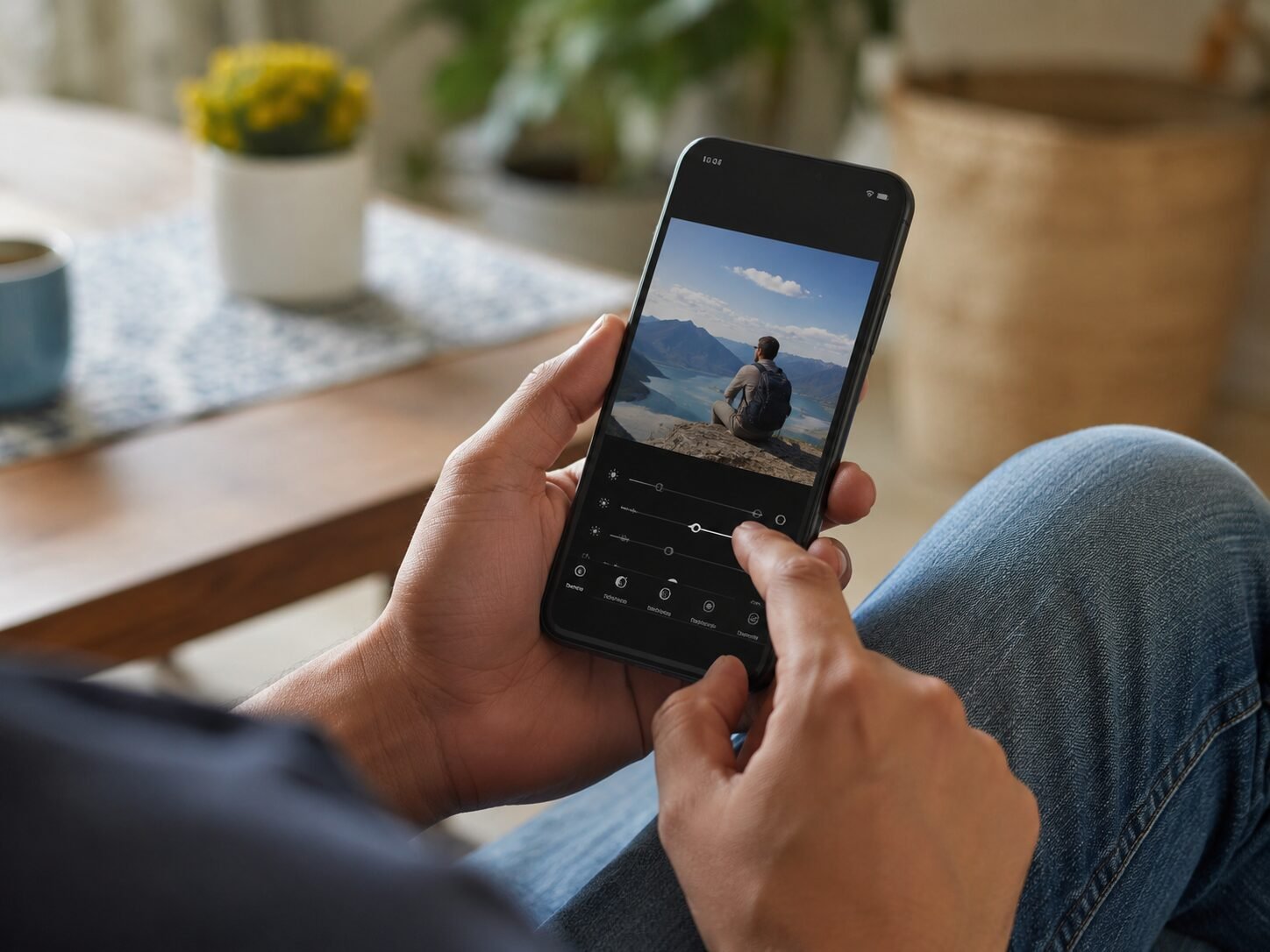
Option 2: Upload a video you edited elsewhere. Film with your phone’s normal camera app (hold it vertically), edit it in a free app like CapCut or InShot, then upload it through the YouTube app or the YouTube website. As long as the video is vertical and 3 minutes or shorter, YouTube will treat it as a Short.
Before you film, do three quick checks. First, clean your camera lens with a soft cloth; a blurry video loses viewers fast. Second, face a window or a lamp so your face is well lit. Third, find a quiet spot so your voice is clear. Good lighting and clear sound matter more than an expensive phone.
When you upload, write a clear title that says what the video is about, and add a few relevant hashtags like #Shorts. A simple description helps YouTube understand your video and show it to the right people.
Win or Lose in 3 Seconds

Here is the most important lesson about Shorts: viewers decide in about 3 seconds whether to keep watching or swipe away. Everything else in this guide matters less than your opening.
A strong opening, called a “hook,” tells the viewer exactly why they should stay. Compare these two openings for a cooking Short:
- Weak: “Hey guys, welcome back to my channel, today I am going to show you…” (The viewer is already gone.)
- Strong: “This 2-minute breakfast tastes better than restaurant food.” (The viewer wants to see how.)
Good hooks usually do one of three things: ask an interesting question, promise a clear result, or show something surprising right away. Start your video mid-action whenever possible. If you are showing a repair, start with the broken item, not with an introduction.
Also avoid slow endings. Many beginners let their video fade out awkwardly. End with energy: a quick summary, a smile, or a simple “Follow for part 2.” A clean ending makes people more likely to watch your next video.
What Actually Gets More Views

Once your hook is strong, these small habits help your Shorts travel further.
Keep one idea per Short. Beginners often try to fit five tips into one video. The result feels rushed. One Short, one idea, done well. If you have five tips, that is five Shorts, which means five chances to be discovered.
Add captions or on-screen text. Many people watch Shorts with the sound off, on buses, in offices, in bed next to a sleeping partner. Text on screen keeps them watching even in silence. The YouTube app can generate captions for you automatically.
Use trending sounds carefully. Music from YouTube’s library can help a Short feel current. But never let music drown out your voice. And avoid using random viral audio that has nothing to do with your topic; confused viewers swipe away.
Make your content self-contained. Remember that most viewers have never seen you before. Do not say “as I told you last time” or “welcome back.” Every Short should make sense to a total stranger watching it for the first time.
Study what works. YouTube Studio is free and shows you which Shorts got the most views and where viewers stopped watching. If most people leave at second 5, your hook needs work. If they leave at second 40, your middle needs tightening. Let the numbers teach you.
How Often Is Often Enough?
Beginners often ask for the perfect posting schedule. The honest answer: consistency beats frequency. Posting three Shorts a week for two months will teach you far more than posting ten Shorts in one weekend and then quitting.
A good beginner rhythm is 3 to 5 Shorts per week. This gives you enough videos to learn from without burning out. Batch your work to make it sustainable: pick one day to film three or four Shorts, then upload them across the week.
Do not delete a Short just because it got few views in the first hours. Shorts can take days or even weeks to find their audience. YouTube sometimes tests a video with a small group first, then pushes it wider if those viewers respond well. Give every video at least a week before you judge it.
YouTube Shorts Questions, Answered
Do I need subscribers before my Shorts get views?
No. Shorts are shown to viewers based on their interests, not on your subscriber count. Many creators report that their very first Shorts got hundreds or thousands of views with zero subscribers. Subscribers help over time, but they are not a requirement to start.
What is the best length for a YouTube Short?
Shorts can be up to 3 minutes long, but shorter usually performs better for beginners. Aim for 15 to 60 seconds while you are learning. A tight 30-second video that people finish is worth more than a rambling 2-minute video that people abandon halfway.
Can I post the same video on Instagram and TikTok too?
Yes, many creators share the same short video across platforms. Just make sure there are no watermarks from other apps on the video, and check each platform’s music rules, since a song available on one app may not be licensed on another.
Do I need to show my face?
Not at all. Plenty of successful Shorts never show a face: hands-only cooking videos, screen recordings, pet clips, nature footage with voiceover, and animated text videos all work. Pick a style you are comfortable repeating.
How do I know if my Shorts are improving?
Open YouTube Studio and compare your recent Shorts. Look at average view duration and the percentage of viewers who watched to the end. If those numbers slowly rise over a month, you are improving, even if total views feel small. Progress, not virality, is the goal at the start.
Your First Short Is Waiting
YouTube Shorts reward one thing above all: the ability to hold a stranger’s attention for a few seconds. Start with your phone, film in good light, open with a strong hook, keep one idea per video, and post a few times a week. Your first Shorts will not be perfect, and that is completely fine. Every creator you admire once uploaded a video nobody watched. The only real mistake is never uploading the first one.