


You posted something you were proud of. A photo that turned out well, a thought you worded nicely — and it landed in front of exactly four people, three of whom already follow you. That quiet little sting is usually what sends beginners down the hashtag rabbit hole. Somewhere between the fifteenth tab and the third “expert” thread, the advice blurs into noise: use thirty tags, use five, put them in comments, never in comments. This guide cuts through that noise with the basics that have held true for years.
What Hashtags Actually Do (and What They Don’t)
Strip away the mystery and a hashtag is just a label you stick on your post so it lands in the right pile. When you tag a photo #homemadebread, you are placing it in the big public shelf marked “homemade bread,” where anyone browsing that shelf can find it — even people who have never heard of you. That is the whole trick. Hashtags are how strangers discover posts from accounts they do not follow.
What they cannot do is make a weak post strong. A blurry photo with twenty clever tags still loses to a great photo with two honest ones. Tags only multiply what is already there: good content gets seen by more of the right people, boring content gets ignored by a larger audience. Think of hashtags as signposts, not magic spells. They point people toward your post; they cannot make those people care once they arrive.
The #StuffedCaption Problem: Why More Isn’t Better
Almost every beginner makes the same first move: a block of thirty hashtags under a one-line caption, half of them vaguely related. #love #instagood #photooftheday #happy — the greatest hits of desperation. It feels productive. It looks like casting a wide net. In practice it reads like shouting in a crowded market and hoping someone, anyone, turns around.
Here is the quiet truth: readers skim past tag walls. They do not read them, they do not trust them, and when every tag is generic, your post dissolves into the most competitive piles on the platform, where it vanishes in seconds. A handful of tags that genuinely describe your post will outperform a brick wall of popular ones. Precision beats volume. Every single time.
Picking Tags People Actually Search For
Good hashtag choices come from thinking like a stranger, not like a marketer. Forget what sounds clever. Ask: what words would someone type if they were looking for exactly this post? A beginner baking sourdough would search #sourdoughstarter, not #breadlove. A traveller planning a weekend would browse #londoncycling, not #weekendvibes. Specificity is your friend.
Big Tags vs. Small Tags
Giant tags with millions of posts are swimming pools at peak hour — your post drops in, someone splashes, and it is gone. Smaller, niche tags are quiet ponds where your post floats near the top for days and the people browsing are genuinely interested. A mix of both works: one or two larger tags for the long shot, and several niche tags where you actually stand a chance of being seen.
To find the niche ones, spend ten minutes browsing before you post. Tap a tag you like and look at the posts already there — do they look like yours? If a tag is full of car ads and you are posting a cupcake, walk away. Also glance at what similar creators use. Not to copy them wholesale, but to learn which shelves your kind of content lives on.

Your Own Branded Tag
Once you post regularly, it is worth inventing one tag that is yours alone — something like #MariasKitchenDiary or #TivorenzaTries. Nobody else uses it, so it becomes a personal archive: anyone who taps it sees your whole body of work in one place. Use it on every post, put it in your bio, and mention it when friends share your stuff. Over time it turns into a little brand of its own.
Keep it short and easy to spell. If people have to guess whether it is one word or two, they will guess wrong and your archive splits in two. And resist the urge to create five branded tags at once. One, used consistently, is plenty.
Where to Put Them on the Post
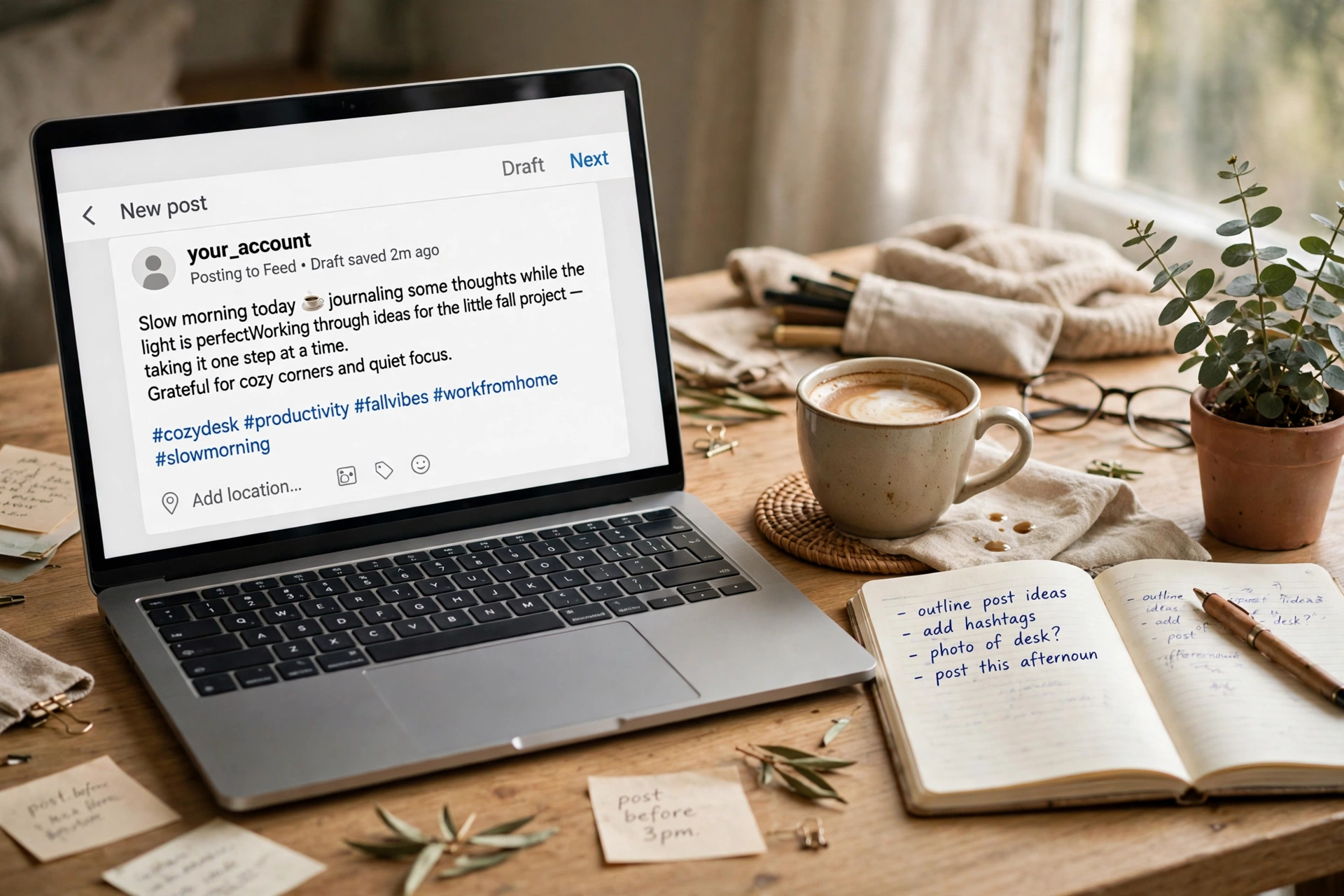
You have two honest options: woven into the caption or tucked at the end of it. Dropping a tag mid-sentence — “Made my first #sourdough this morning” — reads naturally and costs you nothing. Clustering a few tags after the caption keeps the writing clean while still filing the post in the right shelves. Both work. Pick whichever looks better on your post.
What I would avoid is hiding them in the comments. It technically files the post the same way on some platforms, but it looks sneaky when a reader expands the comments and finds a tag dump sitting there. Beginners sometimes hear that trick from old growth-hack threads. It belongs to an era when feeds worked differently. Write your caption, add your tags openly, and move on.
The Etiquette Nobody Tells You About
A few unwritten rules separate posts that look confident from posts that look desperate. First: only tag what is actually in the post. A beach photo tagged #fitnessmotivation because fitness tags are popular is not clever — it is misfiling, and the people who browse that tag will scroll straight past your photo while remembering your username for the wrong reasons.
Second: skip the banned and broken tags. Some tags get flooded with spam and quietly stop working; others are blocked outright by the platform. If you tap a tag and the results look like a robot convention, do not use it. Five seconds of checking saves you a dead tag dragging your post down.
Third: do not hijack someone else’s moment. Dropping your post into a trending tag about a serious news event or someone’s tragedy, just because it is trending, is the fastest way to look awful online. Trending tags are for posts that belong in them. If yours does not, sit that one out.

Things Beginners Usually Wonder About
How many hashtags should I actually use?
There is no magic number, and anyone selling you one is guessing. What works is a handful — think five to ten tags that each genuinely describe the post. If you cannot find ten honest tags, use five. Nobody ever lost an audience by using fewer, better tags.
Should the tags be different on every post?
Mostly yes. Repeating the exact same block of tags on every post for months looks robotic, and some platforms quietly deprioritise copy-paste behaviour. Keep a small rotating set of your core tags, then swap the rest to match each specific post.
Do hashtags work on every platform?
They exist on most of the big ones, but their importance varies. On some platforms they are a genuine discovery engine; on others they are more of a filing habit. The principles here — relevant, specific, honest — hold everywhere. Just spend a week watching how tags behave on the platform you use most before overthinking it.
Can hashtags get my account in trouble?
Ordinary, honest tags will not. What causes problems is spammy behaviour: dozens of irrelevant tags, the same tag block pasted hundreds of times, or tags tied to banned content. Use tags the way a helpful librarian would file books, and you have nothing to worry about.
Is it too late to fix my old posts?
Not at all. You can edit captions and swap the tags on old posts any time you like. It is a surprisingly satisfying rainy-afternoon job: go back through your best old posts and give them tags they deserved the first time. Some creators see old posts wake up and start finding new people.
Your Posts, More Findable
That is the whole game, and it is simpler than the internet makes it sound. Post something worth finding. Tag it the way a stranger would search for it — a few honest, specific tags, openly placed, no shouting. Check which shelves your posts land on and adjust as you learn. Hashtags will never replace good content, but for beginners they are the cheapest, easiest tool for getting good content seen. Start with five thoughtful tags on your next post and see what changes.